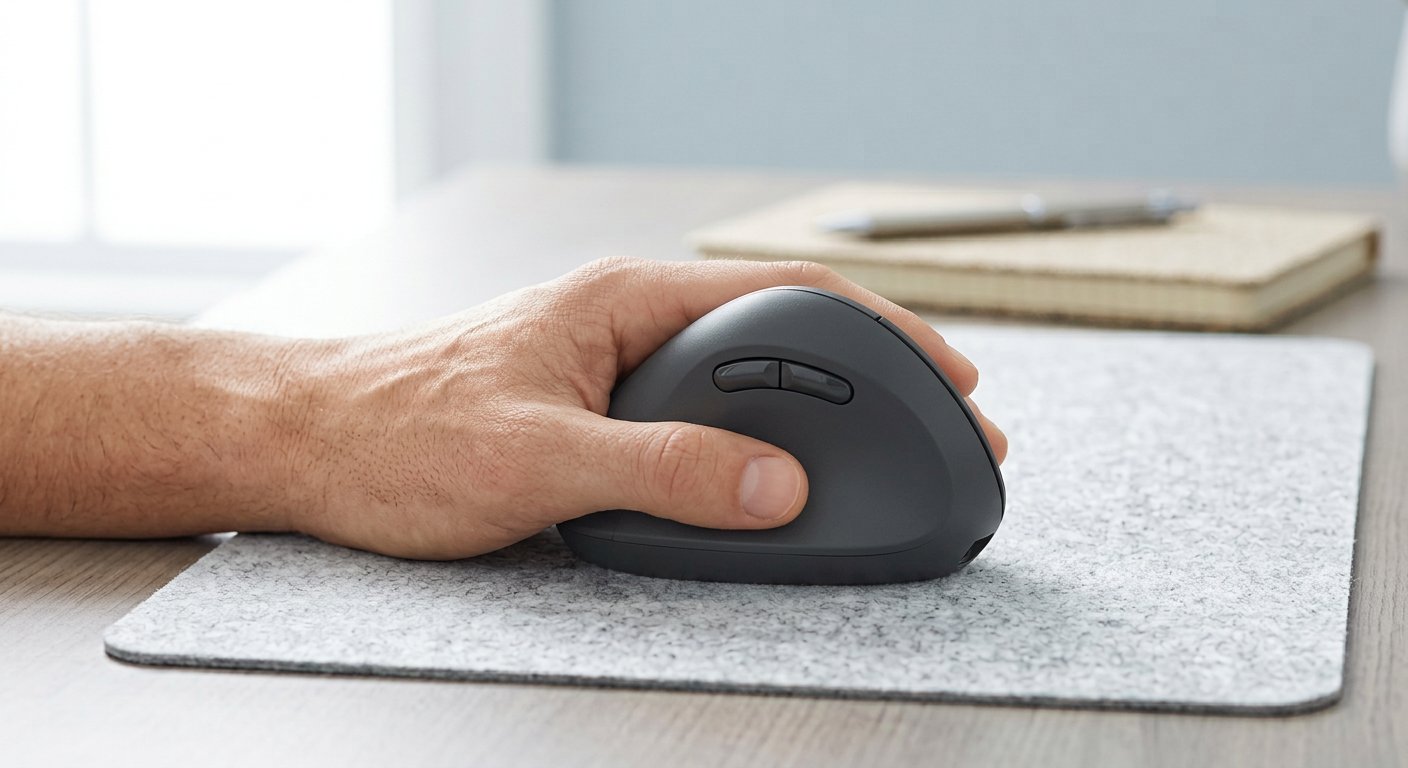
Finding the best left handed mouse for 2026 is harder than it should be, and it isn’t your fault. The market for lefty gear is small, the true left-handed picks are few, and half the search results are rebranded $20 verticals. But there is a way through. Three routes: a cheap ambidextrous mouse, an ambidextrous mouse with the buttons where your thumb is, or a true left-handed shape. Each route gets a pick below — plus the workaround most lefties actually use.
Why Left-Handed Mice Are Hard to Find
Here’s the honest part. Ask lefties what they’ve learned after years of searching, and the same quote comes back from the r/southpaws threads: "there are no mid tier products for us. If you want a true left handed mouse you need to pony up a lot or settle for a symmetrical one." Another user did the math: the only mouse they’d ever found with the thumb buttons on the right-hand side of the body cost $444 — and it’s discontinued.
That’s why the aisle looks the way it does. True left-handed shapes are rare, and when they exist, stock comes and goes. It’s the same story in our own Gadgetping inbox — lefty readers write to us more than any other group, and the questions are always the same.
So pick a route. Route 1: cheap ambidextrous — symmetrical shape, no thumb-button dependency. Route 2: ambidextrous with buttons on your side, both sides, or swappable — for when the thumb buttons matter. Route 3: a true left-handed shape — mirrored ergonomics for office or gaming. Here’s what the best r/MouseReview threads keep converging on, and what our own testing says:
Best Left Handed Mouse Picks for 2026
| Mouse | Route | Price (2026) | Best for |
|---|---|---|---|
| Logitech M650 L | True left-handed | ~$35 | Office, all-day use |
| Logitech G305 | Ambidextrous | ~$45 | Budget gaming |
| Logitech G PRO 2 Lightspeed | Swappable buttons | ~$150 | Gaming + work, side buttons matter |
| Razer DeathAdder V3 Pro Left-Handed | True left-handed | ~$150+ (stock-dependent) | Competitive gaming, ergonomic shell |
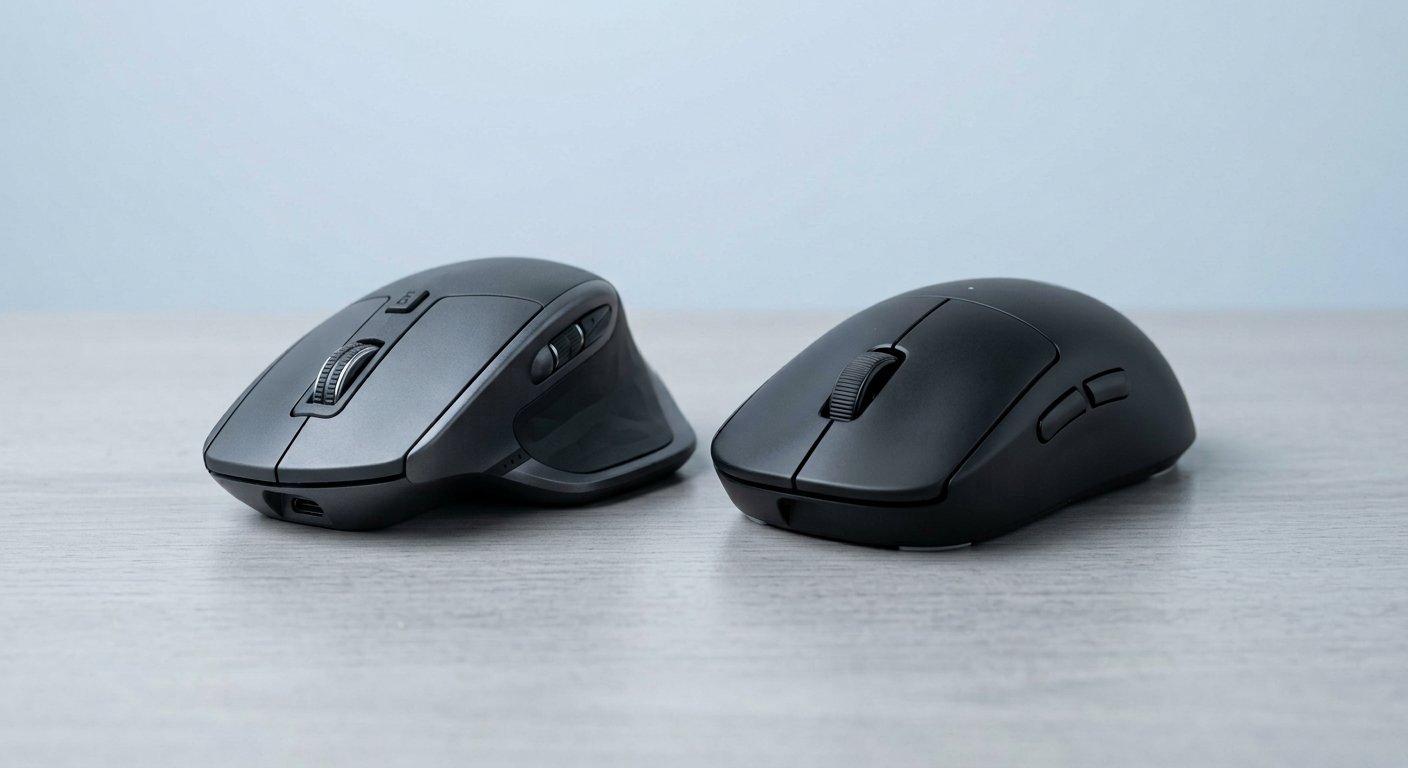
Logitech M650 L: Best True Left-Handed Office Mouse
If you work at a desk and game occasionally, this is the answer. The M650 L is the only serious true left-handed office mouse you can buy at a normal price — the shape is actually mirrored, with the soft side grip on your side. You get silent clicks that won’t wake the room, SmartWheel scrolling, Bluetooth or a Logi Bolt receiver, and an AA battery that lasts around two years. The 4,000 DPI sensor is office-grade, so don’t buy this for competitive play. Skip it if you have very large hands and want a full-size shape — it runs medium. And if the office is your whole world, the best office mouse for work guide has more on what actually matters there.
Logitech G305: Best Budget Ambidextrous
The cheapest route into a proper left-handed gaming mouse. The G305 is symmetrical, LIGHTSPEED wireless, 99g, and the battery lasts around 250 hours — the sensor is genuinely good for the price. The one catch: its two side buttons sit on the far side for a left hand, because it’s a right-handed layout. Most lefties just live without them — one long-time user told a thread he disables them and taps them with his ring finger when he must. Skip it if your game leans on thumb buttons, because two is two. Either way, the best budget mouse under $20–30 guide shows where the money stops being worth it.
Logitech G PRO 2 Lightspeed: Best for Buttons on Your Side
This is the clever pick, and it’s for one reason: the side buttons are magnetic and swappable.

Pop them off the right, snap them on the left, done — a solution no other mouse in this guide offers. Under the hood it’s a real flagship: HERO 2 44,000 DPI sensor, 80g, about 95 hours per charge. You’re paying for the button system, so if you barely touch side buttons, the G305 or any cheaper ambidextrous saves you a hundred dollars.
Razer DeathAdder V3 Pro Left-Handed Edition: Best True Left-Handed Gaming
If you want a left handed gaming mouse with a real shape, this is the only modern flagship that gives you one. It’s a fully mirrored DeathAdder shell — palm support on your side, thumb rest where it belongs — with the Focus Pro 30K sensor and Gen-3 optical switches. The catch is stock: it comes and goes, and that’s been the story for a long time. If you can’t find one, the honest fallback is the Razer Viper V3 Pro — symmetrical, but with side buttons on both sides, so a left hand loses nothing. And if MMO shape is your thing, the Razer Naga Left-Handed Edition exists, whenever you can find it.
Worth Knowing
Three more, one line each. The Logitech Lift left-hand version (~$70) is the first left handed ergonomic mouse to try if your wrist aches. The Elecom EX-G thumb trackball (~$110) removes arm movement entirely. And Pulsar’s X2A / X3 LHD and Vaxee’s XE-S L are the lefty-focused models Reddit keeps recommending — real lefty designs at $50–120, just without big-brand support behind them.
The Workaround Most Lefties Actually Use
If none of those are in stock, or you already own a right-handed mouse you like, there’s a third way: run it in your left hand and swap the buttons in your OS settings. A programmer on Reddit put it well in 2026 — they use an MX Master 3S in their left hand, "the thumb rest is on the wrong side but you get used to it."
Here’s the honest breakdown. It works well if you’re a palm-griper who barely uses side buttons — the shape carries you. It hurts if your workflow lives on the thumb buttons, because they’re now on the far side of the mouse. One lefty I read from gave up searching entirely and retrained himself to use his right hand, which is a little sad — a mouse should adapt to you, not the other way round. Not sure which grip style you are? The mouse grip styles guide sorts it out in five minutes.
Frequently Asked Questions
What is the best left-handed mouse overall in 2026?
By job. Office: the Logitech M650 L (~$35) — true left-hand shape, silent clicks, two-year battery. Gaming: the Logitech G PRO 2 (~$150) if you use side buttons, or the Razer DeathAdder V3 Pro Left-Handed Edition if you can find it in stock. Those two answer the question more often than any single "best" pick.
Is an ambidextrous mouse good for left-handed people?
Usually, yes — with one condition. Symmetrical shape is half the job; button placement is the other. You want side buttons on the side your thumb rests on, or both sides. If they’re on the far side, you’ll be reaching across the mouse with your ring finger, and your hand will let you know about it by hour two.
What’s the best left-handed mouse under $50?
The M650 L (~$30–40) for office, and the Logitech G305 (~$45) for gaming — ambidextrous, LIGHTSPEED wireless, 250-hour battery. Both beat the no-name $20 "left-hand verticals" flooding the search results: no brand, no support, random quality.
Can I use a right-handed mouse with my left hand?
Yes, and plenty of lefties do — swap the left and right buttons in your system settings first. It works best for palm-grippers who don’t touch side buttons often. It gets awkward when your workflow needs the thumb buttons, because they sit on the far side of the mouse. For many people that’s the moment a proper lefty mouse earns its price.
What’s the best left-handed ergonomic or vertical mouse?
Start with the Logitech Lift left-hand version (~$70) — the 57-degree handshake position, built for your hand. Want a dedicated lefty vertical? The Evoluent VerticalMouse 4 left-hand is the classic. And if you want zero arm movement at all, the Elecom EX-G thumb trackball. All three beat a flat right-handed mouse for an eight-hour day.
So the map is: office, the M650 L. Gaming with side buttons, the G PRO 2. Gaming with a true lefty shell, the DeathAdder V3 Pro Left-Handed when you can find it. Tight budget, the G305.
Over at Gadgetping we test gadgets from Amazon, AliExpress and Flipkart so you buy the right one — not the loudest one. Same standard here: real prices, real stock caveats, no pretending the aisle is full.
One more thing before you order: if wireless is still an open question for your setup, the wired vs wireless mouse comparison settles it in two minutes.