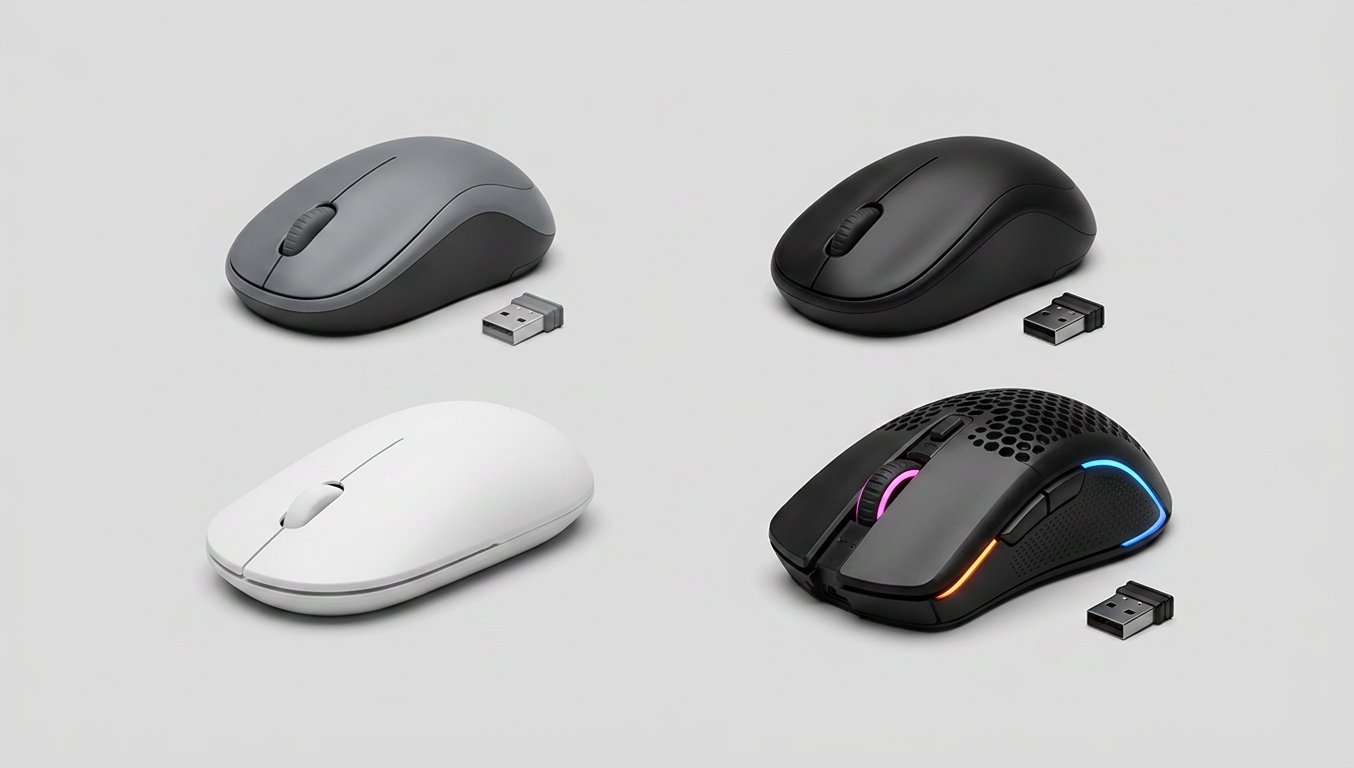
Hunting for the best budget mouse under $20 in 2026? I’ve tested my share of mice over at Gadgetping, and most people make one of two mistakes at this price. They grab the $7 unbranded mouse that starts double-clicking after a year. Or they overspend on RGB lights and 26,000 DPI they’ll never use to check email.
Here’s the short version: under $20, the Logitech M185 is the pick for everyday use. Under $30, the Logitech G203 is the pick if you game. That’s it. Below is exactly what each price buys you, what the extra $10 unlocks, and what to skip entirely.
Best Budget Mouse Under $20
This is the "just works" tier. No software, no lights, no hype — a mouse you set up once and forget about for a year. Four picks, starting with the default.
Logitech M185 — best for everyday use
The M185 is the reason "budget wireless" and "reliable" can sit in the same sentence. One AA battery lasts 12 months, the nano receiver is small enough to leave in your USB port forever, and 1,000 DPI tracking is all an office mouse needs. It’s compact, works on Windows, Mac, and Chrome out of the box, and carries a 4.7-star rating from thousands of reviews. The catch: no side buttons, and it’s small for big hands. If you want one mouse that quietly does the job, this is it.
Logitech M170 — the cheapest from a brand that lasts
Same platform as the M185, a few dollars cheaper, same 12-month AA battery. Buying a spare for a second PC? The M170 is the floor — the cheapest mouse from a brand where the switches actually last. Same small-shape caveat applies.
Amazon Basics Wireless Mouse — best under $10
We tested the Amazon Basics Wireless Mouse and gave it an honest rating: not fancy, but under $10 it genuinely gets the job done. If your budget is tighter than $20, start there — our full review is here.
Logitech M220 Silent — best for quiet offices
Working in a shared space? The M220 Silent cuts click noise by 90% compared to a standard mouse, keeps the same 1,000 DPI tracking, and runs 18 months on one AA. It’s the best silent mouse under $20 by a wide margin — the only pick here that won’t make the next desk look at you.
| Mouse | Price | Battery | Best for |
|---|---|---|---|
| Logitech M185 | ~$13–18 | 12 months (AA) | Everyday use |
| Logitech M170 | ~$15 | 12 months (AA) | Spare / second PC |
| Amazon Basics Wireless | ~$9–10 | 12 months (AA) | Tightest budget |
| Logitech M220 Silent | ~$18 | 18 months (AA) | Shared / quiet office |
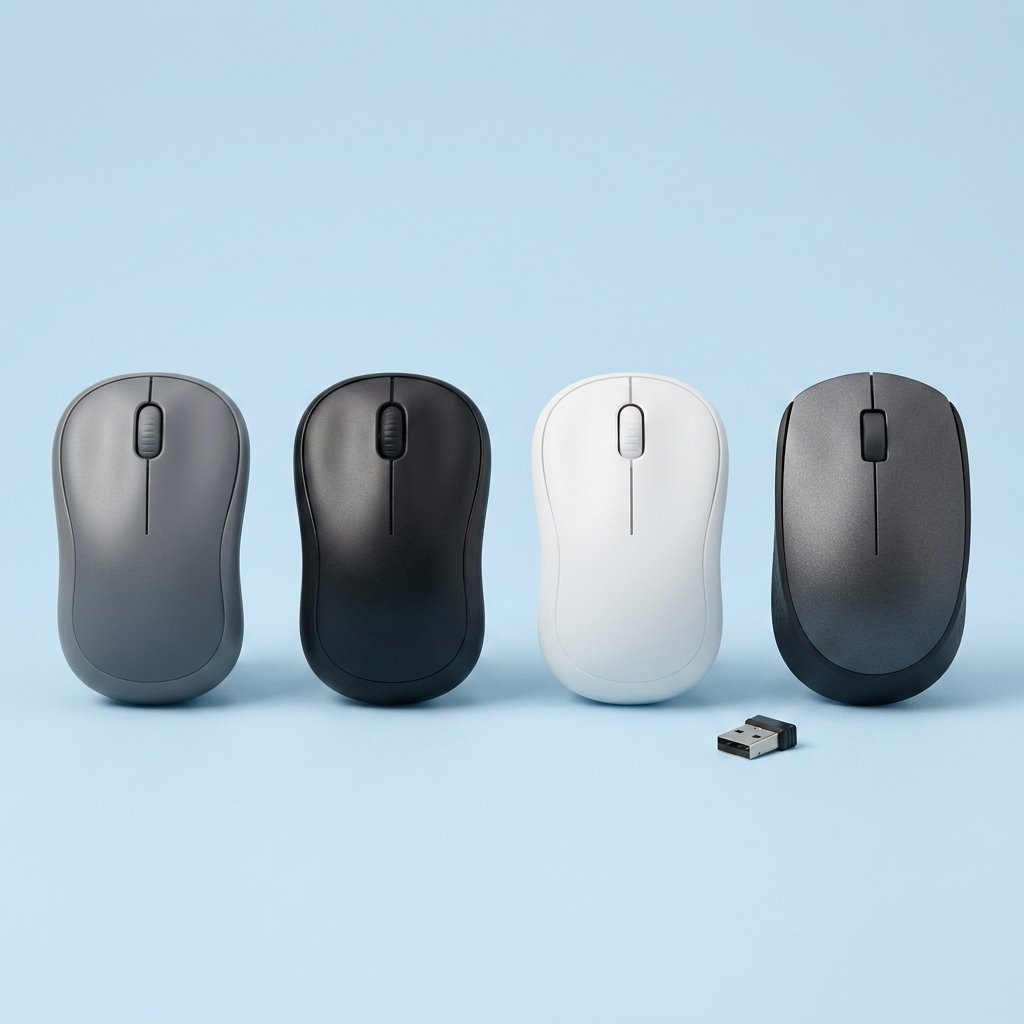
Best Budget Mouse Under $30 — What the Extra $10 Buys You
Stretch to $30 and you unlock exactly three things: side buttons, a better shape, and a real gaming sensor. Nothing else. These are the best mice under $30 worth that money.
Logitech M510 — the office workhorse
The M510 takes the M185 formula and adds what office people want: side buttons for back and forward, and full-size comfort. The AA battery now lasts 24 months. If you scroll through long spreadsheets all day, those buttons alone pay for the price gap — it’s the best budget mouse for office work at $25–30.
Logitech G203 — best for casual gaming
If gaming is even part of the reason you’re here, the G203 is the budget gaming mouse under $30 everyone points to, and for good reason: 8,000 DPI, six buttons, 85 grams, and 4.7 stars from 40,000+ Amazon reviews. The sensor is a generation or two old, but for Valorant, CS2, or MMOs, it still tracks cleaner than mice costing twice as much. Can stretch past $30? Our Top Budget Gaming Mice Under $40 list has the next rung up.
Razer DeathAdder Essential — best shape for palm grip
The DeathAdder shape has been the ergonomic right-hand standard for years, and the Essential brings it to $20–25: 6,400 DPI, five buttons, 96 grams, and a shape that wraps around larger hands better than anything else on this list. The honest trade: right-hand only, and the software is basic.
For style over specs, the Logitech Pebble 2 (~$25) is flat, quiet, and disappears into a laptop bag.
What to Skip at This Price
These "features" on budget mice are just marketing:
- RGB lighting — you don’t need your mouse glowing to answer email
- 10,000+ DPI — 1,000–1,600 DPI covers office and design work. Bigger numbers make the cursor twitchier, not more accurate. Our Mouse DPI Explained guide has the full story
- Software and macros — the cheap mice with the fancy software are the ones with the cheap switches
- 7-button MMO mice — you’ll use four of them. At most
- Bluetooth-only budget mice — at this price, Bluetooth means lag and pairing drama for no real gain
If an $18 mouse is selling you 10,000 DPI and a rainbow, that’s how the price got "justified."
Wired or Wireless on a Budget?
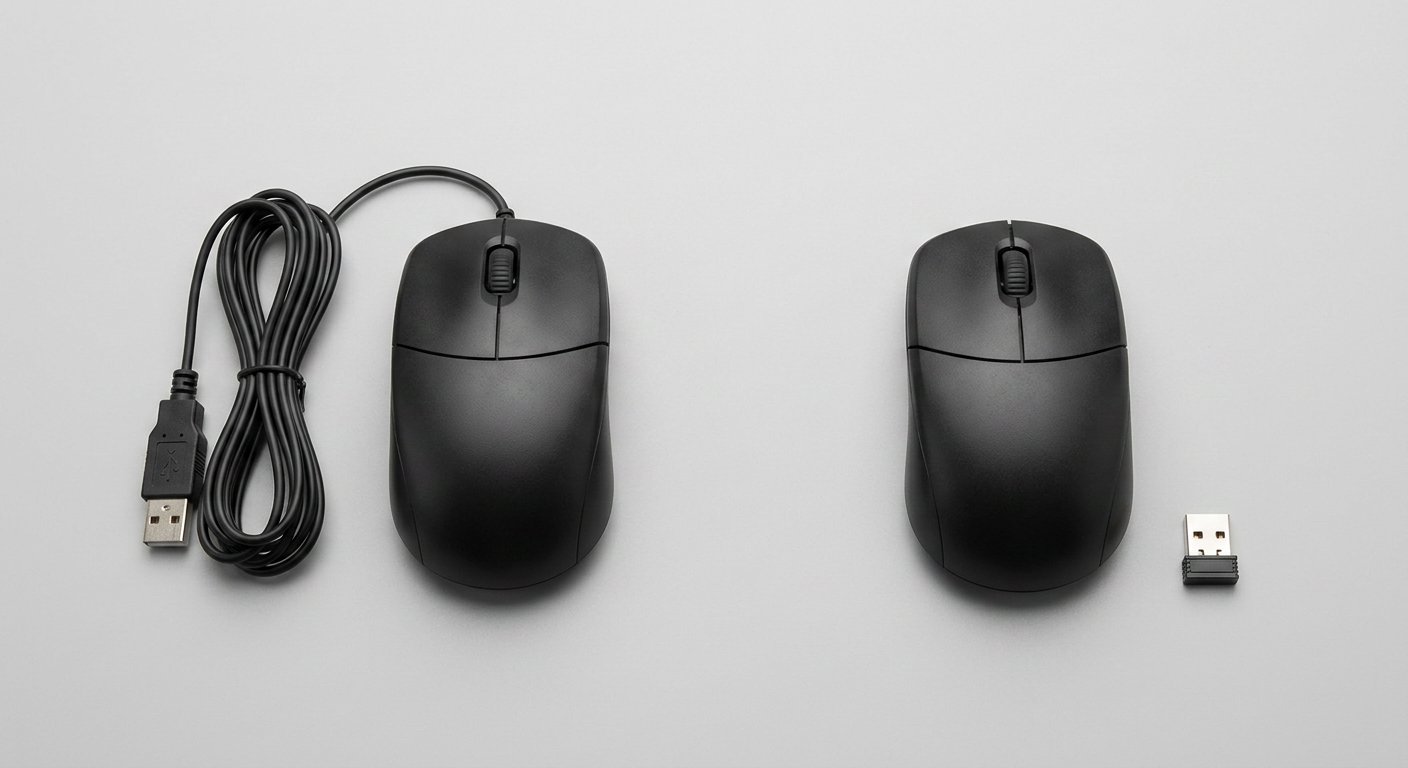
At this price, the best budget wireless mouse uses a 2.4GHz USB dongle — as reliable as a cable, without the cable. Skip Bluetooth-only mice — they add latency and pairing problems for no gain. And skip rechargeable batteries under $20: an AA that lasts 12 months beats a rechargeable cell that dies in six, because when it finally dies, you can buy a replacement at any store.
We broke down the full wired vs wireless debate in our guide — short version: except for competitive FPS, wireless wins.
Which Should You Buy?
- Office work, all day: Logitech M185 — or the M510 if side buttons are worth the extra few dollars
- Student or laptop bag: Logitech M185 — compact, AA-powered, plugs into anything
- Quiet shared office: Logitech M220 Silent — nobody hears you click
- Casual gamer: Logitech G203 — the benchmark at this price
- Palm grip, bigger hands: Razer DeathAdder Essential
- Spare / backup mouse: Logitech M170 or the Amazon Basics — cheap enough to leave plugged into a second PC
One last thing: even a $15 mouse has to fit your hand. A great mouse in the wrong shape becomes a bad mouse in a week. Not sure if you’re a palm, claw, or fingertip grip? We covered it in Mouse Grip Styles. For the full breakdown of types and specs, the Computer Mouse Buying Guide has it.
Frequently Asked Questions
Is a $20 mouse good enough? For 95% of people, yes — the best cheap mouse just has to come from a real brand. The difference between a $13 Logitech and a $7 unbranded mouse isn’t the DPI. It’s the switches and the scroll wheel — the parts that die first.
How long does a cheap mouse last? Usually the click switch or scroll wheel goes first, often within 1–2 years on cheap mice. Branded budget mice like the M185 or G203 regularly get 5+ years of light use from owners. When clicks start double-firing or the wheel skips lines, that’s your replace signal.
What’s the best budget mouse for students? The Logitech M185. Any branded mouse at this price will do for school, but the M185 is the easiest to find, survives a backpack, and runs a year on one AA. Skip the unbranded sub-$10 mice for daily use.
Should I buy a gaming mouse if I’m on a budget? Only if you actually game. If you do, the G203 is the pick. If you don’t, a "gaming" mouse is just an office mouse with extra buttons you’ll never use — and you’re paying for them.
Is a cheap wireless mouse as good as a wired one? For office, school, and casual gaming — yes. A 2.4GHz dongle mouse has no real lag. The only exception is competitive FPS, where wired shaves off a millisecond or two.
If you remember one thing: at this price, brand and fit beat specs every time. Buy the mouse that fits your hand from a brand that makes mice for a living, and the 10,000 DPI and rainbow lights can wait until you actually need them.
(US street prices — other regions vary.)
Gadgetping reviews gadgets honestly — the good and the bad — so you know exactly what you’re buying. Browse our computer reviews for more, and keep an eye on the mouse series as it grows.
Your wallet will thank you.