If you want mouse DPI explained simply, here it is: mouse companies love throwing around 30,000 DPI numbers like it means something. It doesn’t. Most pro gamers use 400-800 DPI. This is mouse DPI explained — the only version you need.
I’ve tested enough mice over at Gadgetping to know that the DPI mouse meaning that matters — it tells you almost nothing about how good the mouse actually is. Is higher DPI better? No. It just means faster, and faster usually means twitchier.
For the full specs breakdown, check our Computer Mouse Buying Guide. But if you just need DPI explained, keep reading.
What Is Mouse DPI?
So what is mouse DPI? This is mouse DPI explained at its simplest: DPI stands for dots per inch. It measures how far your cursor moves on screen when you move your mouse one inch on your desk.
What does DPI mean in practice? If your mouse is set to 800 DPI, moving it one inch moves the cursor 800 pixels on your screen. At 1600 DPI, that same inch moves the cursor 1600 pixels — twice as far.
Some brands call it CPI (counts per inch). Technically CPI is more accurate, but DPI and CPI mean the same thing. Don’t let the two terms confuse you.
High DPI vs Low DPI
High DPI vs low DPI — what’s the actual difference? This is mouse DPI explained from the angle that matters most.
High DPI means the cursor moves farther with less hand movement. It’s fast, but twitchy. At 10,000 DPI, a small breath on your mouse sends the cursor flying. Precise aiming becomes almost impossible at high DPI.
Low DPI means the cursor moves slower and needs more arm movement. But it’s way more precise. At 400 DPI, you have full control over where your crosshair lands. Low DPI gives you that control.
The DPI mouse meaning that matters: DPI controls speed, not accuracy. A higher DPI doesn’t make your mouse more accurate — it makes it faster. And faster DPI isn’t always better.
Here’s something most people don’t know: sensor overhead. A 26,000 DPI sensor running at 800 DPI tracks smoother than a cheap 3,200 DPI sensor at 800. The big DPI number isn’t useless — the sensor is better — but you’ll never actually use 26,000 DPI.
DPI vs Sensitivity — They’re Not the Same
DPI vs sensitivity — people mix these up constantly, and it ruins their settings.
DPI is a hardware setting built into the mouse sensor. You change it with the DPI button or mouse DPI software.
Sensitivity is a software setting in your game or Windows. It takes the mouse’s DPI and multiplies it.
eDPI = DPI × in-game sensitivity. Shroud, one of the best FPS players ever, used 450 DPI × 2.4 sensitivity = 1080 eDPI. Not 30,000 DPI. 450 DPI.
The same eDPI can come from different DPI combinations. But lower DPI with higher sensitivity gives smoother tracking than high DPI with low sensitivity. Most pros prefer lower DPI settings.
Best DPI for Gaming
Gaming mouse DPI explained: the best DPI for gaming depends on what you play. This is mouse DPI explained for gamers specifically.
| Game Type | Recommended DPI | Why |
|---|---|---|
| FPS (Valorant, CS2, Apex) | 400-800 | Maximum aiming precision |
| MOBA/RTS (LoL, Dota 2) | 800-1600 | Faster map navigation |
| MMO/RPG (WoW) | 1600-3200 | Quick interface clicking |
For best DPI for FPS games like Valorant and CS2, 400-800 is the standard. Pros use this range because lower DPI means steadier crosshair control and more precise micro-adjustments. According to Logitech, even their pro-grade mice default to lower DPI settings.
Gaming mouse DPI settings explained 2026: don’t copy pros blindly. Find your own sweet spot. Start at 800 DPI, adjust from there.
For budget picks with adjustable DPI, check our Top Budget Gaming Mice Under $40 — every pick there has more DPI range than you’ll ever need.
Best DPI for Office & Creative Work
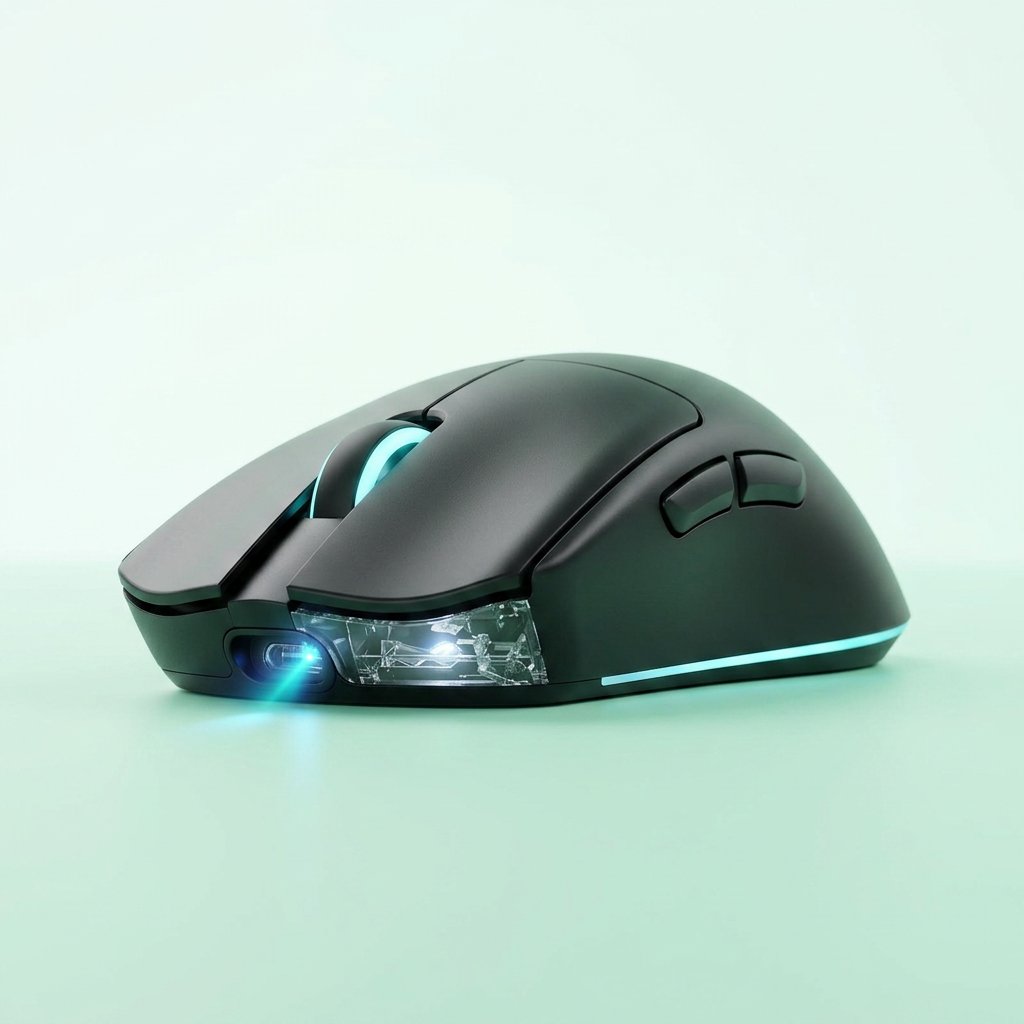
Best DPI for office work: 800-1600 DPI is the sweet spot. Fast enough to get around your screen, slow enough to click exactly what you want.
For graphic design and photo editing: 800-1200 DPI. You need pixel-level precision when editing photos or working with detailed designs. According to the Canadian Centre for Occupational Health and Safety, comfort and control matter more than speed for long work sessions.
For everyday work, the Amazon Basics Wireless Computer Mouse we reviewed runs at 1600 DPI — and that’s more than enough for browsing, email, and spreadsheets.
DPI and Your Monitor Resolution
Your monitor resolution changes the DPI conversation. More pixels on screen means you need higher DPI to cross the screen comfortably.
| Resolution | Recommended DPI | Why |
|---|---|---|
| 1080p | 800-1600 | Standard, anything above 2000 gets hard to control |
| 1440p | 1200-2000 | 40% more pixels than 1080p, needs slightly higher DPI |
| 4K | 1600-3200 | Lots of pixels — low DPI means dragging your arm across the desk |
On a 1080p monitor, there are 1080 vertical pixels. At 1080 DPI, one inch of mouse movement takes your cursor from bottom to top. At 2000+ DPI, you’d cross the whole screen in half an inch — and stopping precisely becomes really hard.
On 4K, there are 2560 vertical pixels. At 800 DPI, you’d need over 3 inches of movement to cross the screen. That’s why 4K users benefit from higher DPI.
DPI Button & Colors Explained
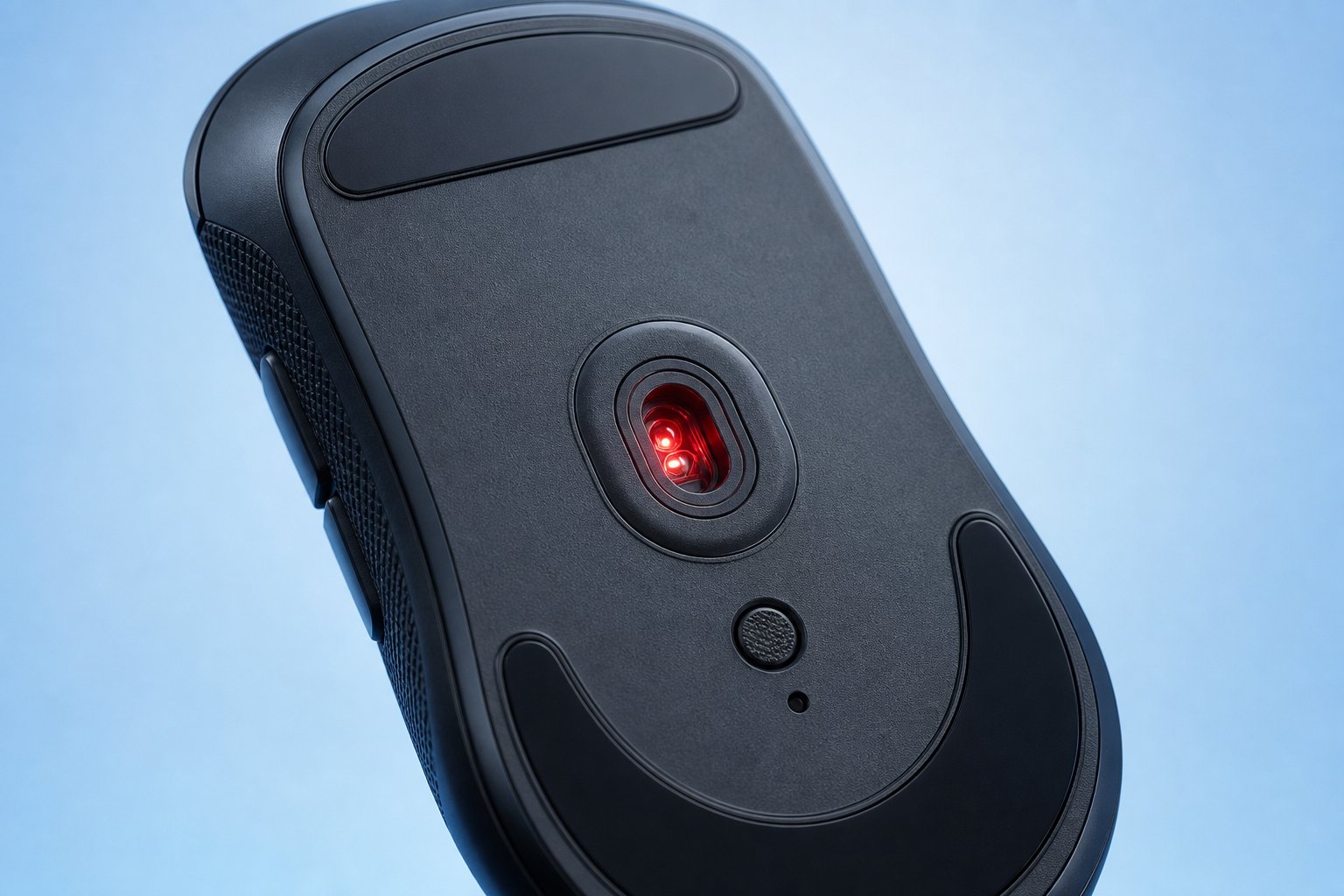
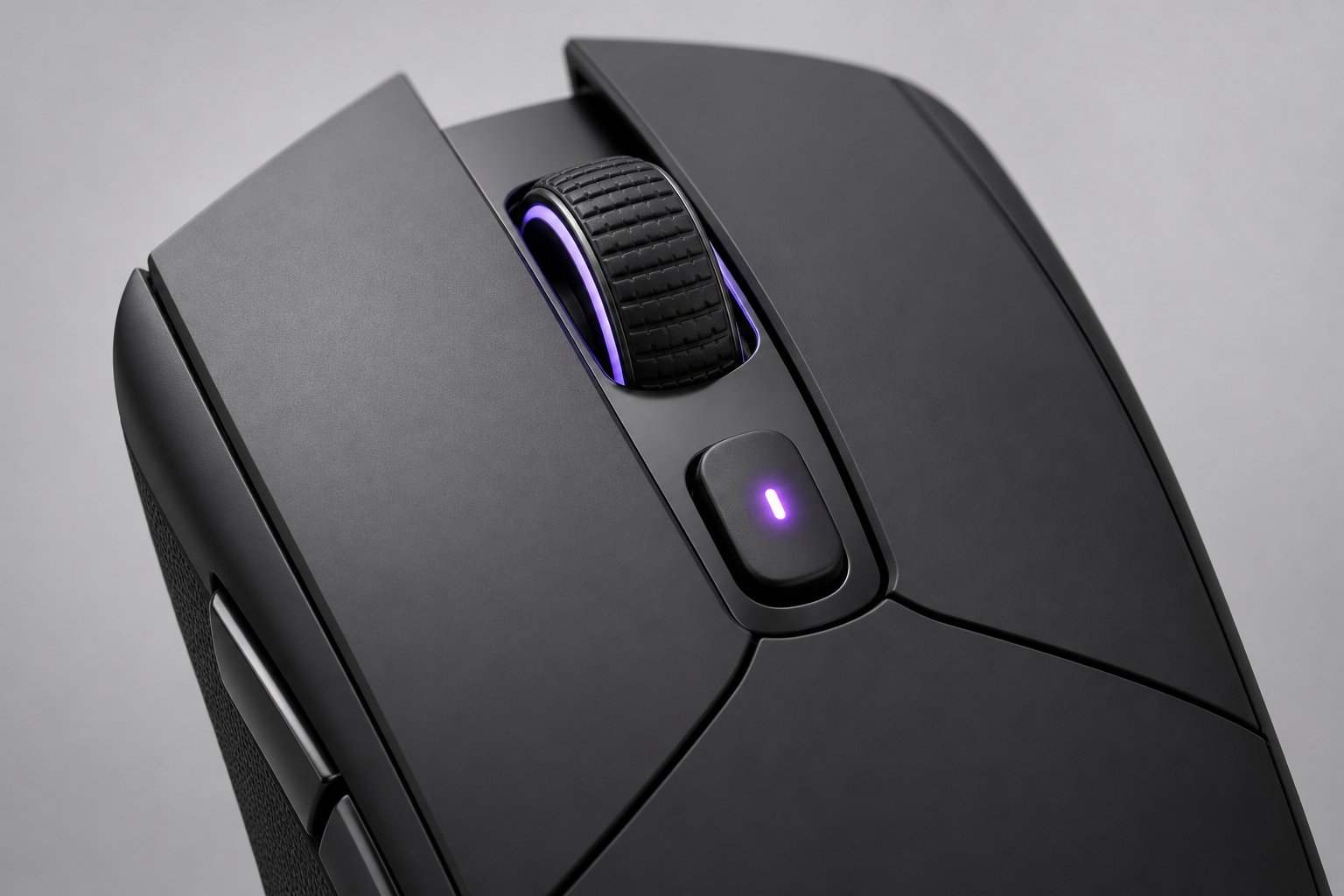
DPI mouse button explained: most gaming mice have a small button (usually near the scroll wheel) that cycles through preset DPI levels — typically 400 DPI, 800 DPI, 1600 DPI, and 3200 DPI. Press it and your DPI jumps to the next DPI level instantly. No software needed.
DPI mouse colors explained: when you press that button, an LED flashes a color to show which level you’re on. The colors vary by brand, but the most common pattern is:
- 🔴 Red = 400 DPI (lowest)
- 🟢 Green = 800 DPI
- 🔵 Blue = 1600 DPI
- 🟡 Yellow/Purple = 3200 DPI (highest)
Some mice let you customize these colors in their software. Others use fixed colors. Either way, once you learn your mouse’s color code, you always know your DPI at a glance — without opening any settings.
Why this matters: you can switch DPI mid-game without alt-tabbing. Snipers drop to low DPI for precision, then switch back to high DPI for fast turns. That little button is more useful than people realize.
How to Change & Test Your DPI
DPI settings explained mouse: three ways to change your DPI.
Method 1 — DPI button (fastest): Press the DPI button on your mouse to cycle through preset DPI levels. Done in a second.
Method 2 — Mouse software (most precise): Use Logitech G HUB, Razer Synapse, or your brand’s software to set exact DPI values. This is the best DPI method — you get full DPI control.
Method 3 — Windows pointer speed (not recommended): This doesn’t change your actual DPI — it adds software acceleration that makes your cursor movement inconsistent. Avoid this for DPI adjustments.
Mouse DPI test: want to know your exact DPI? Use an online DPI calculator — you move your mouse a set distance and it calculates your real DPI. Or check your mouse software, which usually shows the current DPI setting.
What Reddit Thinks About DPI
Mouse DPI explained reddit: the community consensus is clear.
Most Reddit users agree that 800 DPI is the sweet spot for most people. It’s fast enough for everyday use, precise enough for most games, and works well on almost any monitor at 800 DPI.
Competitive players on Reddit swear by 400 DPI — but they also use huge mousepads and low in-game sensitivity at 400 DPI. "Stop chasing high DPI numbers" is the most common advice you’ll see on r/MouseReview.
The Reddit takeaway: pick a DPI, stick with that DPI, build muscle memory. Stop changing your DPI every week.
Frequently Asked Questions
What is DPI on a mouse? DPI (dots per inch) measures how far your cursor moves on screen for every inch you move your mouse. 800 DPI = 800 pixels per inch of movement.
Is higher DPI better? No. Higher DPI means faster cursor speed, not better accuracy. Most pro gamers use 400-800 DPI. Anything above 6400 DPI is DPI marketing hype for 99% of people.
What DPI should I use for gaming? For FPS games (Valorant, CS2), 400-800 DPI. For MOBA/RTS, 800-1600 DPI. For MMO/RPG, 1600-3200 DPI. Start at 800 DPI and adjust based on your feel.
Do pro gamers use high or low DPI? Low DPI. Most pros use 400-800 DPI. Shroud used 450 DPI. The "high DPI = pro" idea is a DPI myth created by marketing.
Is 800 DPI good for gaming? Yes. 800 DPI is the most popular DPI setting among both casual and competitive gamers. It balances DPI speed and precision well.
Is 3200 DPI too high? For FPS gaming, yes — 3200 DPI is too twitchy for precise aiming. For MMO games or 4K monitors, 3200 DPI can be useful.
What’s the difference between DPI and sensitivity? DPI is hardware (built into the mouse). Sensitivity is software (in your game or Windows). eDPI = DPI × sensitivity.
How do I know my current DPI? Check your mouse software for your DPI setting, or use an online DPI calculator to measure your DPI physically.
DPI is a setting, not a scoreboard. Find your number, stick with it, build muscle memory. That’s it.
That’s mouse DPI explained — the only guide you need. Mouse DPI explained means understanding that DPI is speed, not skill. Stop chasing the biggest number on the box and start finding the number that works for you.
For the full picture on mouse types, specs, and how to choose, check our Computer Mouse Buying Guide. And browse our computer reviews at Gadgetping for more honest picks.
Your aim will thank you.