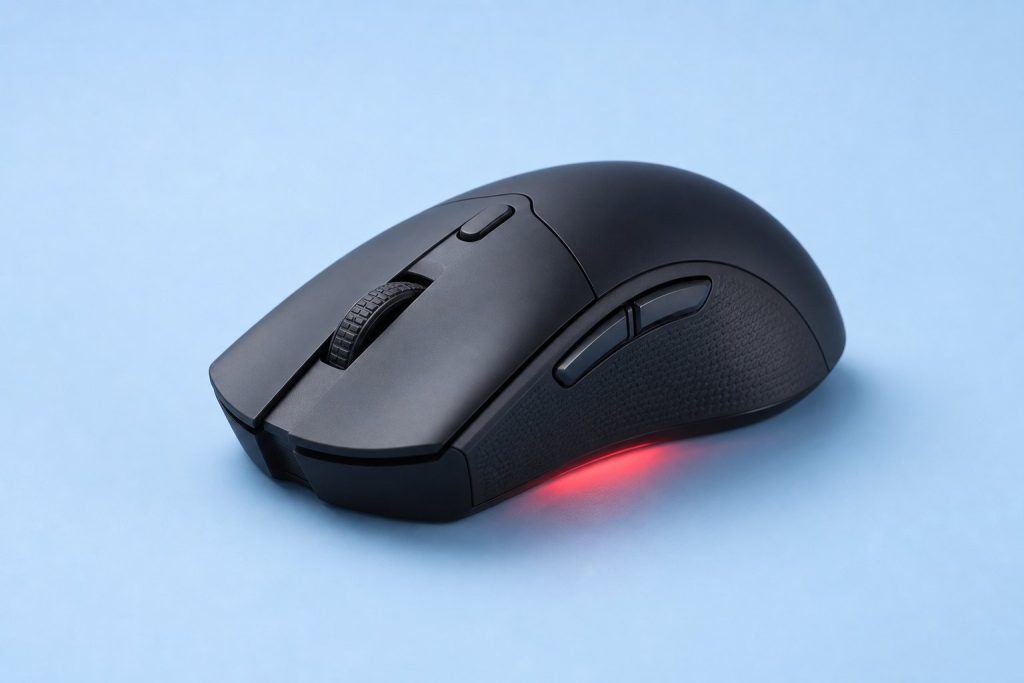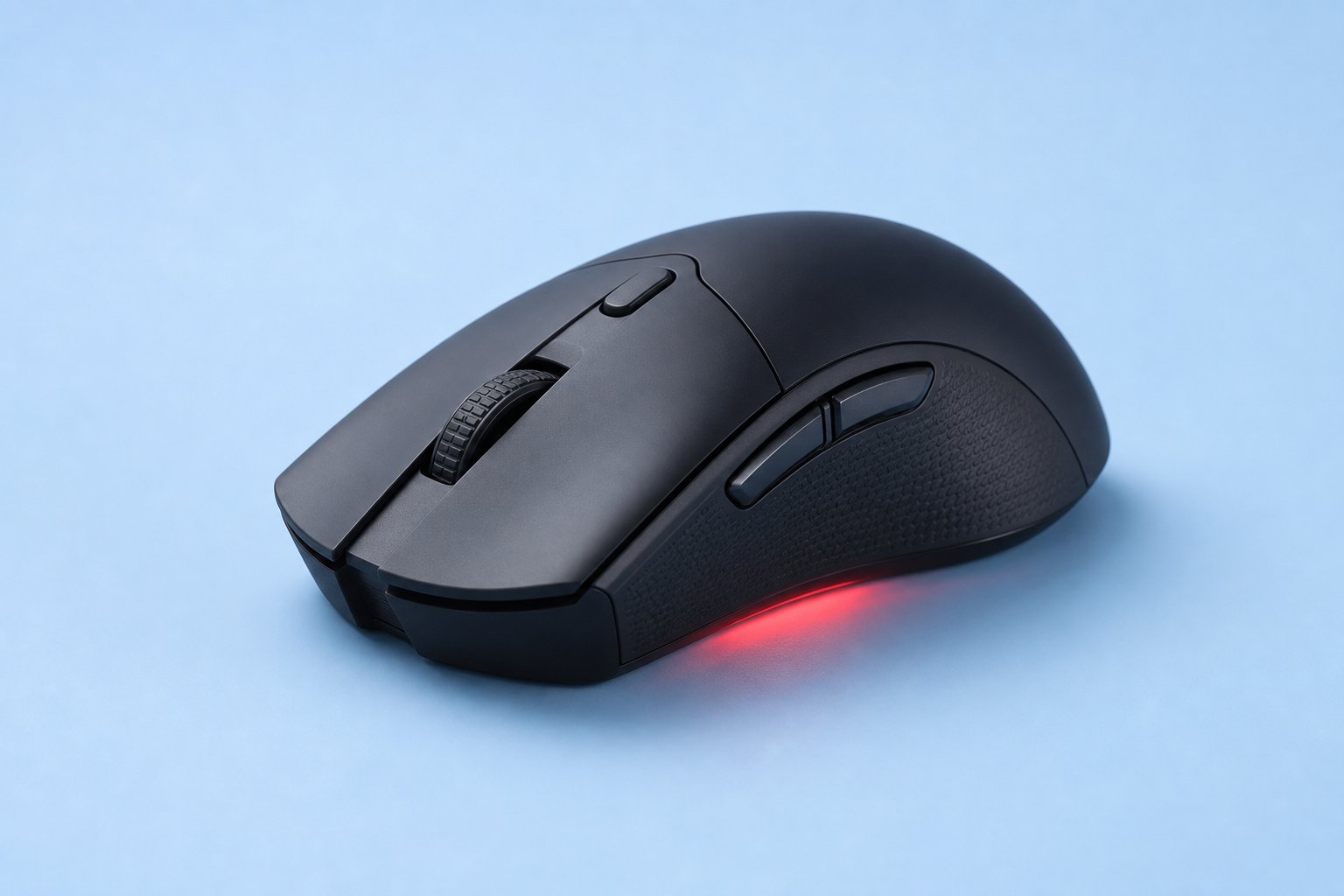
Here’s the short answer to the optical vs laser sensor mouse question: for almost everyone, optical wins. The optical vs laser mouse debate was settled years ago, but shops still sell laser mice next to optical ones — so people keep asking.
Laser vs optical mouse — is it even still a contest in 2026? Barely. I’ve tested a lot of mice over at Gadgetping, and the honest truth is this: laser’s time is basically over.
Optical vs Laser Sensor Mouse: The Short Answer
The optical vs laser sensor mouse decision comes down to one thing: buy optical.
Optical is more accurate, cheaper at every price, and what every pro gamer uses. Laser has exactly one real advantage — it tracks on glass and glossy desks without a mousepad. Here’s the full picture:
| Feature | Optical Mouse | Laser Mouse |
|---|---|---|
| Tracking accuracy | True 1:1, no acceleration | Acceleration at low speeds |
| Best surface | Cloth and hard mousepads | Almost anything, including glass |
| Lift-off distance | Low (1-2mm) | Higher (3-4mm) |
| Jitter | Minimal | Present on cloth pads |
| Pro gamer usage | 100% | 0% |
| Availability in 2026 | Every gaming mouse | Rare, mostly office/travel |
The optical vs laser mouse gap comes down to one part inside: the light. If you remember one thing from this guide, let it be this — optical sensors beat laser sensors on every surface you’ll actually use.
How Both Sensors Actually Work
Both sensors are basically the same technology — the optical mouse vs laser mouse difference is only the light source.
Every modern mouse, optical or laser, has a tiny camera inside called a CMOS sensor. It takes thousands of pictures of your desk every second and compares them to see how far you moved.
The difference is the light:
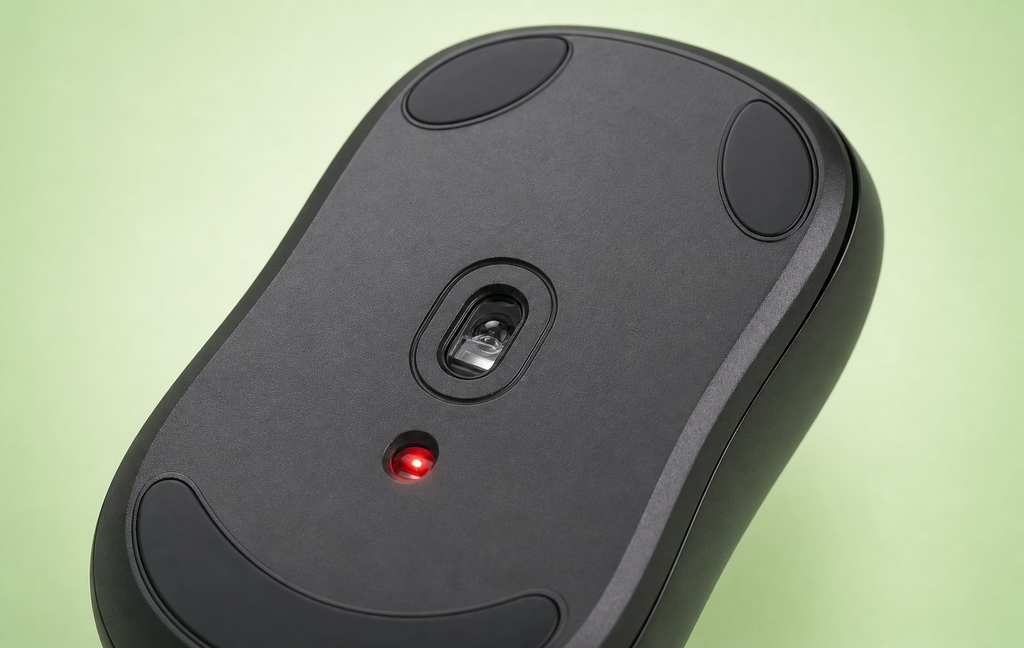
- Optical mouse = an LED light (usually red or infrared). It shines on the surface and reads the texture.
- Laser mouse = a VCSEL laser diode. The laser beam digs deeper into the surface and reads more detail.
Optical sensors stay on the surface. Laser sensors go under it. That’s the whole optical and laser story in one line.
So is a laser mouse really an optical mouse? Technically, yes — a laser mouse is just an optical mouse with a laser light instead of an LED.
The Tracking Accuracy Problem
This is the section that answers which mouse sensor is best — and it’s not close.
The reason optical won is simple: laser sensors have built-in acceleration. That means the cursor moves farther on a fast flick than a slow drag over the same distance.
Your brain can’t build muscle memory on a sensor that changes its mind based on speed. Aiming becomes guesswork. If you’re comparing two mice in a store, a laser mouse with a big DPI number will lose to a plain optical mouse on a cloth pad every single time.
There’s hard data on this. Laser sensors show about 5-6% tracking variation at different speeds. Optical sensors stay under 1%.
Then there’s jitter. Because a laser reads so much detail, it picks up dust, fabric weave, and tiny imperfections as movement. On a cloth mousepad, a laser cursor can shake or drift at slow speeds. Optical sensors ignore that noise.
I learned this the hard way. I once bought a laser mouse thinking “laser” meant premium. It skipped on my mousepad and my cursor drifted in games. I swapped to a cheap optical mouse and the problem vanished.
Surface Compatibility: Where Laser Still Wins
To be fair to laser: can a laser mouse work on glass? Yes. That’s its one real skill.
Laser light penetrates surfaces, so it tracks on glass, glossy desks, polished wood, and even your leg. Can an optical mouse work on glass? Older ones can’t — the light passes through or scatters, and the cursor freezes.
Lift-off distance matters here too. Optical mice stop tracking 1-2mm off the surface. Laser mice keep tracking up to 3-4mm — useful on bumpy surfaces, annoying in games when you pick up the mouse to reposition.
For most people, an optical mouse on a ten-dollar pad beats a laser mouse on a fancy desk. And here’s the catch: modern optical sensors can now track on glass too. Logitech’s Darkfield and Razer’s Focus Pro 35K both handle glass fine. Laser’s last unique edge is disappearing.

Optical vs Laser for Gaming
Is optical or laser better for gaming? Optical. It’s not even a debate.
Optical vs laser mouse for gaming comes down to muscle memory. FPS games like Valorant and CS2 need true 1:1 tracking — the cursor should move exactly as far as your hand, every time, at any speed. Optical gives you that. Laser’s acceleration breaks it.
Do pro gamers use optical or laser mice? Optical. One hundred percent of them. Not a single pro gamer uses a laser mouse. Every esports setup you’ve ever seen runs an optical mouse — laser mice simply don’t exist in competitive play.
What’s the best mouse sensor for gaming? Any modern optical sensor. PixArt’s PAW3395, PAW3950, and Logitech’s HERO 2 are all flawless at human speed.
And ignore the DPI numbers on laser boxes — high DPI is marketing, not accuracy. We covered that in our Mouse DPI Explained guide. For budget picks with reliable sensors, check our Top Budget Gaming Mice Under $40 — every single pick uses an optical sensor, and they all track better than any laser mouse from a decade ago.
For Office, Travel & Design Work
Laser mouse for office work? Only if your desk is glass. On a normal desk, a cheap optical mouse is more accurate and costs less. If your desk is wood, plastic, or covered by a pad, an optical mouse handles it. Laser mice only earn their keep on glass.
Travel is laser’s last real use case. If you work on hotel desks, glossy lobby tables, and airplane tray tables, a laser mouse tracks on all of them without a mousepad. That convenience is worth something.
For design and photo editing, pick optical. You want smooth, consistent tracking when you’re working pixel by pixel. Laser jitter is the last thing you want in Photoshop.
For everyday work, the Amazon Basics Wireless Computer Mouse we reviewed uses a simple optical sensor — and it’s exactly what most people need. The same optical mouse for gaming is just as good for emails and spreadsheets.
Are Laser Mice Still Made in 2026?
Are laser mice still made in 2026? Barely.
No major brand has released a new laser gaming mouse in years. The gaming market moved entirely to optical sensors, and it’s not coming back. A few office and travel mice still use laser for surface versatility, but that’s the whole story. If you see a laser mouse on a shelf today, it’s probably old stock — or a budget travel mouse.
The Sensor Models That Matter Now
In 2026, the real question isn’t optical vs laser. It’s which optical sensor you’re getting. Here’s what to look for:
| Sensor | Max DPI | What to know |
|---|---|---|
| PixArt PAW3395 | 26,000 | The most common flagship — flawless tracking |
| PixArt PAW3950 | 44,000 | Newest top-tier, overkill but perfect |
| Logitech HERO 2 | 44,000 | Power efficient, great for wireless |
| Razer Focus Pro 35K | 35,000 | Tracks on glass |
The best optical sensor 2026 is any of these — they’re all beyond what a human hand can tell apart. All four are optical sensors. Laser sensors don’t even have a current flagship — that’s how far optical has pulled ahead. PixArt makes the sensors for most brands (check their site for specs), and Logitech’s HERO sensors power their own lineup (see Logitech).
If a mouse has any modern optical sensor, the sensor is not your bottleneck. Your grip and the mouse shape matter more.
Which Should You Buy?
| You are… | Buy this |
|---|---|
| A gamer (any genre) | Optical, always |
| Office worker, normal desk | Optical — cheaper and accurate |
| Office worker, glass desk | Optical with glass tracking (Darkfield/Focus Pro) — or laser |
| Frequent traveler | Laser or modern optical, for any-surface tracking |
| Designer / photo editor | Optical, for smooth consistent tracking |
Bottom line: optical mice cover every one of these cases. Laser mice cover one. Buy optical, and match the mouse to your hand and budget — not the sensor. Sensor type matters less than mouse shape. If you’re not sure how you hold your mouse, our Mouse Grip Styles guide will help you figure it out.
Frequently Asked Questions
What is the difference between optical and laser mouse sensors?
The light source. Both use a tiny camera to track movement. Optical sensors use an LED; laser sensors use a laser diode that reads deeper into the surface.
Is optical or laser better for gaming?
Optical, no contest. It has true 1:1 tracking with no acceleration, which is what aiming needs.
Can a laser mouse work on glass?
Yes. Glass tracking is laser’s main strength — though modern optical sensors like Darkfield and Focus Pro 35K can do it too.
Can an optical mouse work on glass?
Older ones can’t. Newer optical sensors with glass tracking (Logitech Darkfield, Razer Focus Pro 35K) can.
Are laser mice still made in 2026?
Barely. No major brand makes new laser gaming mice. A few office and travel mice still use laser.
Why does my laser mouse cursor shake?
That’s jitter. The laser reads too much surface detail and interprets dust or fabric weave as movement. An optical mouse fixes it.
How do I know if my mouse is optical or laser?
Flip it over while it’s on. If you see a red or faint glow, it’s optical. If the bottom looks dark, it’s laser — the infrared beam is invisible.
Is the optical vs laser debate over?
Yes. Optical won. Buy optical and move on.
Wrapping Up
Optical sensors won, laser sensors lost, and your next mouse should be optical. Match it to your hand and budget, and stop worrying about the sensor — the debate is over.
That’s the optical vs laser sensor mouse question, solved. For the full picture on mouse types, specs, and how to choose, check our Computer Mouse Buying Guide. And browse our computer reviews at Gadgetping for more honest picks.
Your aim — and your wrist — will thank you.