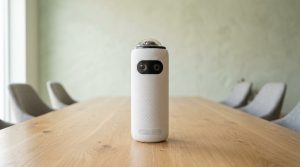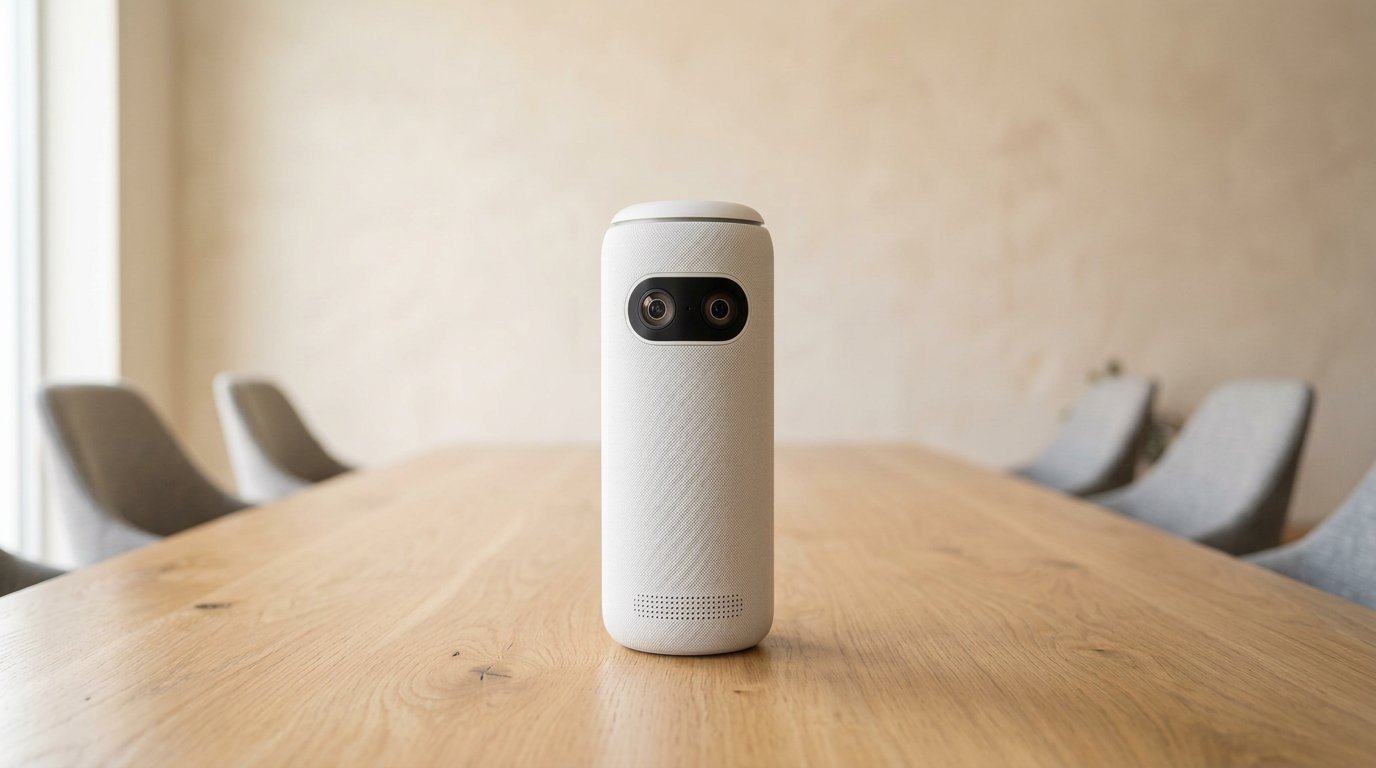
The Meeting Owl 5 Pro is Owl Labs’ 2026 BYOD tower: 4K 360, HDMI passthrough, native Ethernet, $2,599. It will not pair with a Meeting Owl 3 or 4+. Video pickup is listed at 10 ft; audio still claims 18 ft. Buy it if laptops must drive the TV with one USB-C cable. Don’t buy it as a “better 3.” The Pro you already own is EOL on Gadgetping — this is a different product, not that revival.
Meeting Owl 5 Pro: Specs and Box
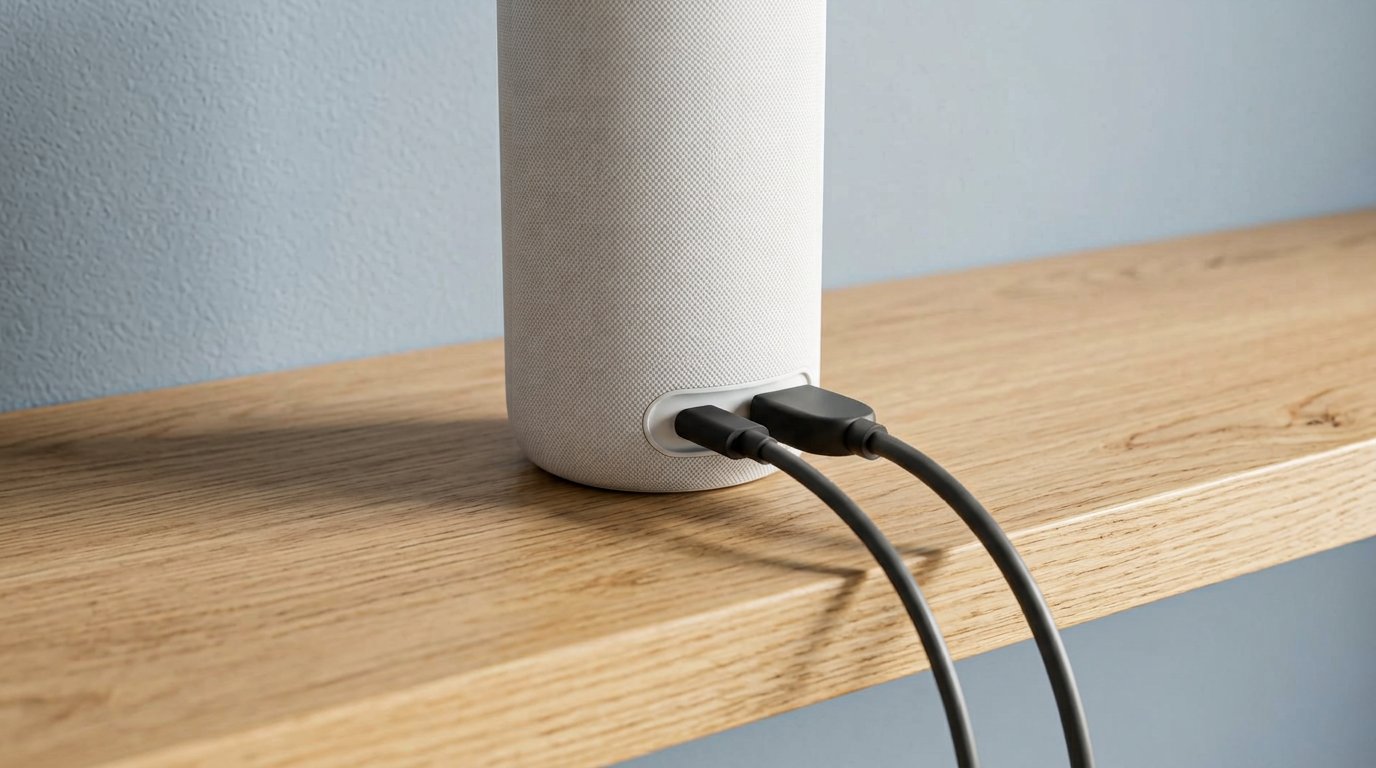
The box is the pitch: long HDMI, long USB, Ethernet, privacy cap.
| Meeting Owl 5 Pro | |
|---|---|
| Video | 4K UHD, 64 MP, 360° — pickup 10 ft (3 m) |
| Audio | 8 mics, 18 ft; dual 360 speakers |
| Processor | Snapdragon 8250 |
| Network | Wi-Fi 6E or native Ethernet |
| Ports | USB-C, HDMI passthrough, Ethernet |
| Pairing | Wired or wireless — not with 3 / 4+ |
| Extra | Privacy cap, optional LED (not only owl eyes) |
| Cert | Microsoft Teams |
| List | $2,599 |
Box tells the story: 16 ft HDMI, 6.5 ft USB-C SuperSpeed, 16 ft USB-C to A, 10 ft power, privacy cap. That’s an IT kit. Meeting Owl 5 Pro on Amazon.
Owl Labs is explicit: no mix with other Owl models. Pair another 5 Pro or don’t pair.
Setup is still USB-first. Confirm Zoom sees camera/mic/speaker before you celebrate HDMI. App on Wi-Fi for firmware. Cables in the box are long because this SKU expects a rack-adjacent install, not a 3-foot huddle. Keep them. Cheap HDMI is how “BYOD is broken” tickets start.
BYOD Is the Whole Point
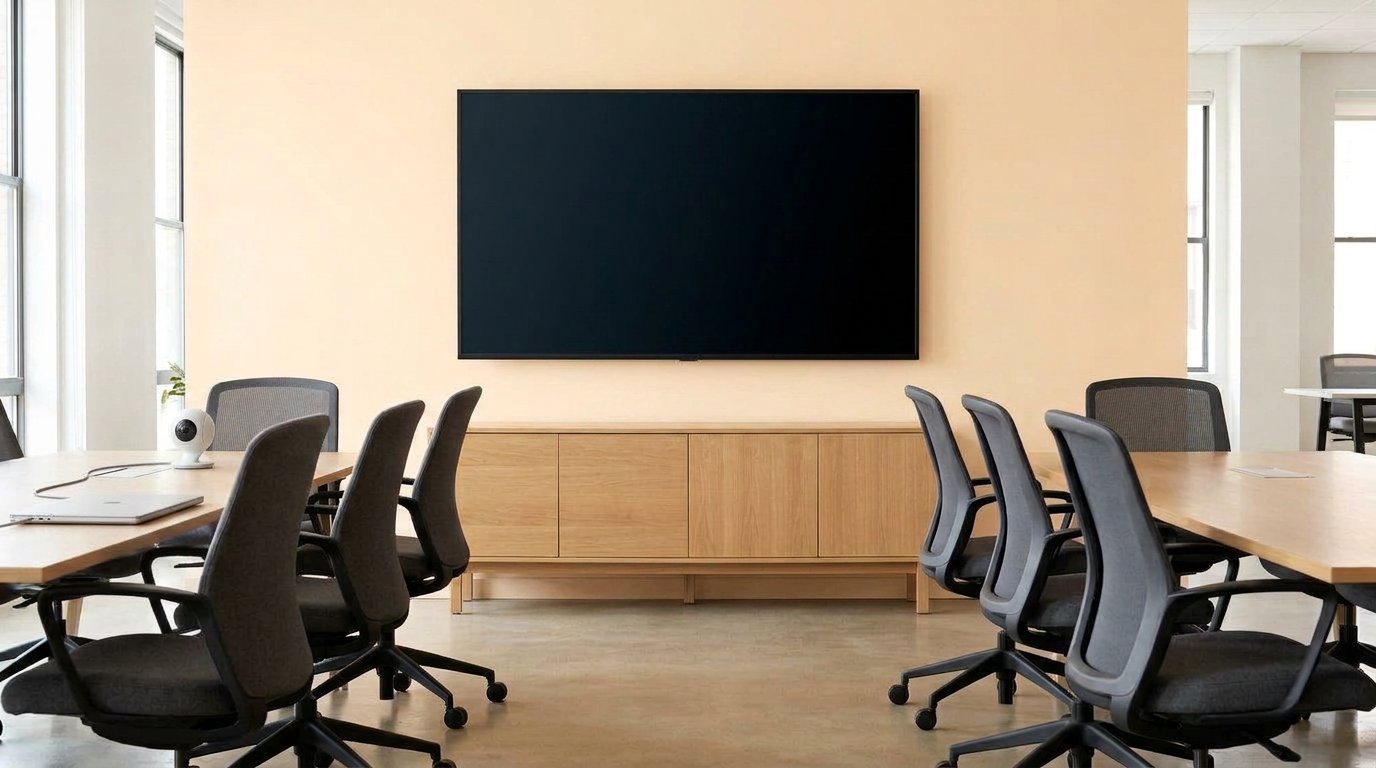
One cable from the laptop is the only reason this SKU exists.
Plug USB-C into a laptop. HDMI from the Owl to the display. Remote video, room sound, and content share without a dongle pile. That’s the SKU.
IT gets Ethernet and Nest instead of “someone’s phone hotspot.” Privacy cap is overdue — older Owls sat there live with blinking eyes.
Buy if: hotel-style rooms, executives who bring MacBooks, you already standardized on one-cable.
Skip if: you own a row of 3s you hoped to mix in; you only needed 1080p on a USB huddle; you’re one person with a webcam.
Owl Labs’ 5 Pro page sells “any room.” AV threads still want the middle of a small table. HDMI does not rewrite that. More kits: Cameras & Video.
Over at Gadgetping we treat 5 Pro as an install SKU, not a gadget you toss in a backpack (the brick and the 16 ft HDMI already argued).
Anker’s 2023 purchase of Owl Labs didn’t turn this into a cheap consumer cam. Firmware still ships. Nest still exists. You’re buying enterprise-ish ports on a huddle form factor. That’s a weird middle — and it’s only worth it if the ports get used every day.
Lighting, placement, cheap USB — all the 3/4+ sins still apply. 5 Pro does not get a physics exemption because the SKU is new. Close the blinds. Sit people in the 10 ft circle if you care about faces. Use the included SuperSpeed cable. Then, and only then, talk about HDMI.
Meeting Owl 5 Pro vs 4+ vs 3
- 3 ($1,099): default USB huddle, 1080p, wireless pair
- 4+ (~$1,799): 4K, grow with Bar / second 4+
- 5 Pro ($2,599): BYOD fork, tighter video circle, no mix-pair
If you don’t need HDMI, the 5 Pro is a $1,500 tax on the 3. Gadgetping will keep saying that.
I would not forklift a working 4+ room for this. HDMI is nice. Losing pairing with the Bar and the spare 4+ in the closet is not nice. Read the footnote twice. Then read it in the PO.
What I Don’t Like
Pairing lock. Refreshing a 3 fleet means forklift, not mix.
10 ft video. Tighter than the 4+ story.
$2,599. Rally Bar money for a niche 360.
Still a host device. Laptop unplugged, meeting dies — even with HDMI.
Still not DSP. Glass rooms hunt. Mute the Owl mic if you must.
Weight. 4.4 lb plus a cable nest. Privacy cap helps. It does not make this casual.
LED options. Owl eyes or a quieter indicator. Fine. Not worth $1,500 over a 3.
If your room never sees a guest laptop, this review is a stop sign. Go back to the 3 or 4+. I would rather you feel slightly behind on SKUs than own a pairing dead-end.
Frequently Asked Questions
Can Meeting Owl 5 Pro pair with Meeting Owl 3 or 4+?
No. Owl Labs says other models are out. Budget two 5 Pros or stay on 4+.
Does it work with Zoom and Teams?
Yes. Teams-certified. USB camera/mic/speaker plus HDMI to the room display. The meeting app still runs on the laptop. The Owl is not a standalone Room PC. Unplug the laptop and you unplugged the meeting.
Is the 5 Pro worth it over the 4+?
Only for single-cable BYOD and native Ethernet. Picture is both 4K. Pairing is why most people should stay on 4+.
Do I need the privacy cap?
Yes if the room is ever used for private talks. Unplug power if you’re paranoid. 360 mics don’t gossip politely.
Battery?
No. Wall power.
The Meeting Owl 5 Pro is the BYOD Owl. Pay $2,599 for HDMI and Ethernet. Do not pay it to “upgrade” a 3. Do not mix fleets.
That’s the Gadgetping review. 3 for huddles, 4+ for 4K you can grow, 5 Pro for IT one-cable rooms. Old Pro owners: autopsy here — then pick 3 or 4+ unless BYOD is the whole ticket.
Center of the table still matters. HDMI to the wall does not mean you can park the tower on the credenza. Physics did not ship in the 16 ft cable. Place it like a 3. Wire it like IT. That’s the only 5 Pro setup that isn’t theater.
If HDMI is the whole ticket, this is the Owl. If HDMI is a maybe, buy the 4+ and keep the spare change for a Bar when people start looking at the wall. Don’t pre-pay for a fork.
I wrote this so you can say no. Most 5 Pro carts should become 4+ carts. The people who should say yes already know they have guest laptops and a display that must just work. If that’s not your Tuesday, this isn’t your Owl. $2,599 is a lot of money to spend on a maybe.