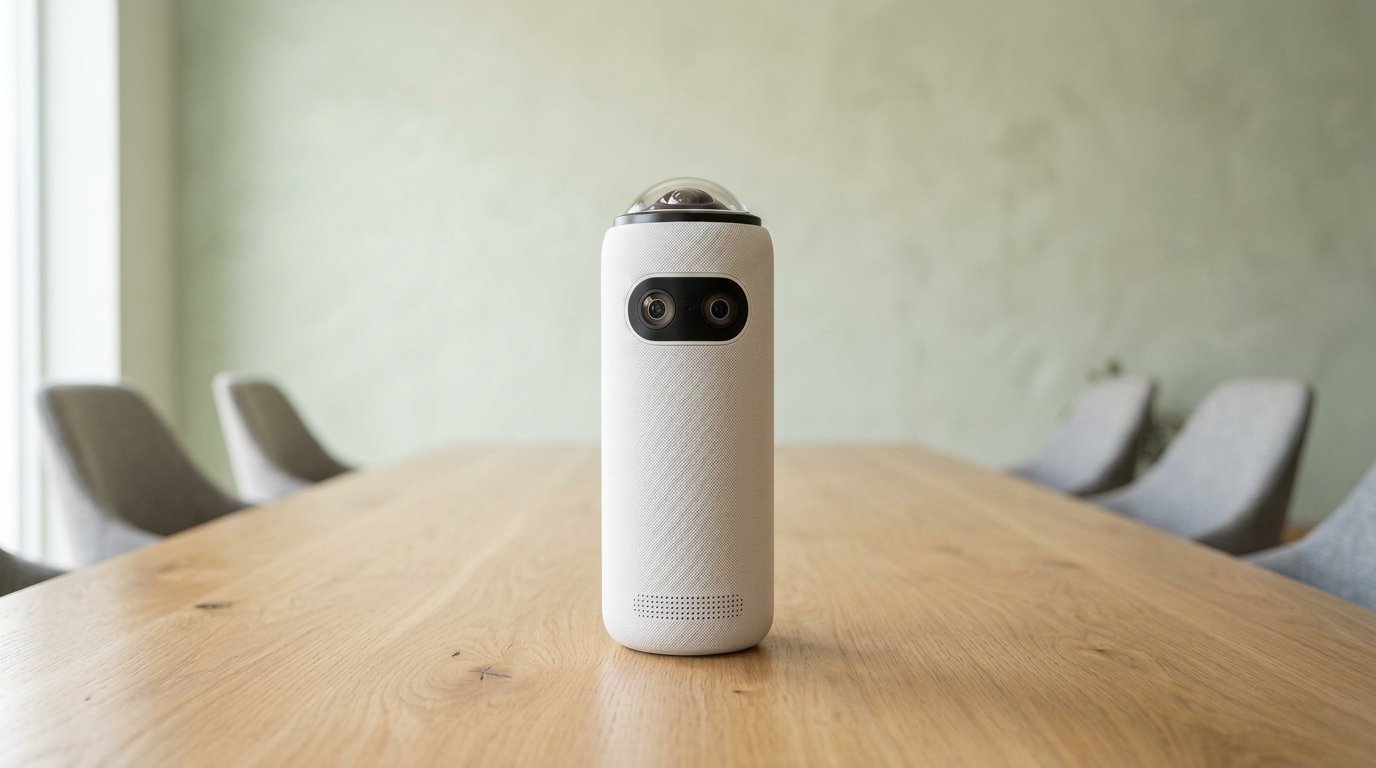
The Meeting Owl 4+ is the 4K version of the same table Owl — 64 MP fisheye, Snapdragon 8250, $1,999 list / about $1,799 on sale. Audio is still ~18 ft. You are not buying better mics than the Meeting Owl 3. You are buying sharper faces on a 4K display and less painful pairing if you add a second Owl. Don’t buy a new Pro; we retired that SKU on Gadgetping.
Meeting Owl 4+: Specs vs the 3
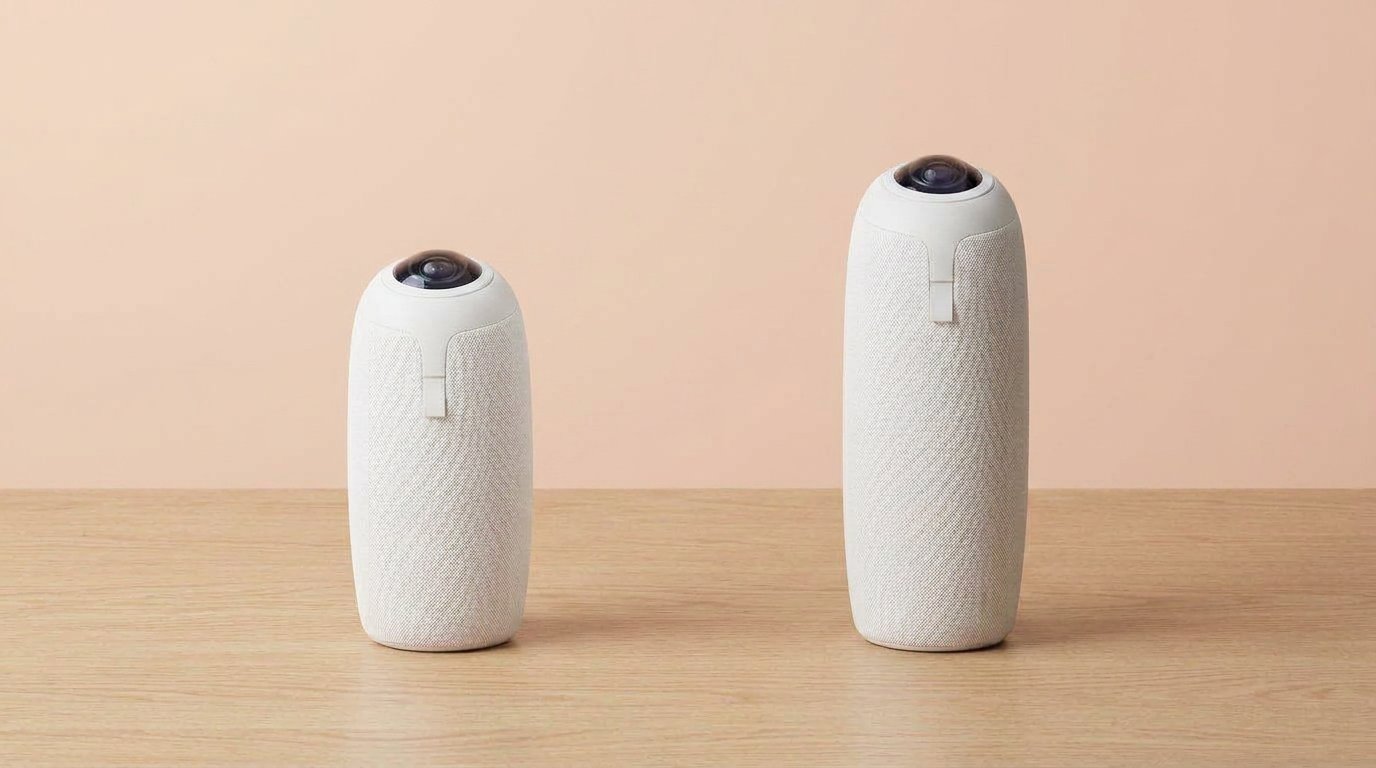
3 vs 4+: same job. You pay for 4K and pairing, not extra mic range.
| Meeting Owl 3 | Meeting Owl 4+ | |
|---|---|---|
| Video | 1080p, 16 MP | 4K UHD, 64 MP |
| Processor | Snapdragon 650 | Snapdragon 8250 |
| Network | Wi-Fi 5 | Wi-Fi 6 (Ethernet via adapter) |
| Pairing | Wireless only | Wired (adapter) or wireless |
| Audio | 18 ft, 8 mics | 18 ft, 8 mics |
| List / street | $1,099 | $1,999 / ~$1,799 |
Same 360 trick. Same “sit in the middle” physics. Faster speaker cuts on the 8250. Meeting Owl 4+ on Amazon.
Bundles exist: expansion mic (~$249, +8 ft pickup), Owl Bar, large-room two-Owl kits. Those are extra rooms, not “the 4K tax.” A premium pack (stand, long USB, Owl Care) is worth it if the tower lives on a polished table.
USB host is still a laptop. This is not a standalone Teams Room computer.
Day-one setup is the same as the 3: power, USB, middle of the table, pick it in Zoom. App on Wi-Fi for firmware. C-to-C cables are still moody; keep a C-to-A in the drawer. 4K does not forgive a 10-meter passive extender.
Microsoft Teams certification is on the 4+ too. Zoom and Meet still see a USB camera. You are not installing a custom meeting client. Easy is the pitch. Easy still depends on the cable in the box staying in the room instead of walking off to a different floor.
Who the 4+ Is For
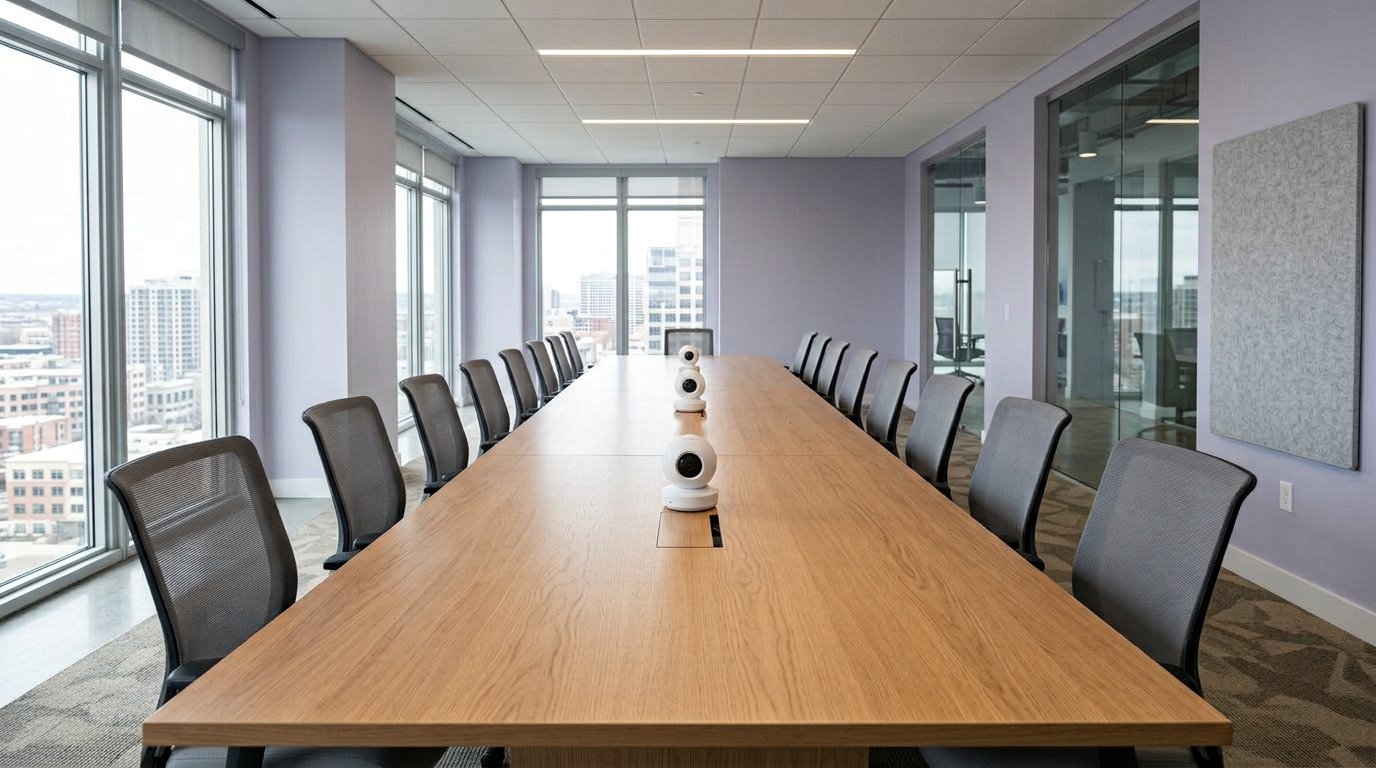
Two 4+ units are how you grow a long table — not one hero camera.
Buy the 4+ if the display is 4K and remote people need to read faces or a whiteboard at the far end. Buy it if you will pair two Owls and want wired pairing instead of hoping Wi-Fi behaves.
Skip it if the TV is 1080p. Zoom will squash 4K anyway. Then the Meeting Owl 3 already did the job for $700 less.
Owl Labs’ room chart still paints medium boardrooms. AV people still say: middle of the table, small group, or it looks silly. 4K does not fix a lecture hall.
One person at a desk: webcam. Front-of-room only: a bar, not this. More kits: Cameras & Video.
I ran the 3 vs 4+ decision as “does the far end complain about mushy faces?” If nobody notices 1080p, keep the money.
Lighting still matters more than megapixels. A window behind one chair will make a 64 MP sensor look cheap. Close blinds. The 8250 tracks faster; it does not invent photons. Travel without a case and you’ll polish the fisheye with a suitcase zipper. No battery — the brick comes along.
Over at Gadgetping we treat 4+ as a display upgrade, not a personality upgrade. Same furniture rules as the 3. Same “don’t do lectures” rule. Same Anker-owned firmware train (2023 acquisition). Not abandoned. Still a niche.
Meeting Owl 4+ vs 5 Pro
The 5 Pro ($2,599) is BYOD: native HDMI, native Ethernet, Wi-Fi 6E, privacy cap. Video pickup is listed at 10 ft. It will not pair with a 4+ or a 3.
So the 4+ is still the 4K Owl you can grow with a Bar or a second 4+. The 5 Pro is a fork. Don’t “future-proof” by mixing them.
Gadgetping’s short version: 4+ if you care about picture and pairing. 5 Pro if IT cares about one cable to the TV.
I would not replace a working 4+ fleet with 5 Pros just to chase a 2026 SKU. HDMI is nice. Burning pairing is not. Read the 5 Pro box before you sign a refresh PO.
What I Don’t Like
The $700 jump. Same audio radius as the 3. You’re paying sensor and chip.
Still a USB peripheral. Host laptop dies, meeting dies.
Still not DSP audio. Glass rooms hunt. Some sites mute the Owl mic.
Silo. Pairing is Owl-family. Rally Bar later means you paid twice.
Weight/brick. No battery. “Portable” means a backpack and an outlet.
Expansion mic temptation. +8 ft is real on a long table. It is not a ceiling array. If you’re stacking mic + Bar + two 4+ units, you’ve left huddle money and entered project money. Own that before you click checkout.
None of that makes 4K fake. It makes the 4+ a conditional buy. If your CFO asks why not the 3, the only clean answers are “4K TV” or “two cameras.” “It looks newer” is not a clean answer.
Frequently Asked Questions
Is Meeting Owl 4+ worth it over the 3?
Only with a 4K display or dual-Owl plans. Same 18 ft mics.
Does Meeting Owl 4+ work with Zoom and Teams?
Yes. USB camera/mic/speaker. Teams-certified.
Can I pair Meeting Owl 4+ with Owl Bar?
Yes. That’s the “faces the TV and the table” combo. 5 Pro is the one that won’t mix.
Can I pair 4+ with Meeting Owl 3?
Wireless pairing is the 3’s world. Confirm the exact combo on Owl Labs before you order mixed generations.
Should I buy 4+ instead of a used Pro?
Yes, if you’re spending new-unit money. Pro is EOL.
The Meeting Owl 4+ is 4K on the same small table as the 3. Pay the extra when the screen is 4K or you’ll add a second Owl. Don’t pay it for mics you already had.
That’s the Gadgetping review. Room first. Then 3 or 4+. 5 Pro only if HDMI is the whole ticket. Old Pro owners: read the autopsy and jump to 4+ only if 1080p actually bothers the far end.
If the far end never mentioned softness, you already have your answer — keep the 3, or buy the 3. The 4+ is for people who can point at a 4K panel and a long table and not blink. Everyone else is shopping a brochure.
Keep the host laptop on the table. Label the USB. Don’t let 4K become an excuse to ignore placement. Center, face height, quiet room. That’s still the review. The megapixels are the footnote.