

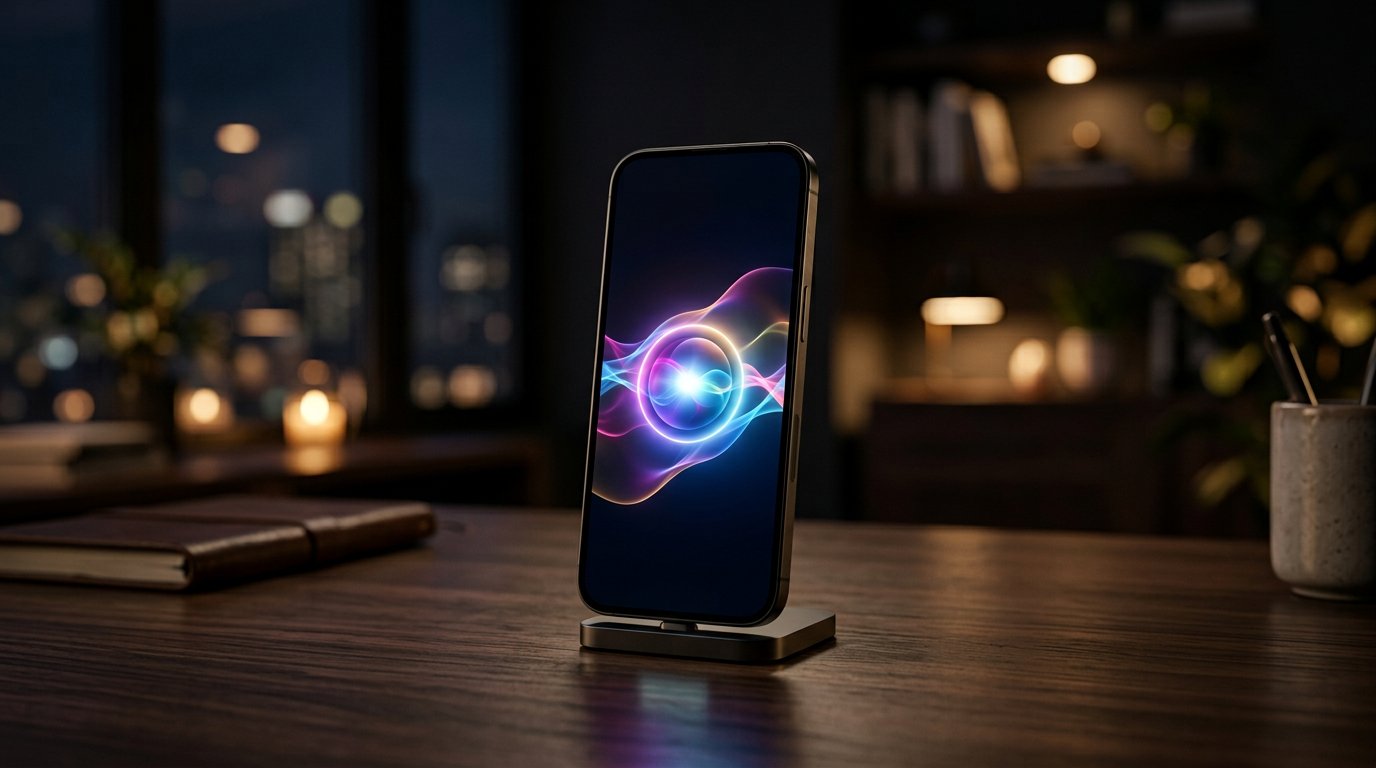
It’s official: iOS 27 is available to download right now, free, on every iPhone from the iPhone 11 onward. Apple calls it the "Apple Intelligence invasion" — with the new conversational Siri AI, Live Translation for AirPods, system-wide Custom EQ, and matching macOS 27 and iPadOS 27 updates dropping alongside it.
But should you hit update today, or wait for the first bug-fix release? And will your iPhone actually get the headline Siri AI features, or just the leftovers? Here’s everything in iOS 27 that matters, who’s eligible for what, and our recommendation.
iOS 27 Headline Features: What’s Actually New
Siri AI (beta) is the star — a fully conversational assistant that replaces the old command-based Siri. It handles follow-up questions, works hands-free with AirPods 5, and understands context across apps. The catches: it’s in beta, it’s English-only at launch (French, Japanese, Korean, Portuguese, and Spanish arrive in October), and it requires an Apple Intelligence iPhone — that’s iPhone 16 or newer, or the iPhone 15 Pro and Pro Max. Older phones get the update but not the new Siri brain.
Live Translation is the sleeper hit: real-time conversation translation through your AirPods, and it works on older AirPods too once your firmware qualifies — no new hardware required. Custom EQ finally brings proper equalizer settings to AirPods system-wide. Add the usual polish — redesigned Control Center touches, smarter notifications, and the iPad/Mac parity updates — and it’s one of Apple’s meatiest .0 releases in years.
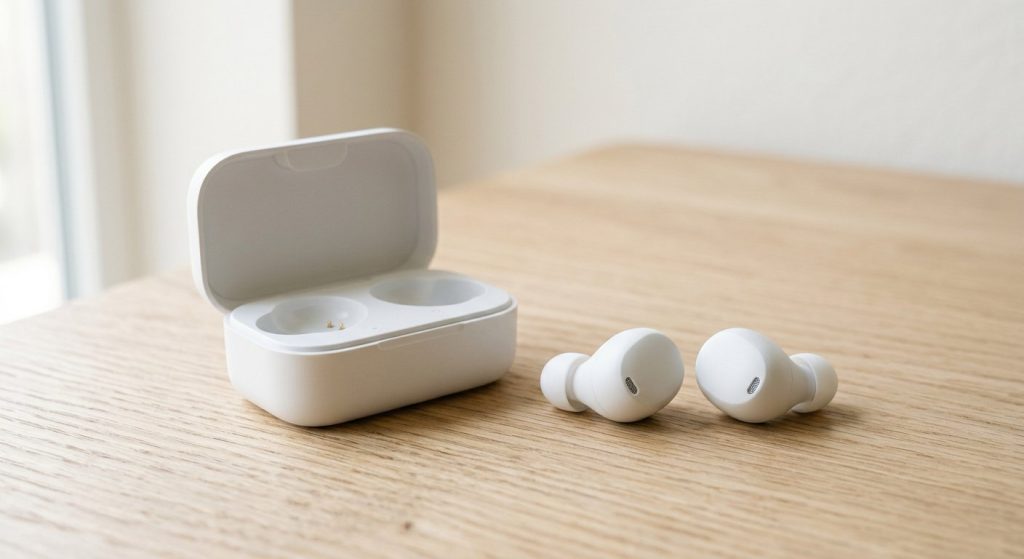
Pairing new software with fresh audio gear? Our budget earbuds and budget tablet guides (your iPad gets iPadOS 27 too) are worth a look while you wait for the download bar.
Should You Update to iOS 27 Today?
Yes — with one precaution. iOS 27 has been unusually stable for a .0 release across this week’s early coverage, the update is free, and devices as old as the iPhone 11 are supported, so there’s no forced-obsolescence trap here. Update over Wi-Fi with 50%+ battery (or plugged in), and back up to iCloud first — the same drill as every year.
The only reason to wait: if you depend on your iPhone for work-critical apps, give it until the weekend and check that your banking, VPN, and 2FA apps have confirmed iOS 27 compatibility. For everyone else, the Live Translation and Custom EQ upgrades alone are worth the install — even if your iPhone is too old for Siri AI itself.
How to Install iOS 27 Right Now
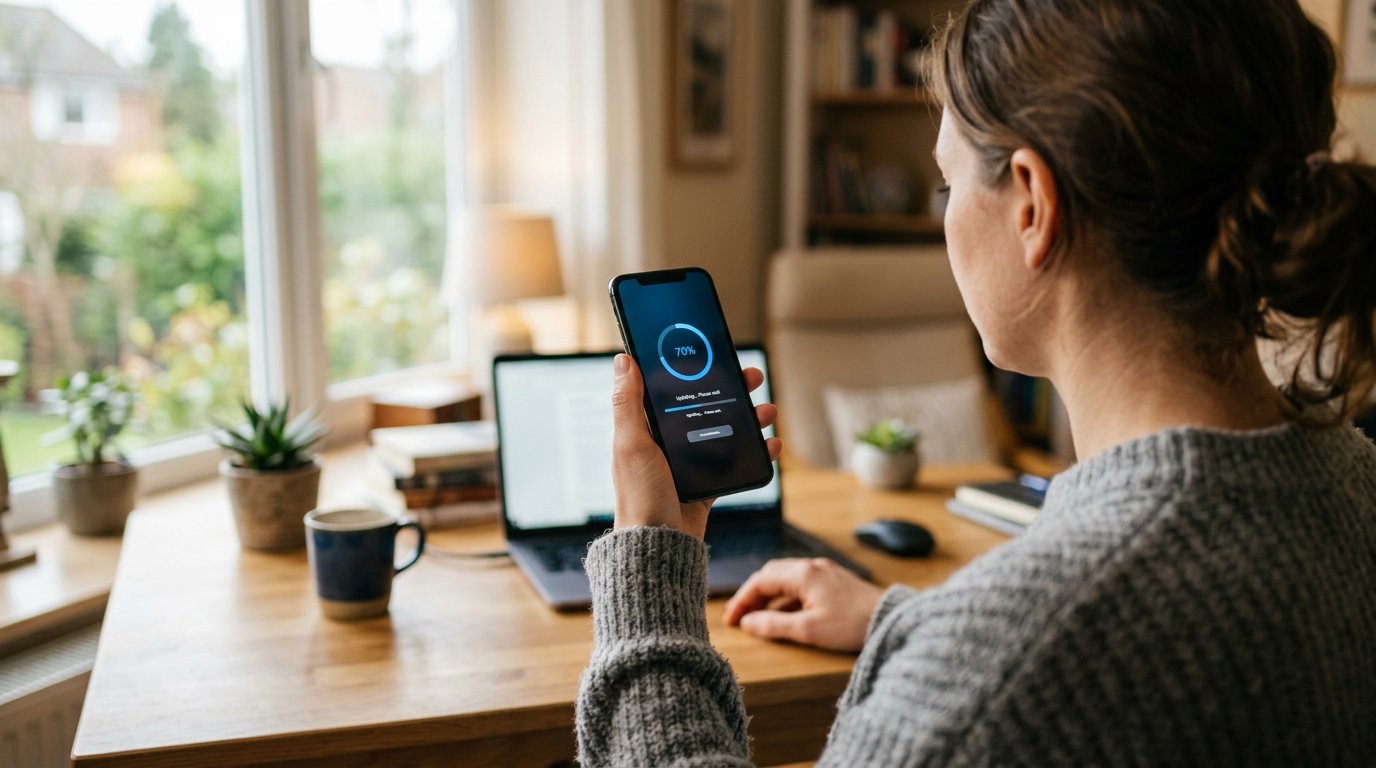
Installing takes about ten minutes plus download time. First, back up your iPhone to iCloud (Settings → your name → iCloud → iCloud Backup → Back Up Now) — non-negotiable before any major update. Then connect to Wi-Fi, plug into power or confirm 50%+ battery, and go to Settings → General → Software Update. Tap Download and Install, enter your passcode, and let it run. Your phone will restart once; don’t interrupt it.
Pro tips from update day: install late evening so indexing finishes overnight (your phone may run warm and drain faster for the first 24 hours — that’s normal Spotlight and Photos re-indexing, not a bug). If the update doesn’t appear, check storage — you need roughly 6–8GB free; offload unused apps temporarily if you’re tight. And if you use a work VPN, banking apps, or authenticator tools daily, open each once after updating to confirm they still work before you need them in a hurry.
Also worth knowing: macOS 27 and iPadOS 27 launched the same day with matching Apple Intelligence features, so update your Mac and iPad too for the full cross-device experience — Handoff, Universal Clipboard, and the new Siri all work best when everything is on the 27-generation software.
iOS 27 FAQ
When did iOS 27 come out? Monday, September 14, 2026, as a free update. macOS 27 and iPadOS 27 launched the same day.
Which iPhones support iOS 27? Every iPhone from the iPhone 11 onward can install it. But Siri AI requires an Apple Intelligence model: iPhone 16 or newer, iPhone 15 Pro, or iPhone 15 Pro Max.
Is Siri AI free? Yes — it’s part of iOS 27 at no cost. It’s currently in beta and English-only, with five more languages coming in October.
Do I need AirPods 5 for Live Translation? No. Live Translation arrives via iOS 27 on qualifying older AirPods too. AirPods 5 add better noise cancelling and hands-free Siri AI, but translation is a software gift.
The bottom line: iOS 27 is the rare update that’s worth installing on day one — free, stable, and generous to older devices. Just know before you tap: the full Siri AI magic needs a recent iPhone, but everyone gets Live Translation and Custom EQ.




One thought on “iOS 27 Is Out Now: Siri AI, Live Translation & Should You Update Today?”
Comments are closed.