


A budget tablet is no longer the compromise it used to be. The mid-range has matured, so you don’t have to settle for a dim screen, a sluggish chip and a battery that dies by lunch. But there’s still a big difference between a good budget tablet and a frustrating one, and it comes down to three things: the screen (resolution and refresh rate), the storage and RAM, and how long it keeps getting updates. Here’s how to pick yours by what you’ll actually do with it — streaming, reading, school, or light work.
Best Budget Tablets at a Glance
| Pick | Best for | Screen | Price |
|---|---|---|---|
| Samsung Galaxy Tab A9+ | Best all-round Android | 11" 90Hz | ~$180–220 |
| Amazon Fire HD 10 | Best ultra-budget streaming | 10.1" 1080p | ~$139–150 |
| Lenovo Tab M11 | Best school / pen | 11" 90Hz | ~$160–200 |
| Xiaomi Redmi Pad Pro | Best value / large display | 12.1" 2.5K 144Hz | ~$255–289 |
| TCL NXTPAPER 11 | Best for reading comfort | 11" paper-like | ~$199 |
| Apple iPad (10th/11th gen) | Best experience / longevity | 10.9" 500-nit | ~$330 |
Screen, Storage & Updates: What Separates a Good Budget Tablet
Before the picks, know the three specs that decide whether a budget tablet feels good or frustrating.
The screen. The single biggest difference in this price range is the refresh rate. Most cheap tablets are stuck at 60Hz, which makes scrolling feel sticky. A 90Hz or 144Hz panel makes everything feel noticeably smoother — it’s the upgrade you feel most, every day. Higher resolution also matters on a bigger screen, where a low-res display looks soft and pixelated.
Storage and RAM. Base models ship with 32–64GB and 4GB of RAM, which fills up fast once you install apps and download offline media. Look for 128GB and 8GB of RAM if you can, and a microSD slot so you can add storage later. Enough RAM is what keeps a tablet from stuttering during multitasking.
Software updates. This is the one nobody checks and everybody regrets. A tablet that stops getting updates after a year becomes a security risk and lags behind new apps. Samsung commits to three Android upgrades and four years of security patches, which is the best in the budget class. Amazon and cheaper brands offer a year or two.

The 6 Best Budget Tablets
Samsung Galaxy Tab A9+ — Best All-Round Android
The Samsung Galaxy Tab A9+ is the safest, most balanced budget tablet, and the one we’d recommend to most people. It has an 11-inch 90Hz display, quad speakers with Dolby Atmos, full access to the Google Play store, a sturdy metal build, and a software-update commitment that outlasts everything else at this price. It handles streaming, browsing, reading and light multitasking comfortably. It’s not a gaming powerhouse, but for everyday Android use it’s the pick. Check the price on Amazon
Amazon Fire HD 10 — Best Ultra-Budget Streaming
The Amazon Fire HD 10 is the cheapest way to get a big, bright 10.1-inch screen for streaming, reading and video calls. It runs a large full-HD panel, lasts up to 13 hours, and supports microSD expansion. The trade-off is real: it uses Amazon’s Fire OS, so you get the Amazon App Store rather than Google Play, and you’ll need to sideload Google apps if you want Chrome or Google Classroom. If you just want to stream Prime Video, Netflix and read on a budget, it’s unbeatable. Check the price on Amazon
Lenovo Tab M11 — Best School / Pen
For students, the Lenovo Tab M11 is the value pick. It ships with a good active stylus in the box, an 11-inch 90Hz display, 128GB of storage and a 7040mAh battery that lasts a full day — so you can take handwritten notes, annotate PDFs and draw without buying extras. The metal build feels more premium than the price suggests. Just know the Helio G88 chip and 4GB of RAM are fine for study tasks but not heavy multitasking. Check the price on Amazon
Xiaomi Redmi Pad Pro — Best Value / Large Display
If you want a big, fast screen for the money, the Xiaomi Redmi Pad Pro is the one. It has a 12.1-inch 2.5K 144Hz display — brighter and sharper than anything else here — a Snapdragon 7s Gen 2 chip that’s genuinely capable, up to 8GB of RAM and 256GB of storage, a 10,000mAh battery and even a 3.5mm headphone jack. For media consumption, it’s the display king and the best power-per-dollar pick. Check the price on Amazon
TCL NXTPAPER 11 — Best for Reading Comfort
The TCL NXTPAPER 11 solves a problem most tablets ignore: long reading sessions. Its paper-like matte screen treatment cuts glare and blue light, so it reads like a book and is much easier on the eyes than a glossy display. It’s 11 inches, has 128GB of storage and runs standard Android with Google Play. If you read a lot — or want an e-reader that also does everything else — this is the pick. Check the price on Amazon
Apple iPad (10th / 11th Gen) — Best Experience / Longevity
If you can stretch slightly over $300, the Apple iPad is the best experience and the longest-lived. It has a sharp 500-nit display, a powerful chip that handles games and multitasking easily, the best tablet app ecosystem in the world, Apple Pencil support, and five to six years of iPadOS updates. That longevity makes it the best value per year of use, even though the sticker price is higher. Check the price on Amazon
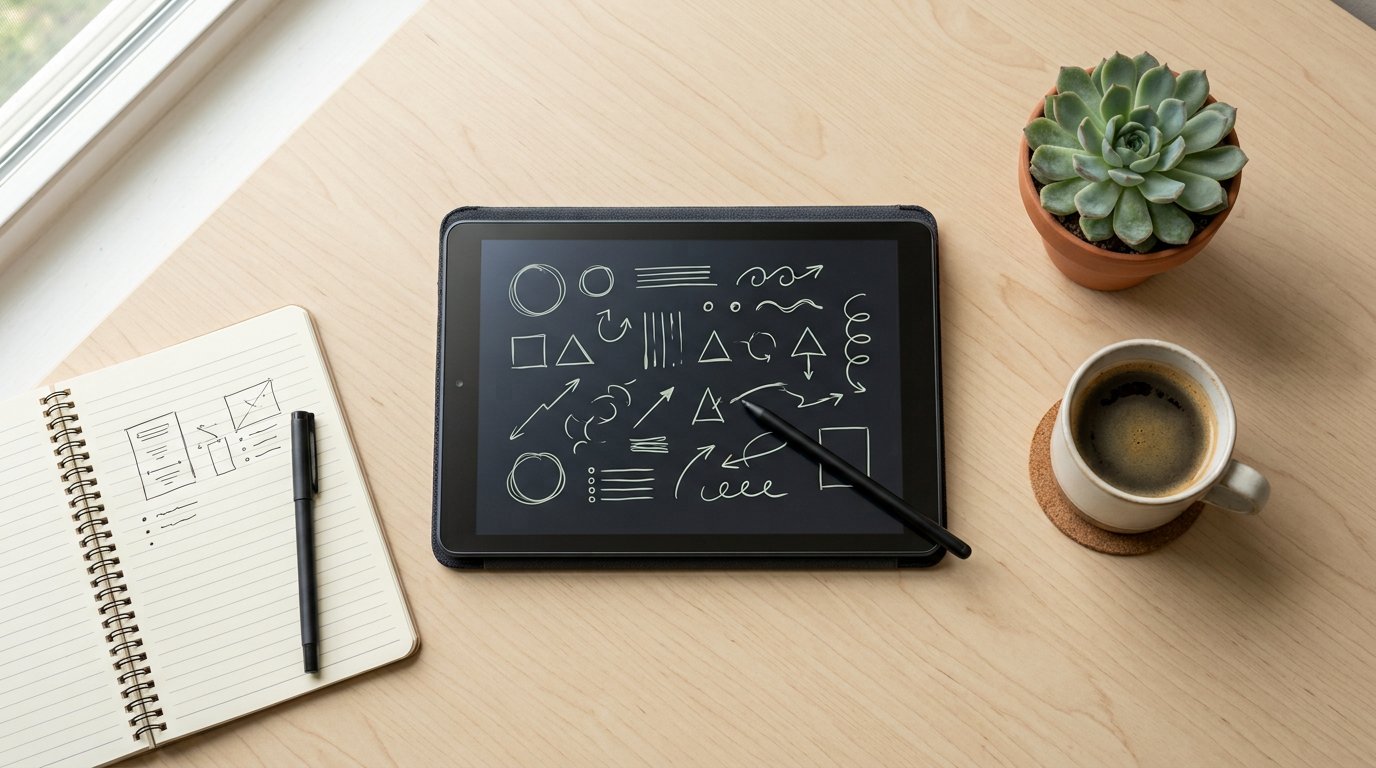
How to Choose — Screen, Storage & Updates
Work through this order.
- Screen — refresh rate (90Hz+) is the upgrade you feel most. Higher resolution matters on a bigger display.
- Storage & RAM — aim for 128GB and 8GB; a microSD slot is a bonus.
- Updates — the single most overlooked spec. Samsung’s 3 OS + 4 years is the budget class leader.
- Ecosystem — Android/Google Play for the widest choice and Google Classroom; Fire OS for the cheapest streaming; iPadOS for the best apps and longevity.
- Budget — a new budget tablet beats a used flagship for warranty and battery health.
Frequently Asked Questions
What’s the best tablet for streaming, reading or school?
Streaming: the Amazon Fire HD 10 on a tight budget, or the Xiaomi Redmi Pad Pro for the best screen. Reading: the TCL NXTPAPER 11. School: the Lenovo Tab M11 with its included stylus.
Is the Fire HD 10 worth it without Google Play?
Yes, if all you want is streaming and reading through Amazon apps. But if you need Chrome or Google Classroom, you’ll have to sideload the Play Store — an extra step many would rather skip.
Samsung or iPad on a budget?
Samsung Galaxy Tab A9+ for the best value and Android freedom. The iPad if you want the best apps, best performance and the longest life, and can spend a bit more.
Is 4GB of RAM enough?
It’s workable for streaming, reading and light browsing, but it can feel tight if you switch between several apps or play games. 8GB is noticeably smoother.
Should I buy a used flagship or a new budget tablet?
A new budget tablet is the better bet for most people. It comes with a warranty, a fresh 100%-health battery and guaranteed updates, while a used flagship risks a degraded battery and an uncertain support life.
The best budget tablet in 2026 depends on how you’ll use it. For the best all-round Android with long support, get the Samsung Galaxy Tab A9+. For the cheapest reliable streaming and reading, the Amazon Fire HD 10. For school and note-taking, the Lenovo Tab M11. For a bigger, faster screen, the Xiaomi Redmi Pad Pro. For the most comfortable reading, the TCL NXTPAPER 11. And if you want the best experience and longest life, stretch to the iPad. Prefer to read on a dedicated device? See our Amazon Kindle 11th Generation review, or learn whether a laptop is the right call. Browse the Computer & Laptops category for more.




One thought on “Best Budget Tablets (2026): 6 Picks Under $300”
Comments are closed.