

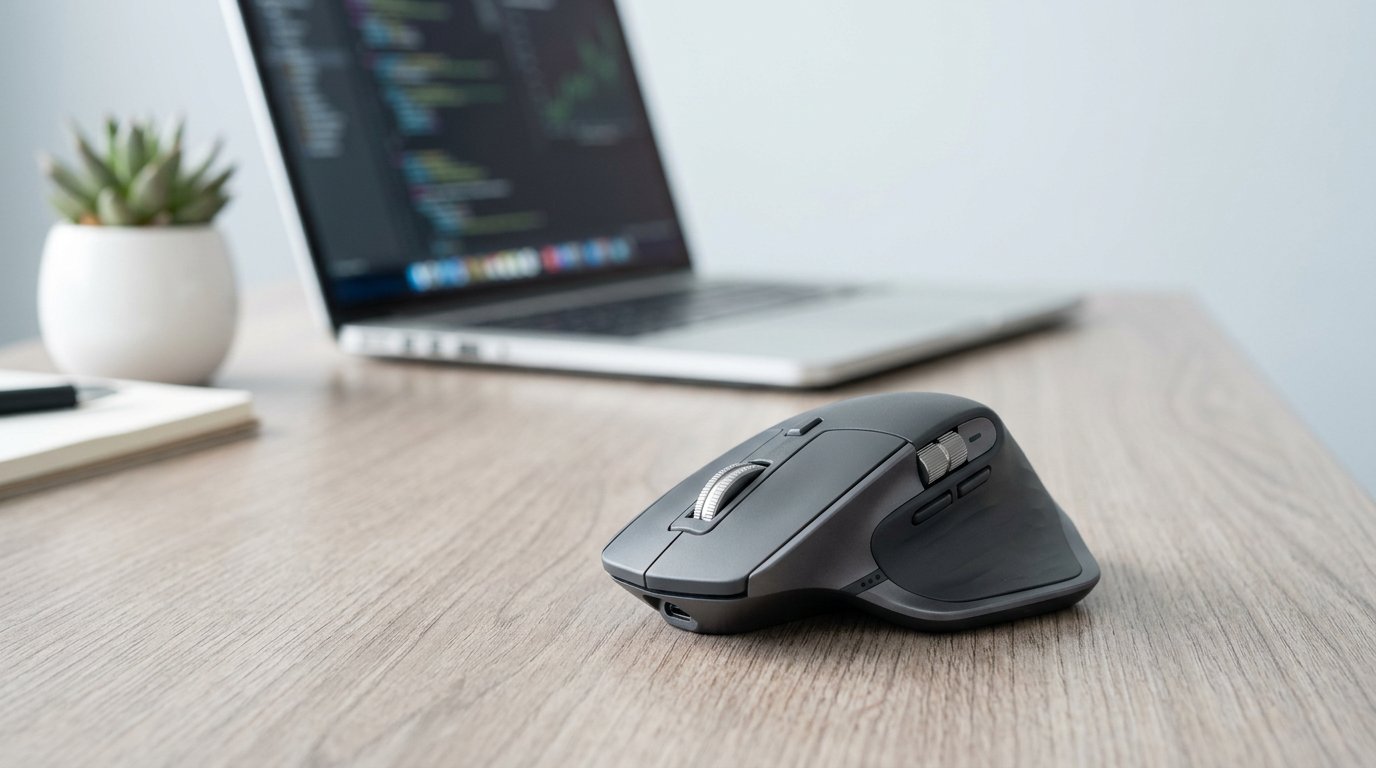
If you want the best office mouse, the Logitech MX Master 3S is the one to buy in 2026. MagSpeed scroll wheel, 90% quieter click, three-device switching, 70-day battery — around $99, and it earns that price if you sit at a desk 6+ hours a day. Work less than that? The $34 Logitech M650 does 90% of the job. Below: my four picks and the three questions that decide which is yours.
Best Office Mouse Picks for 2026
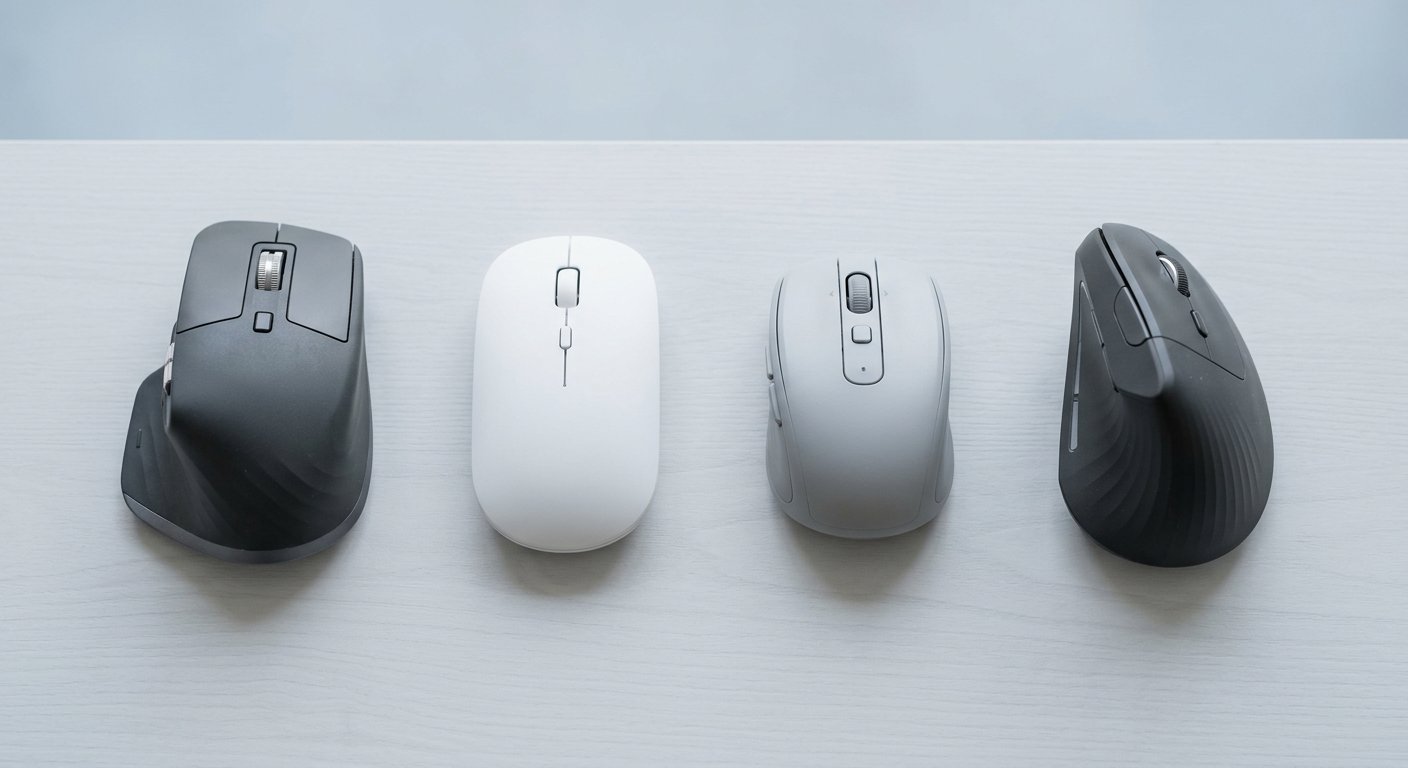
The four best mouse for work picks for 2026, by who they’re actually for:
| Mouse | Best for | Price (2026) | Battery |
|---|---|---|---|
| Logitech MX Master 3S | Overall, all-day desk work | ~$99 | 70-day rechargeable |
| Logitech Signature M650 | Budget, shared office | ~$34 | AA, 18–24 months |
| Logitech MX Anywhere 3S | Laptop + travel | ~$99 | 70-day rechargeable |
| Logitech Lift Vertical | Wrist pain, small–medium hands | ~$70 | AA, ~3 months |
Logitech MX Master 3S: Best Overall
At around $99, this is the pick for most people, and it isn’t close. The MagSpeed scroll wheel is the reason: one flick scrolls an entire document — up to 1,000 lines per second. The click is 90% quieter than normal, so it works in shared rooms and on calls. One button switches between three devices, and a USB-C charge lasts about 70 days.
The flaws: it weighs 141g, which feels heavy if you came from a lighter mouse, and it’s right-handed only. Skip it if you have small hands or use one computer a few hours a day — the M650 below saves you $65. Full specs: the official Logitech page.
Logitech Signature M650: Best Budget
Best value in the whole best mouse for work conversation, honestly. Silent click, SmartWheel scrolling, two sizes plus a left-hand version, Bluetooth or Logi Bolt pairing — for about $34. The AA battery lasts 18–24 months; one Reddit user put it best: "lasts like 2 years, so not a big deal."
The flaws are real: the shape runs smallish, and a few users report wrist strain after half a day of heavy use — if you mouse all day, try one first. Skip it if you have large hands. If $34 is still too much, our best budget mouse under $20–30 guide goes even lower.
Logitech MX Anywhere 3S: Best for Laptop and Travel
The same MagSpeed scroll wheel as the Master 3S, in a mouse small enough for a jacket pocket at 100mm long. It tracks on glass — rare for a best wireless mouse for office pick — so it works on conference tables and hotel desks.
The pick if your day moves between a laptop, a home desk, and wherever else. Skip it if you have large hands or you’ll never move it — the Master 3S fits an 8-hour desk better.
Logitech Lift Vertical: Best for Wrist Pain
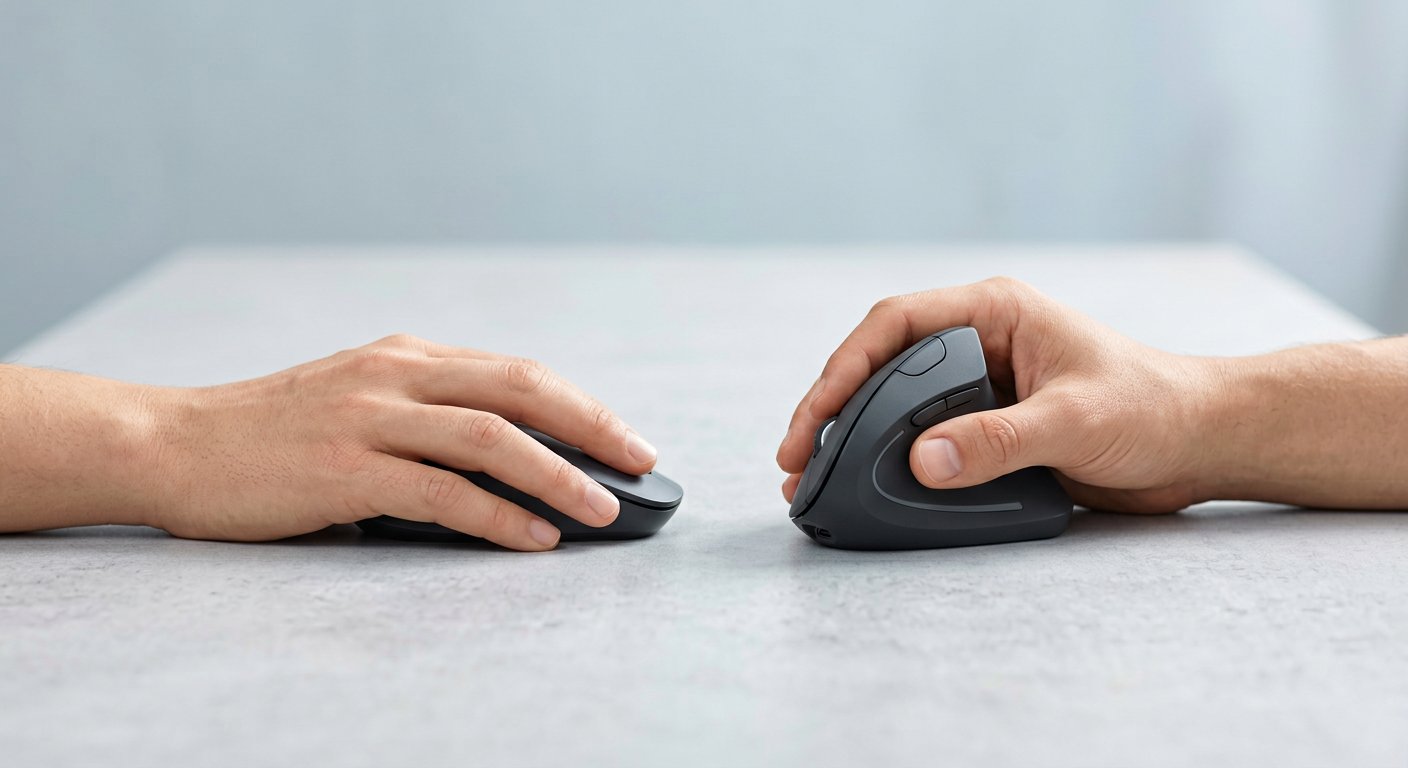
If your wrist or forearm starts aching by mid-afternoon, this is the best ergonomic office mouse to start with. The 57° vertical shape puts your hand in a handshake position, which removes the forearm twist a flat mouse forces all day. It’s sized for small-to-medium hands and comes in left- and right-hand versions.
The catch: expect one to two weeks of adjustment. If your hands are large, size up to the MX Vertical (~$90); if you have severe RSI, look at a trackball like the MX Ergo S. No wrist pain? Skip vertical mice entirely — you’d be changing habits for nothing.
Worth Knowing
The MX Master 4 (~$120) is the 2026 flagship — only worth it for Logitech Flow between two computers or its haptic feedback. The Razer Pro Click V2 (~$100) is the best office mouse that isn’t a Logitech: seven buttons, dual-mode scroll, 380-hour battery.
How to Choose the Best Mouse for Work
Most people don’t need the most expensive mouse — they need the one that matches how they actually work. Answer three questions.
1. How Many Hours a Day Do You Mouse?
Under 4 hours — email, docs, browsing — the $34 M650 does 90% of what the $99 mouse does. The gap is scroll speed and extra buttons; you only feel it in 1,000-line spreadsheets. At 6+ hours, the Master 3S pays for itself in the first week — the scroll wheel alone saves real time.
2. Which Devices Do You Switch Between?
One computer? Any pick above works. Work laptop plus home desktop plus tablet? You want Easy Switch — one button, and the cursor jumps to the next device. The Master 3S, Anywhere 3S, and Lift all do that across three devices. Most people get this part wrong: they buy a premium mouse that only pairs one way.
3. Does Your Wrist Hurt?
Be honest here. No pain — go by shape: small hands suit the M650 or Anywhere 3S, medium hands fit any pick, large hands want the Master 3S. Wrist or forearm ache by afternoon — get the Lift for small-to-medium hands or the MX Vertical for large hands, and give it two weeks. Pain that’s already bad, or RSI from a doctor — a trackball like the MX Ergo S removes arm movement entirely. For the deeper picture on shape, grip, and sensors, see the computer mouse buying guide.
A Reality Check Before You Buy
Before you order, read what people say after they buy — the first thing we check at Gadgetping. A thread on r/MouseReview is literally titled "Logitech MX Master 3S is overhyped garbage": 141g feels heavy, 8,000 DPI is pointless at office work. Fair points — most office workers would never notice either. The same sub has people reporting wrist strain from the M650 after a heavy half day. Both can be true. The mouse that fits your hand beats the mouse with the better spec sheet, every time.
Wired or Wireless for Office?
Short answer: wireless, and it isn’t close. A 2.4GHz dongle mouse like Logi Bolt has under 1ms of delay — you cannot feel it at office work. Bluetooth adds a few milliseconds, never noticeable at office work either. Wireless means no cable drag, a cleaner desk, and a mouse that moves with you.
The rechargeable picks last about 70 days per charge — most people plug them in once a quarter. The M650’s AA battery lasts 18–24 months, and rechargeable AAs make it maintenance-free. My wired vs wireless mouse comparison covers where wired still wins.
Frequently Asked Questions
Is the Logitech MX Master 3S really worth $100 over a $30 mouse?
If you sit at a desk 6+ hours a day, yes. The MagSpeed scroll wheel, the quiet click, and three-device switching fix three daily annoyances a $30 mouse can’t. Under 4 hours a day? No — the M650 at $34 does the job.
Should I get a vertical mouse if my wrist hurts?
Yes, start there. The best mouse for wrist pain is usually a vertical: the Logitech Lift puts your hand in a handshake position and removes the forearm twist a flat mouse forces all day. If the pain is already severe, go straight to a trackball like the MX Ergo S.
Can I use a gaming mouse for office work?
Usually it’s the wrong tool. Gaming mice pack a dozen side buttons where an office thumb never reaches, add RGB that drains the battery, and are shaped for claw grip instead of a relaxed all-day palm. A purpose-built productivity mouse wins on scroll quality, quiet clicks, and multi-device switching.
What DPI do I need for office work?
Between 800 and 1,600, and most office mice ship set correctly already. Rule of thumb: 1080p single monitor, 800–1,000 DPI; 1440p, 1,200–1,600; 4K or dual monitors, 1,600–2,400. You can always change it in the mouse software — shape and scroll quality matter more than the DPI number.
Is a silent click worth paying for?
If you share a room, take calls at your desk, or work late — yes. The quiet-click mice, like the M650 and Master 3S, are about 90% quieter than a standard click, and people in earshot genuinely notice. The trade-off: silent clicks feel softer. If your door closes, a standard click is fine.
Short version: MX Master 3S for long hours, M650 for the smartest money, Anywhere 3S if the mouse travels with you, Lift if your wrist is telling you something.
Over at Gadgetping we test gadgets from Amazon, AliExpress and Flipkart so you buy the right one — not the loudest one. That’s the standard behind this list: real pros, real cons, 2026 prices you can find.
On a tight budget? Start with our Amazon Basics wireless mouse review — the cheapest mouse that still respects your time.




One thought on “Best Mouse for Office & Productivity Work (2026)”
Comments are closed.