The Owl Bar is Owl Labs’ front-of-room camera — 4K, mics, speaker, sits under the TV — and you only need it if people look at a display. List is $1,799, often ~$1,439. Pair it with a Meeting Owl 3 or 4+ when the same room also talks around the table. Skip it if everyone is on laptops. Don’t buy a new Meeting Owl Pro to match it; that unit is end of life on Gadgetping.
Owl Bar: What It Actually Is
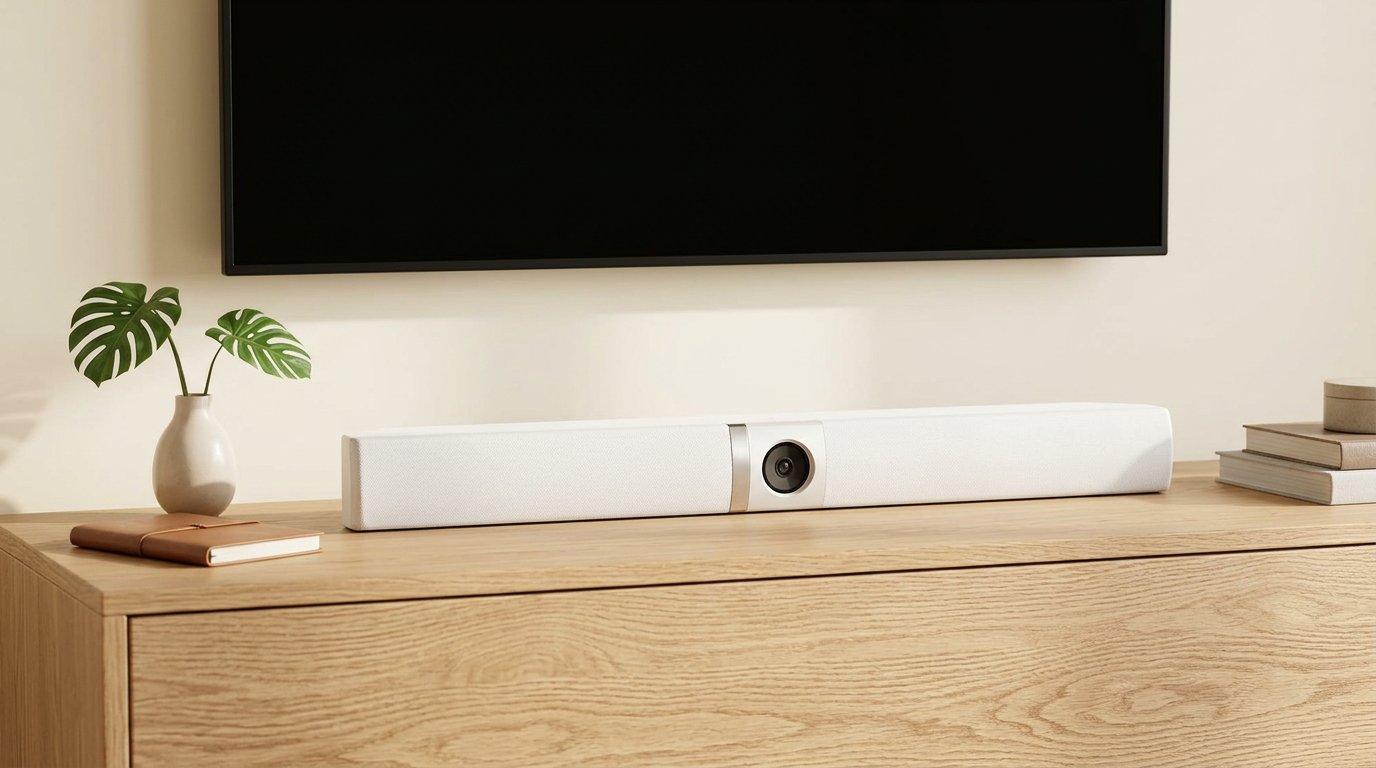
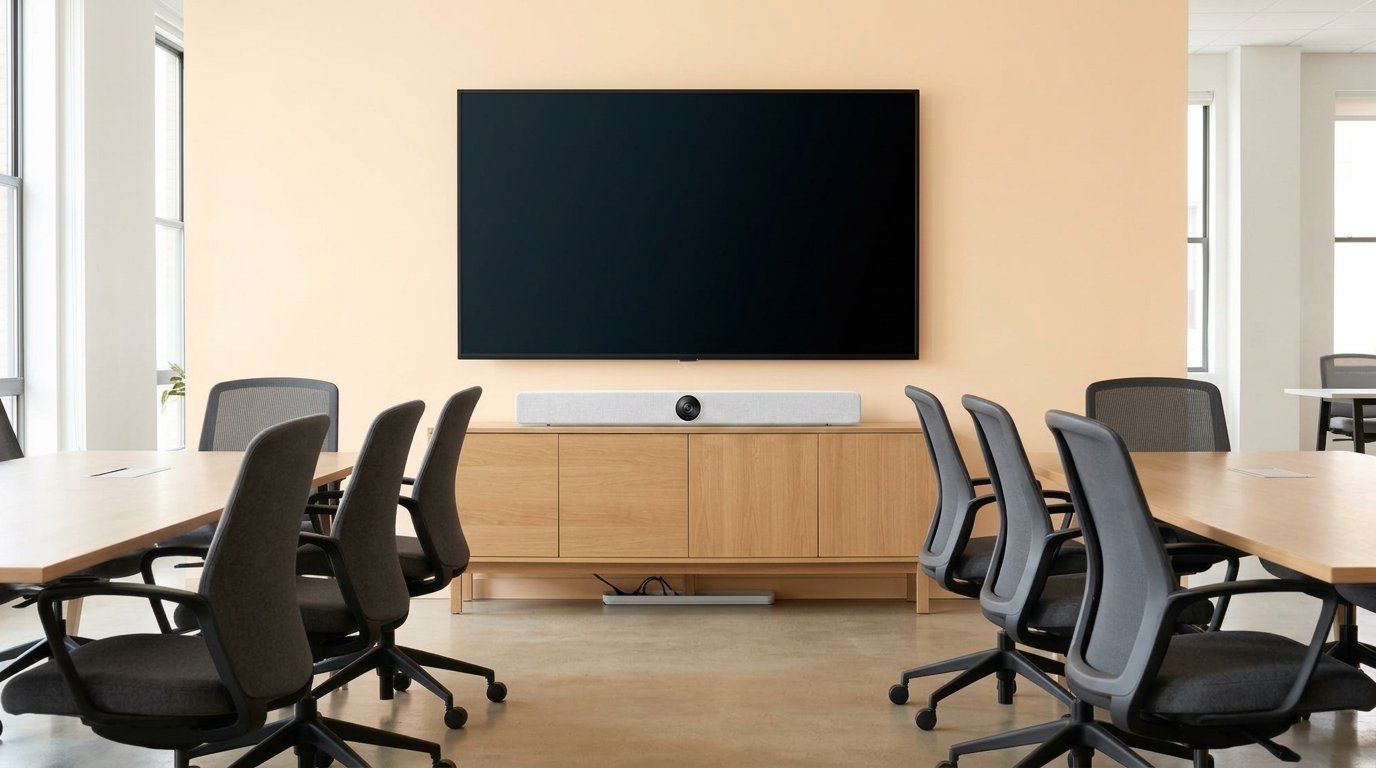
4K, 114° — a front-of-room bar with Owl Labs pairing.
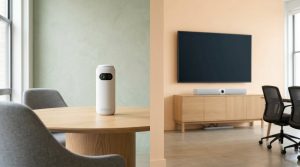
Think soundbar with a camera in the middle. About 30 inches wide. USB to the host. Power brick. Wi-Fi for the app and firmware, not for the meeting itself.
| Spec | Owl Bar |
|---|---|
| Video | 4K UHD, 114° FOV |
| Video pickup | ~10 ft (3 m) |
| Audio | 8-mic array, ~18 ft (5.5 m) |
| Speaker | Built-in (volume paired/capped with a Meeting Owl when linked) |
| Place | Under the display or on a credenza |
| Pairing | Meeting Owl 3 or 4+ (and Whiteboard Owl) |
| List / street | $1,799 / ~$1,439 |
It works alone in a small huddle that faces a TV. It gets interesting when software mixes the Bar’s face-on shot with a 360 Owl on the table. That mix is the only reason to pay Owl Labs instead of buying any decent USB bar.
I treated the Bar as “the missing half of a Meeting Owl” the first time I saw a hybrid standup on a wall display. Remote people had been watching the back of my head for months. The Bar fixed that. It did not fix a noisy room, and it did not replace a real DSP.
Owl Bar vs Meeting Owl
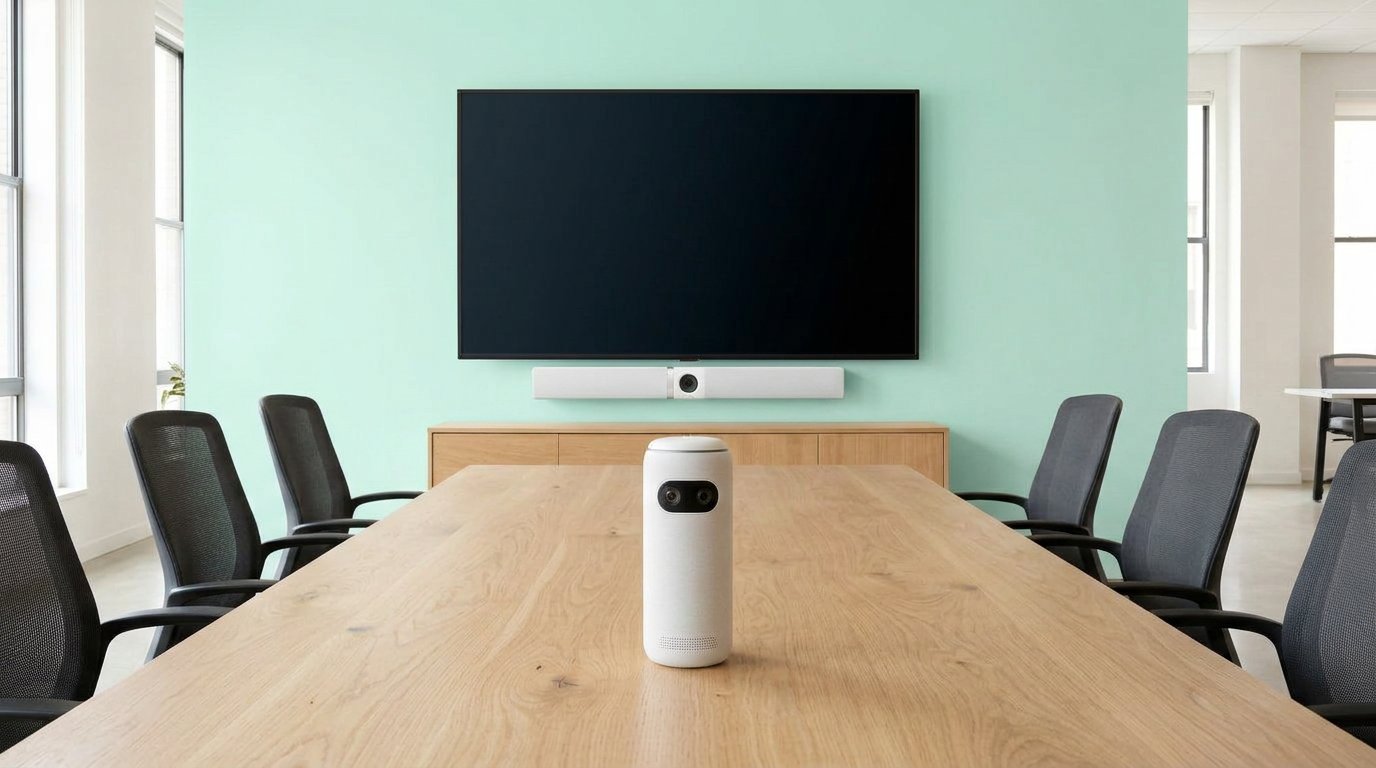
Pair Bar + Meeting Owl 3 or 4+ when people face both the table and the TV.
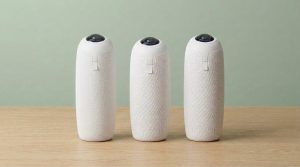
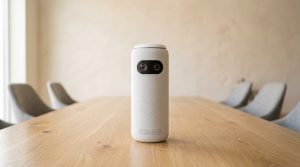
A Meeting Owl sits in the center and sees 360°. Remote people get whoever is talking — and the backs of heads the moment everyone turns to the screen. The Owl Bar sees what a normal conference bar sees: faces looking at the TV.
| Meeting Owl 3 / 4+ | Owl Bar | |
|---|---|---|
| Where it lives | Middle of the table | Under the display |
| View | 360° fisheye | 114° front |
| Best meeting | Discussion around a table | Presenting to a screen |
| Remote sees | Talker + whole table | Faces, not skulls |
Pair them and Owl Labs’ software picks the better angle. That’s the pitch. Telehealth Technology’s lab note is the honest bit: the Bar helped video a lot; it did not magically make audio louder than the Owl. Volume follows the Owl when they’re linked.
Do not assume a Meeting Owl 5 Pro drops in. The 5 Pro does not pair with other Owl models. Bar + 3 or Bar + 4+ is the combo Owl Labs sells.
If you only need a face cam at a desk, a webcam is cheaper. More room gear: Cameras & Video.
Who Should Buy the Owl Bar
Buy it if:
- The room has a shared display and people face it
- You already like a Meeting Owl 3 or 4+ and hate the “back of head” shot
- Client calls where looking professional on camera matters
Skip it if:
- Nobody looks at a TV (laptops only) — a table Owl is enough
- You’re one person — webcam
- You want a cheaper front bar (Logitech MeetUp 2, Jabra PanaCast 50, Poly Studio R30) and don’t care about Owl pairing
- You’re shopping “owl bar plus two owl 360 cameras” as a first cart. That’s boardroom money (often $3,200–$4,000+). Start with one device.
AV threads keep saying the same thing Gadgetping does: Owl gear wants a small, well-behaved room. A Bar does not turn a 50-seat lecture into a huddle.
Setup, Mount, Honest Cons
Power + USB to the PC running Zoom or Teams. Mount under the display (Owl Labs TV mount is extra, about $119) or sit it on the credenza. Open the Meeting Owl app on Wi-Fi for firmware and pairing.
Cons I would not hide:
- Price is Rally-Bar-adjacent for a niche add-on
- Speaker is not a PA. Don’t expect it to fill a long room
- Pairing is an Owl-family feature. Mix with Logitech later and you bought a silo
- 10 ft video circle — front row, not the cheap seats
Call controls on the Bar (when USB-connected) are fine for a huddle. They’re not a Teams Room panel.
Setup is still easier than a DSP. That’s the whole Owl Labs story. Firmware still matters — pair on current software or you’ll chase ghosts. Gadgetping’s rule: update once on Wi-Fi, then leave the app alone during the meeting.
Frequently Asked Questions
Does the Owl Bar work without a Meeting Owl?
Yes. It’s a USB 4K bar. Pairing is optional. You buy pairing when people face both the table and the TV. A huddle that only looks at a wall display can run the Bar alone and skip the $1,099 table Owl.
Can I pair Owl Bar with Meeting Owl 5 Pro?
Don’t plan on it. 5 Pro does not pair with other Owl models. Use 3 or 4+.
Owl Bar vs Logitech MeetUp / Rally Bar Mini?
MeetUp/Rally are better “just a bar” buys for many rooms. Owl Bar wins only if you already live in Meeting Owl software and want that dual-angle cut.
How do I mount it?
Under the display, camera at face height. TV mount or furniture. Don’t hide it behind a lamp.
Is $1,799 worth it?
Only with a real shared screen and a table Owl (or a huddle that only faces the TV). Otherwise you’re paying Owl branding for a job a $900 bar already does.
The Owl Bar is not a second Meeting Owl. It’s the front camera for rooms that look at a wall. Pair with a 3 or 4+ if the table still matters. Skip the two-Owl-plus-Bar starter fantasy unless the room is actually that big.
That’s the Gadgetping review: buy the angle you sit in, not the bundle photo. Room first. SKU second. If you still own a Pro, read the Pro write-up before you add a Bar to a dead SKU. Next in this cluster is setup and reset — the unglamorous USB part that actually makes the Bar show up in Zoom. Until then: Bar for the wall, Owl for the table, and nothing extra until the room asks for it.