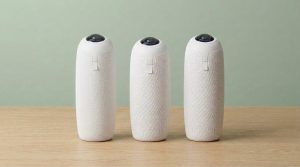
Owl camera setup is power, USB, and picking the Owl in Zoom — not a 40-page AV job. Meeting Owl 3, 4+, 5 Pro, and even the Owl Bar follow that pattern. The phone app is for firmware, reboot, and pairing. You do not need it to start a normal call. If you still own a Pro, the plug-in steps are the same; the SKU is end of life on Gadgetping.
Owl Camera Setup: Plug In, Place, Pick It
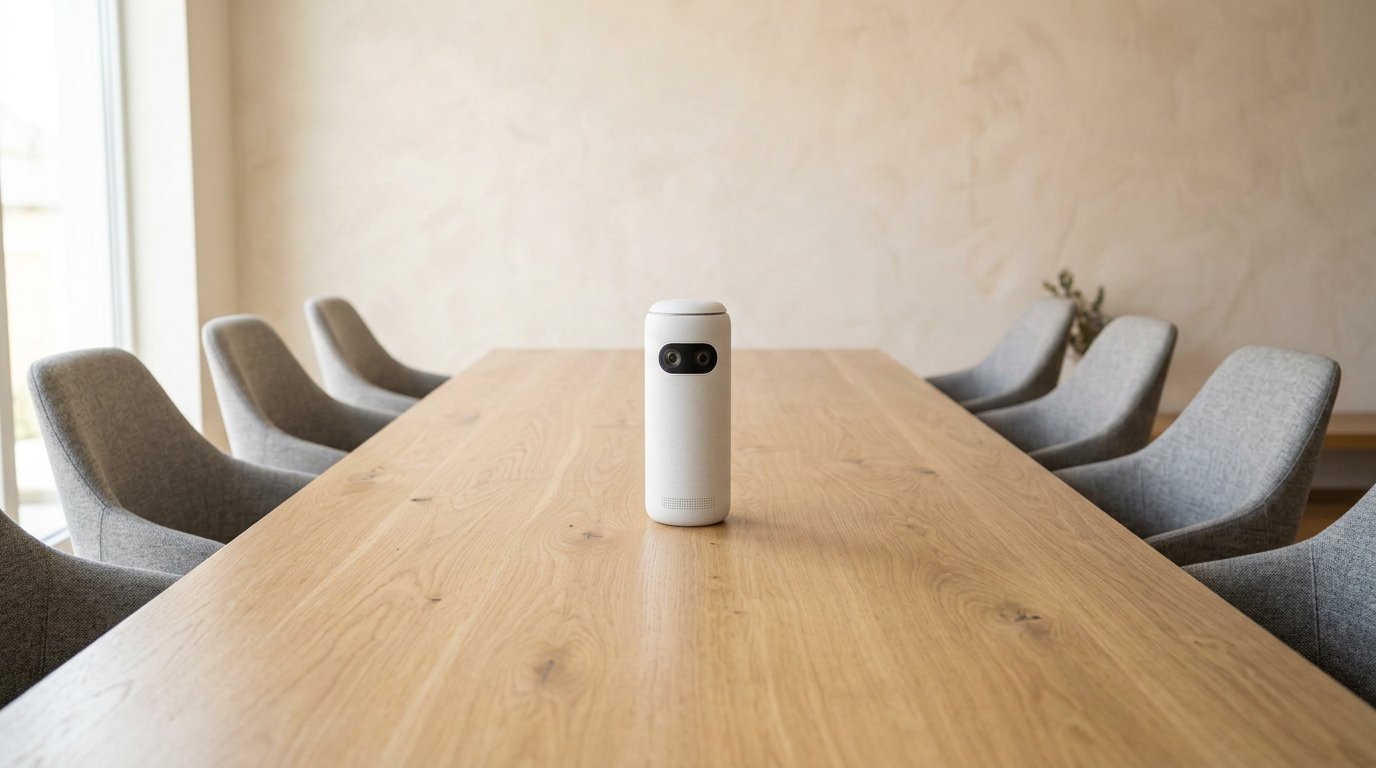
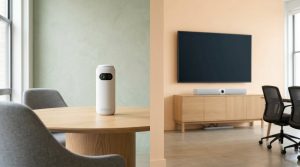
Middle of the table, face height — not the credenza.
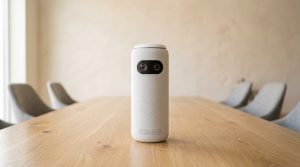
Put the Owl in the middle of the table, about face height. Not on the credenza. Not behind a monitor. People should sit inside that ~18 ft audio circle.
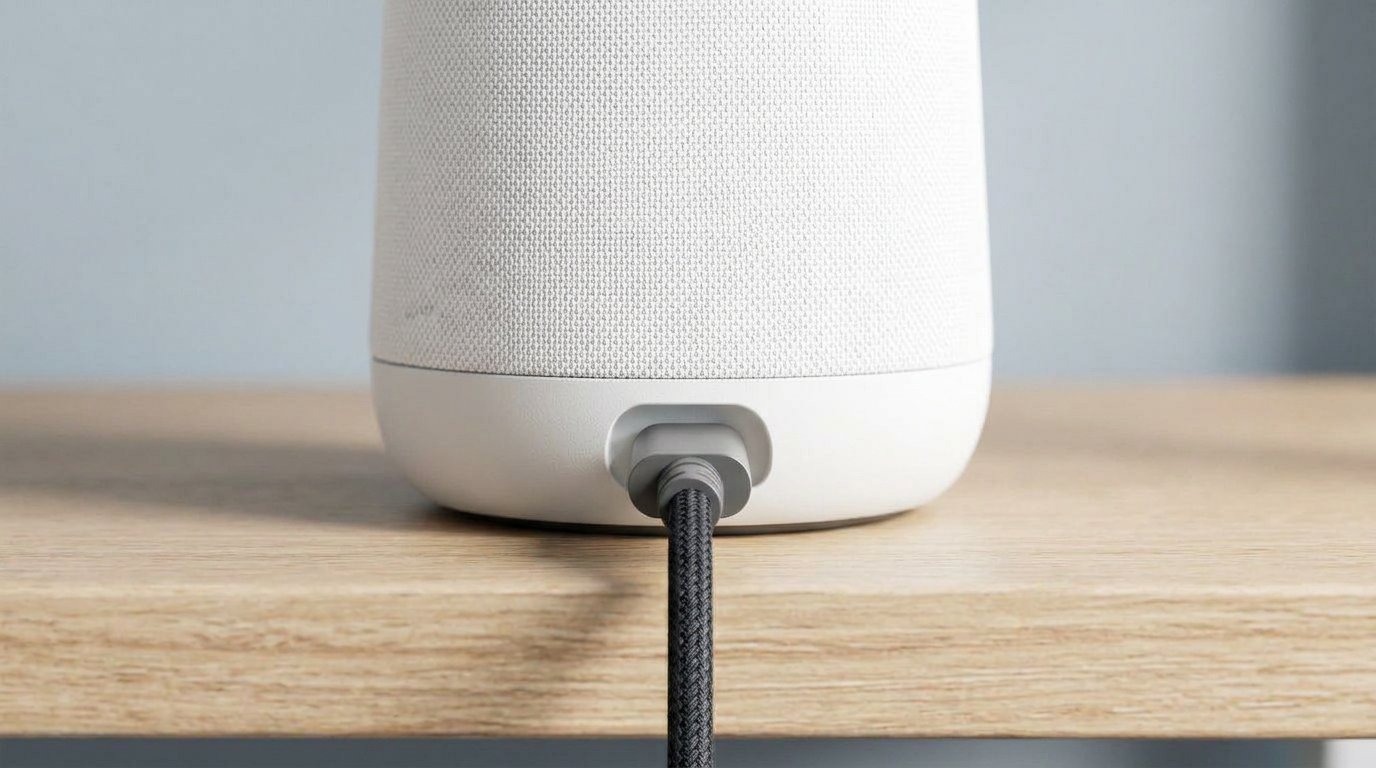
- Flip it, plug in power and the USB cable that came in the box.
- Plug USB into the laptop that will host Zoom, Teams, Meet, or Webex.
- Wait until the owl-eye lights settle.
- In the meeting app, set camera, microphone, and speaker to the Meeting Owl.
That’s the meeting. No Windows driver hunt on a normal PC or Mac.
Place the host laptop where the USB lead actually reaches. Stretching a $8 cable across the table is how “the Owl died” tickets start. If the table is huge, buy Owl Labs’ longer SuperSpeed cable — not a random Amazon extender. Over at Gadgetping we’ve watched more Owls fail from cable than from firmware.
Wi-Fi + Meeting Owl app (phone or desktop): register the unit, pull firmware, pair a Bar, reboot without crawling under the table. Skip Wi-Fi and you’ll run last year’s bugs.
First-time setup I actually recommend: plug USB and confirm Zoom sees it before you join Nest. If USB works, the camera is fine. Then add Wi-Fi. Doing firmware first on a unit that never enumerated will waste an hour you could have spent swapping a cable.
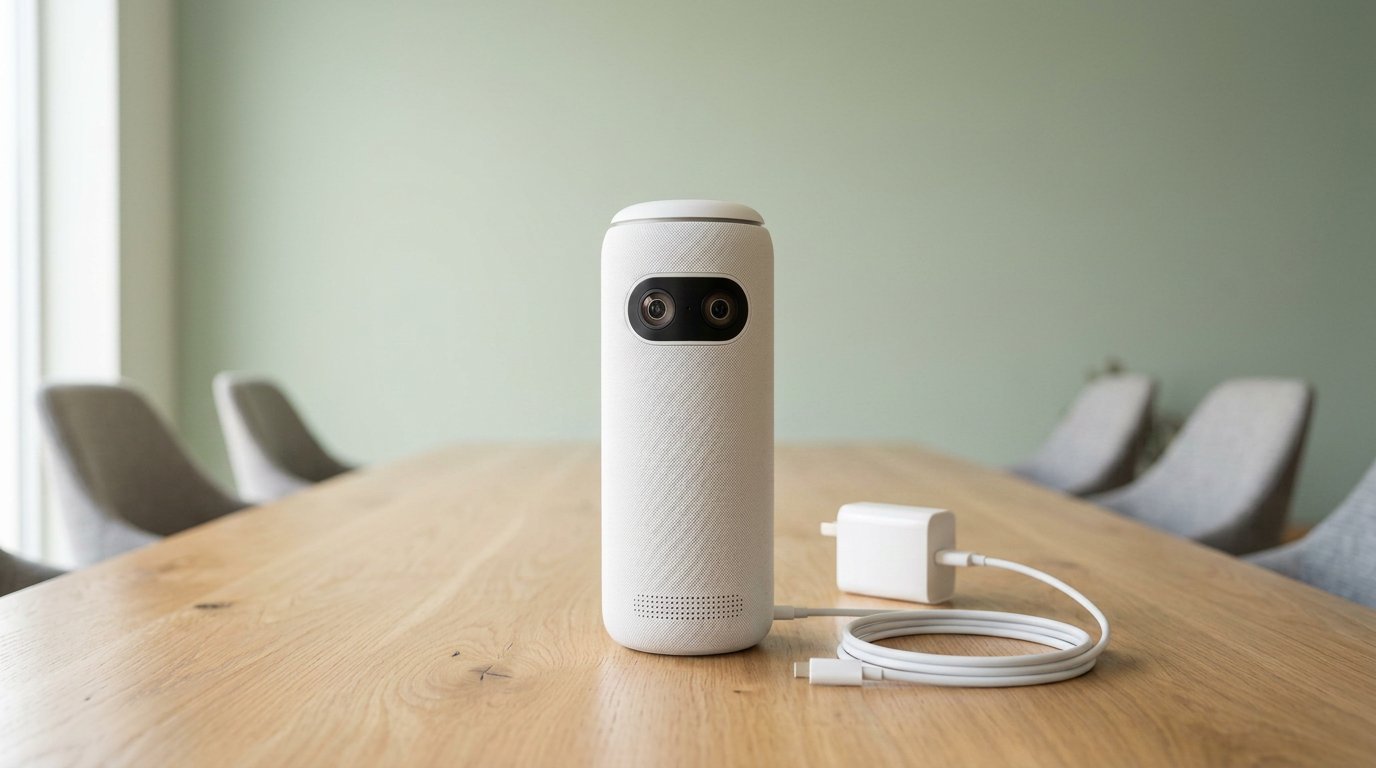
Use the included cable. Hubs and cheap extenders are how Owls “die.”
USB-C to C is picky. People in r/CommercialAV got “not detected” until they used USB-C on the Owl and USB-A on the laptop. Owl Labs says the same: drop hubs and cheap extensions; use the included ~6 ft cable or an approved SuperSpeed lead.
Meeting Owl 5 Pro: one USB-C can also drive HDMI to the room display. That’s BYOD. Don’t mix it with a 3 or 4+ pair.
Gear if you’re buying while you set up: Meeting Owl 3 · 4+ · 5 Pro.
How to Reboot a Meeting Owl
Owls have no power button.
Unplug method (always works): pull power for 10 seconds, plug back in. That’s Owl Labs’ first step when the camera won’t show in Zoom.
App method (no crawling): Meeting Owl app → Nearby → your Owl → cog → About → Restart Device. Same idea in Nest for a fleet: Devices → select → Actions → Reboot. Owl Labs reboot doc covers Pro, 3, 4+, 5 Pro, Whiteboard Owl, and Owl Bar.
Reboot before you “factory reset” anything. Most “it’s dead” tickets are a stuck USB session.
Lights frozen? Unplug anyway. App “Nearby” empty? You’re on the wrong Wi-Fi or Bluetooth is off on the phone. The meeting can still run on USB while the app sulks. Don’t confuse those two paths.
How to Reset a Meeting Owl
There is no pinhole reset. Integrators keep looking. It isn’t there.
What you can do:
- Reboot (above)
- Update firmware in the app
- Unpair / re-pair (Bar or second Owl) per Owl Labs — including the USB swap trick if pair-error 204
- Contact Owl Labs if the unit won’t boot
“Reset” in real rooms means: unplug, different cable, different USB port, different PC, then app restart. Don’t wipe Nest settings from a phone during a client call.
If the Owl is brand new, finish app registration so warranty and updates actually attach. Gadgetping’s boring advice: update once on day one, then leave it.
If Zoom Can’t See the Owl
Work this list. It’s the Owl Labs “can’t select the Owl” article in human:
- Unplug power 10 seconds
- Reseat USB — no hub, no 16 ft mystery cable
- Try USB-A on the computer
- Another USB port, then another computer
- Windows: camera + mic privacy on; Mac: same
- Browser meetings: allow camera in Chrome/Edge/Safari
- Don’t run a random “Meeting Owl” desktop helper as the meeting — Zoom/Teams is the meeting
Still invisible? Firmware, then support. A $1,099 tower that needs three laptops to enumerate is a cable problem until proven otherwise. I would rather look dumb swapping cables for five minutes than look dumb on a client call with a black tile. Keep the original USB in the room. Label it. Steal-proof it. That cable is the setup.
One person at a desk still wants a webcam, not this. More room cameras: Cameras & Video.
Frequently Asked Questions
Do I need the Meeting Owl app to join a call?
No. Power + USB + select devices in Zoom/Teams. The app is firmware, reboot, pairing, Nest. If a host who never installed the app can see the Owl in Zoom, setup worked. Install the app later on Wi-Fi, not during the all-hands.
How do I factory reset a Meeting Owl?
You don’t, not with a pin. Reboot, update, re-pair, or call Owl Labs. No hidden hole.
USB-C to USB-C won’t connect. Now what?
Use the box cable or C-to-A. Skip unpowered hubs and long cheap extensions.
Does this setup work for Owl Bar too?
Yes: power + USB, pick it in the meeting app. Pairing with a table Owl is extra, in the app.
Can I set up Meeting Owl 5 Pro the same way?
USB still starts the meeting. HDMI is the extra BYOD trick. It will not pair with a 3 or 4+.
How often should I update firmware?
Day one, then when something breaks or Owl Labs posts a fix. Don’t patch mid-standup.
Can two people host from two laptops at once?
No. One host PC owns the USB Owl. Everyone else joins the meeting as remote, even if they’re in the room — or they sit in the 360 shot and stay quiet on mics.
Owl camera setup stays dumb on purpose: middle of the table, power, USB, pick it in Zoom. Reboot from the cord or the app. There is no magic reset pin.
That’s the Gadgetping version — less ritual, more cable. If your tower is a Pro, read the Pro post before you spend on a new 3 just to get a better USB-C lead.