If you’re stuck in the Logitech vs Razer mouse question, there’s no single winner, and anyone who tells you otherwise is selling something. The answer is what you do with the mouse. Competitive gamer? Razer is the stronger brand. Office worker, hybrid worker, or one-mouse-for-everything person? Logitech wins, and it isn’t close. Both make excellent mice — the question is the job. Below: the verdict table, a same-price head-to-head, and the durability debate, both sides. Want the deeper picture on sensors and DPI? The computer mouse buying guide covers it from the ground up.
Logitech vs Razer: The Quick Verdict
Six categories, one table:
| Category | Winner | Why |
|---|---|---|
| Gaming specs | Razer | Lighter shells, native 8K polling, optical switches |
| Productivity | Logitech | MX Master 4 has no Razer equal |
| Software | Logitech | G Hub is leaner and more stable |
| Battery + wireless | Tie | Both ~90 hours, both 8K capable |
| Value | Logitech | Stronger mid-range pricing |
| RGB + ecosystem | Razer | Chroma syncs with 200+ partners |
Here’s what the 2026 gap actually looks like. At the flagship level, Razer still leads on paper — lighter, faster polling, switches that never double-click. Below $100, the difference shrinks to margin of error. The real divide isn’t specs, it’s what each brand builds around them.
Same Price, Different Mouse
Same money, different job. Here’s what each brand hands you at four price points.
Under $30: G203 vs DeathAdder Essential
Both cost about $25, and both have been best-sellers for a decade, which says everything. The Logitech G203 gives you the sharper sensor and calmer G Hub software. The Razer DeathAdder Essential gives you the legendary palm-grip shape, which is why it outsells logic in thread after thread. At this price, the shape you like beats the spec sheet. Either way, our best budget mouse under $20–30 guide has the full shortlist.

$50–$100: G305 vs DeathAdder V3 HyperSpeed
This is Razer’s comfort zone. The DeathAdder V3 HyperSpeed pairs the classic shape with modern wireless for around $80–100, and it’s the first pick most people in this range should test. The Logitech G305 (~$40–55) spends the money on battery life and sensor refinement instead of shape — better value per dollar, less personality. Razer wins the tier. Logitech wins the wallet.
$100–$150: the split
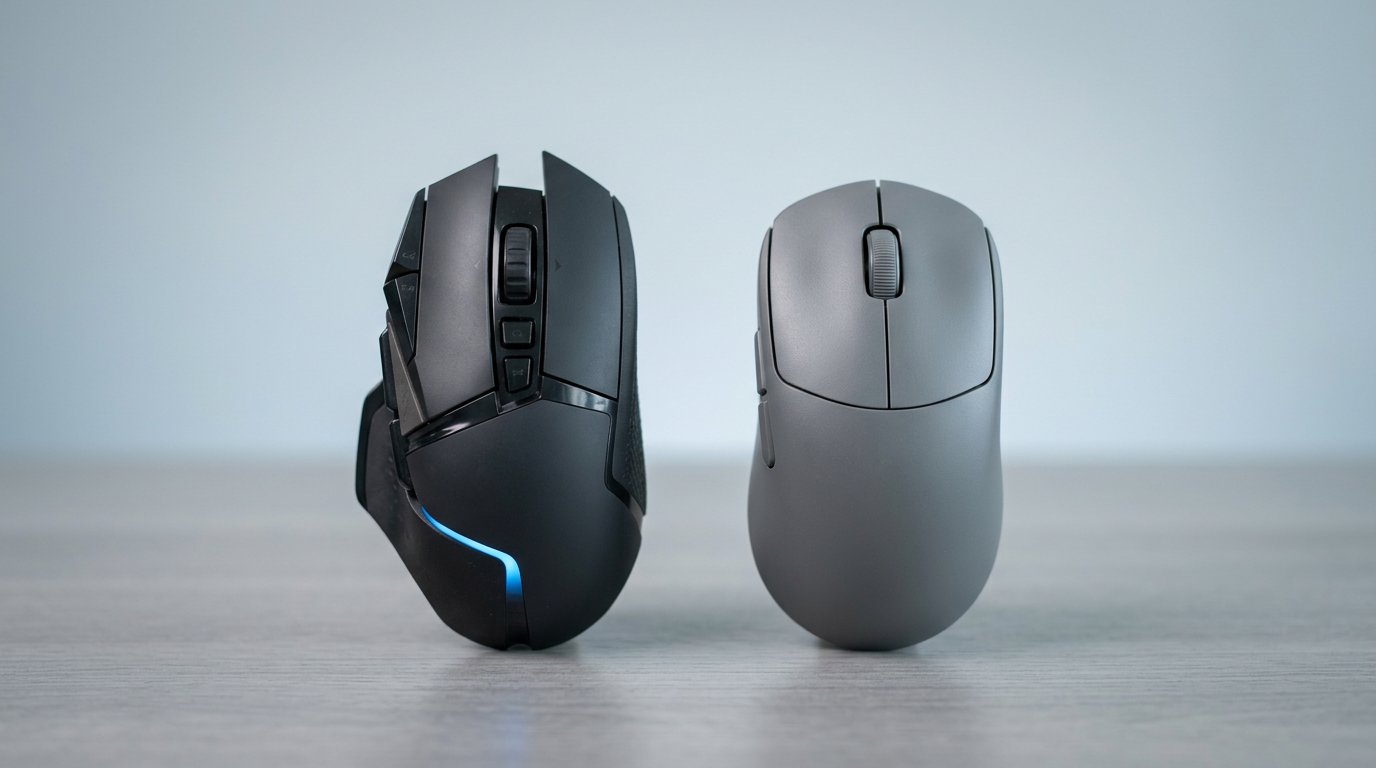
Between $100 and $150 the brands stop competing with each other and start answering different questions. Gaming: the Razer Viper V3 Pro (~$150) is 54g with native 8K polling, against the Logitech Pro X Superlight 2 at ~60g. Great mice, different shops — pick the shape that fits your hand, not the chart. Office: the Logitech MX Master 4 (~$120) is the best productivity mouse going, and the Razer Pro Click V2 (~$100) is a solid challenger — but as one YouTube commenter put it, "what makes the Razer a productivity mouse? It’s just a mouse." Our best office mouse for work guide breaks that matchup down fully.
$150 and up: flagships
Logitech’s Pro X2 Superstrike answers Razer with HITS magnetic switches — its answer to the double-click problem — while Razer counters with the Viper V4 Pro and the 45K-sensor DeathAdder V4 Pro. At this money you’re paying for edge cases, not daily gains. boardzy’s head-to-head of the two flagships is the best fifteen minutes you can spend before ordering.
Where Each Brand Actually Wins
Gaming — Razer
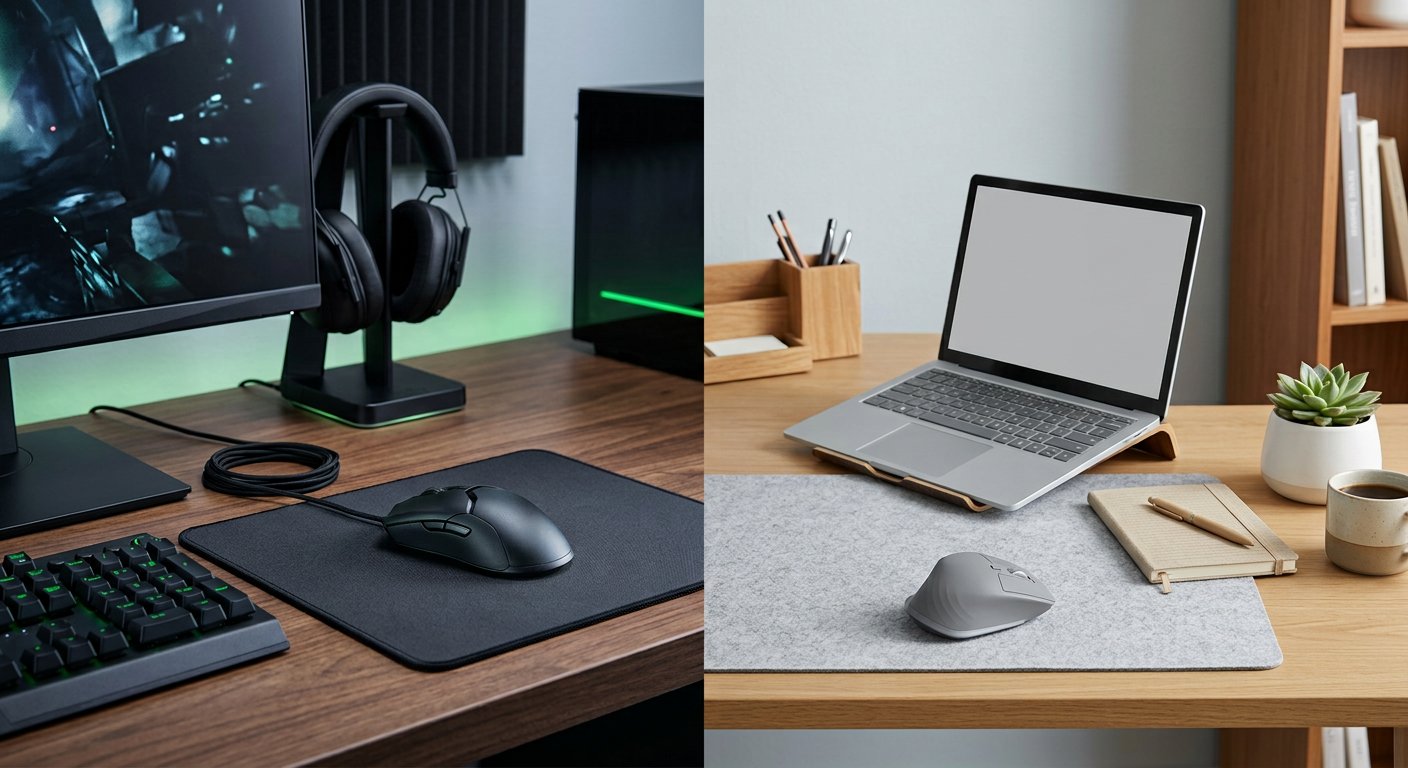
Against the best Logitech gaming mouse it faces, the Razer Viper line still pushes the envelope: lightest shells, native 8,000Hz polling, optical switches rated to 90 million clicks, and the Naga line if you live in MMOs. If you’re ranked in an FPS and you feel every millisecond, this is the brand for you.
Office and productivity — Logitech
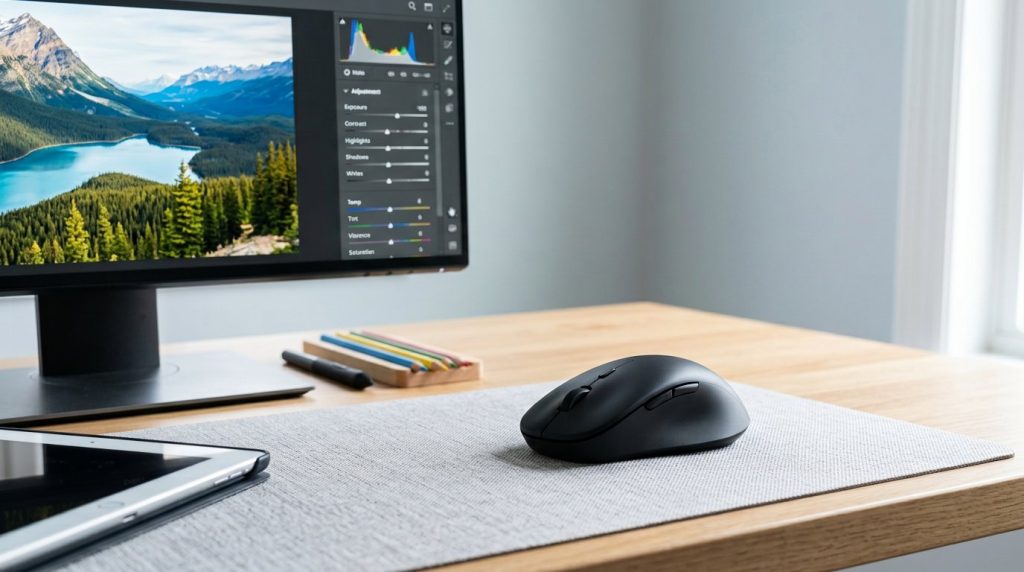
This is the one category with a clear, permanent winner. The MX Master 4 is the best productivity mouse on the market — MagSpeed scroll, quiet clicks, three-device switching, 70-day battery. Razer’s only real answer is the Pro Click V2, which is a good mouse that carries none of those workflow features. If your day is documents, spreadsheets, and calls, this round needs no table.
Software and support — Logitech
G Hub boots fast, stays out of the way, and rarely breaks a profile. Synapse 4 does more — per-key RGB, cloud sync across a Chroma desk — but it’s heavier, and the bloat complaint follows it from version to version. Support runs both ways, though: one Reddit user got a free replacement G903 from Logitech, another got an RMA refused by Razer over an "authorized seller" clause. Both carry 2-year global warranties. Neither is risk-free.
The Reliability Debate
Here’s the part no spec sheet covers. Search r/MouseReview and you’ll find the same question from every angle: a user with three Nagas in four years, another with a Viper Ultimate that’s had zero issues in five, a third whose Logitech gaming mouse is still working after ten. There’s a Mouse Lifespan: Razer vs Logitech thread that holds both the horror stories and the survivors in one place — and that’s the honest picture. The pattern underneath: mechanical switches wear out, whichever logo is on the shell. That’s why Razer moved to optical switches (no contacts, no double-clicks) and why Logitech answered with HITS magnetic switches. We see both sides in the Gadgetping inbox too — so here’s how we judge it: the switch, not the logo.
Frequently Asked Questions
Is Razer or Logitech better for gaming?
At the pro level, Razer: lighter shells, native 8K polling, optical switches. At mid-tier ranks, the difference is within margin of error — you won’t feel 8,000Hz in a casual queue. The mouse that fits your hand beats the mouse with the better spec sheet. Pick the shape first, then the brand.
Which brand lasts longer?
No clean answer, and anyone who gives you one is pattern-matching. Five-year Razer survivors and ten-year Logitech mice sit in the same threads. What’s real: it’s switch wear, not the logo, and both brands now sell switch tech that ends the classic double-click failure — Razer’s optical, Logitech’s HITS magnetic. Both carry 2-year global warranties.
Is a Razer mouse worth it?
At $150+, if you’re competitive and want the cutting edge — yes, that’s what you’re paying for. At $20–40, Razer’s value is genuinely competitive; the DeathAdder Essential is a decade of proof. When both brands do the same job, Logitech usually costs less — that’s the value gap this comparison keeps circling back to.
Which is better for office work?
Logitech, no contest. The MX Master 4 has the MagSpeed scroll wheel, the quiet click, three-device switching, and the 70-day battery — the best productivity mouse available, with no Razer equivalent at any price. The Pro Click V2 is a fine mouse. It’s just not an office ecosystem.
Is Synapse or G Hub the better software?
G Hub is the easier life: lean, stable, set-and-forget. Synapse 4 does more — RGB synced across 200+ partners, cloud profiles — but it’s the heavier install, and the bloat complaints never fully go away. If your desk isn’t a light show, G Hub is the calmer choice.
So: competitive gaming, Razer. Office and mixed use, Logitech. Tight budget, both — pick the shape you like, they’re both fine.
Over at Gadgetping we test gadgets from Amazon, AliExpress and Flipkart so you buy the right one — not the loudest one. That’s the standard behind this comparison too: no brand worship, real 2026 prices, both sides of the debate.
Still deciding between a cable and no cable? Start with our wired vs wireless mouse comparison — that’s the first fork in the road for any mouse.