

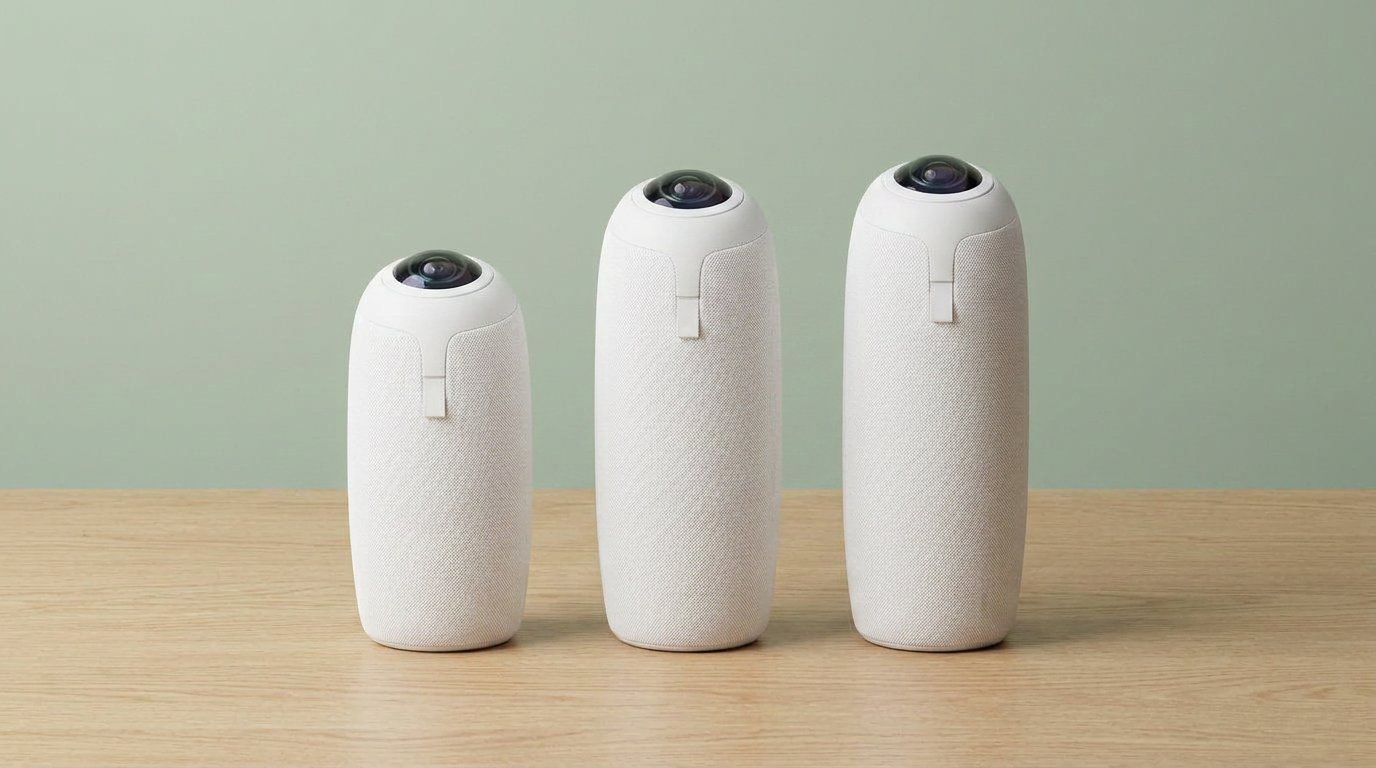
Meeting Owl 3 vs 4+ vs 5 Pro is not a mystery if you ignore the version numbers. Buy the Meeting Owl 3 ($1,099) for a small table. Buy the 4+ (~$1,799) if you need 4K on that same table. Buy the 5 Pro ($2,599) only if you need one USB-C cable to drive the Owl and the TV. The 5 Pro will not pair with a 3 or a 4+. And don’t buy a new Meeting Owl Pro — we already called that one end of life on Gadgetping.
Meeting Owl 3 vs 4+ vs 5 Pro: Specs That Matter
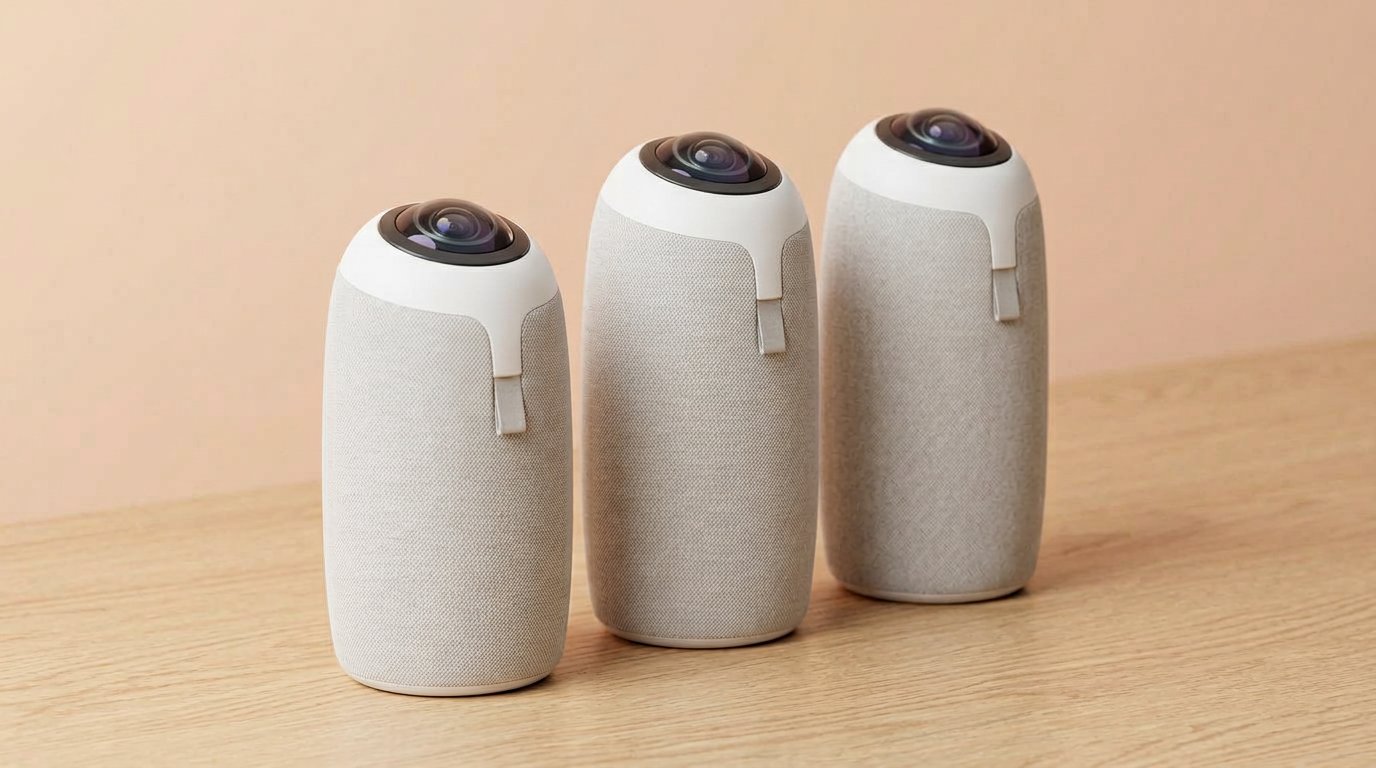
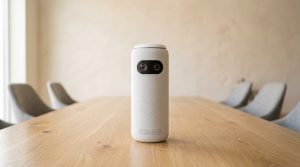
Height and ports change. The job does not: sit in the middle of the table.
All three are 360-degree table cameras with an 8-mic array and about 18 ft of audio. They all want the middle of the table. They all look like a speaker until the far end sees the whole room. The gaps are video, ports, and pairing — not “is this even an Owl.”
| Meeting Owl 3 | Meeting Owl 4+ | Meeting Owl 5 Pro | |
|---|---|---|---|
| Video | 1080p HD | 4K UHD | 4K UHD |
| Sensor | 16 MP fisheye | 64 MP | 64 MP |
| Processor | Snapdragon 650 | Snapdragon 8250 | Snapdragon 8250 |
| Network | Wi-Fi 5 | Wi-Fi 6 (Ethernet via adapter) | Wi-Fi 6E + native Ethernet |
| Pairing | Wireless only | Wired (adapter) or wireless | Wired or wireless — not with 3/4+ |
| Video pickup | Room table (Owl Labs small/medium) | Far-end 4K faces | Listed 10 ft (3 m) |
| Audio | 18 ft | 18 ft | 18 ft |
| Extra | USB plug-and-play | Faster tracking | HDMI BYOD, privacy cap |
| List / street | $1,099 | $1,999 / ~$1,799 | $2,599 |
Prices from owllabs.com in 2026. Meeting Owl 3 · Meeting Owl 4+ · Meeting Owl 5 Pro.
Meeting Owl 3 — When 1080p Is Enough
The Meeting Owl 3 is the one I keep pointing at. 1080p, USB to the laptop, Teams-certified, Zoom and Meet see it as a normal camera/mic/speaker. Owl Labs maps it to huddle rooms and about 8–10 people around a table.
If your TV is 1080p, paying $700–$1,500 more for 4K is a spec-sheet hobby. Audio radius is the same 18 ft as the 4+. You’re not buying “worse mics.” You’re buying a cheaper sensor and an older Snapdragon.
Skip the 3 if remote people must read a whiteboard at the far end of a long table, or if IT already standardized every room on 4K.
I still see teams “upgrade” from a Pro to a 4+ and then run 1080p Zoom. That’s a waste. Match the camera to the call, not to the unboxing photo.
Meeting Owl 4+ — Pay for 4K, Not a New Idea
The Meeting Owl 4+ is the 3 with a 64 MP sensor, 4K output, and a Snapdragon 8250. Same 360 trick. Same 18 ft audio. Faster speaker cuts, clearer faces on a 4K display.
Pairing is the other reason to pay up. The 3 is wireless-only if you add a second Owl. The 4+ can do wired pairing with an adapter, which matters in rooms that eat Wi-Fi.
Skip it if the display is 1080p and you will never pair two units. Then the 3 already did the job.
Meeting Owl 5 Pro — BYOD, Not an Upgrade Path
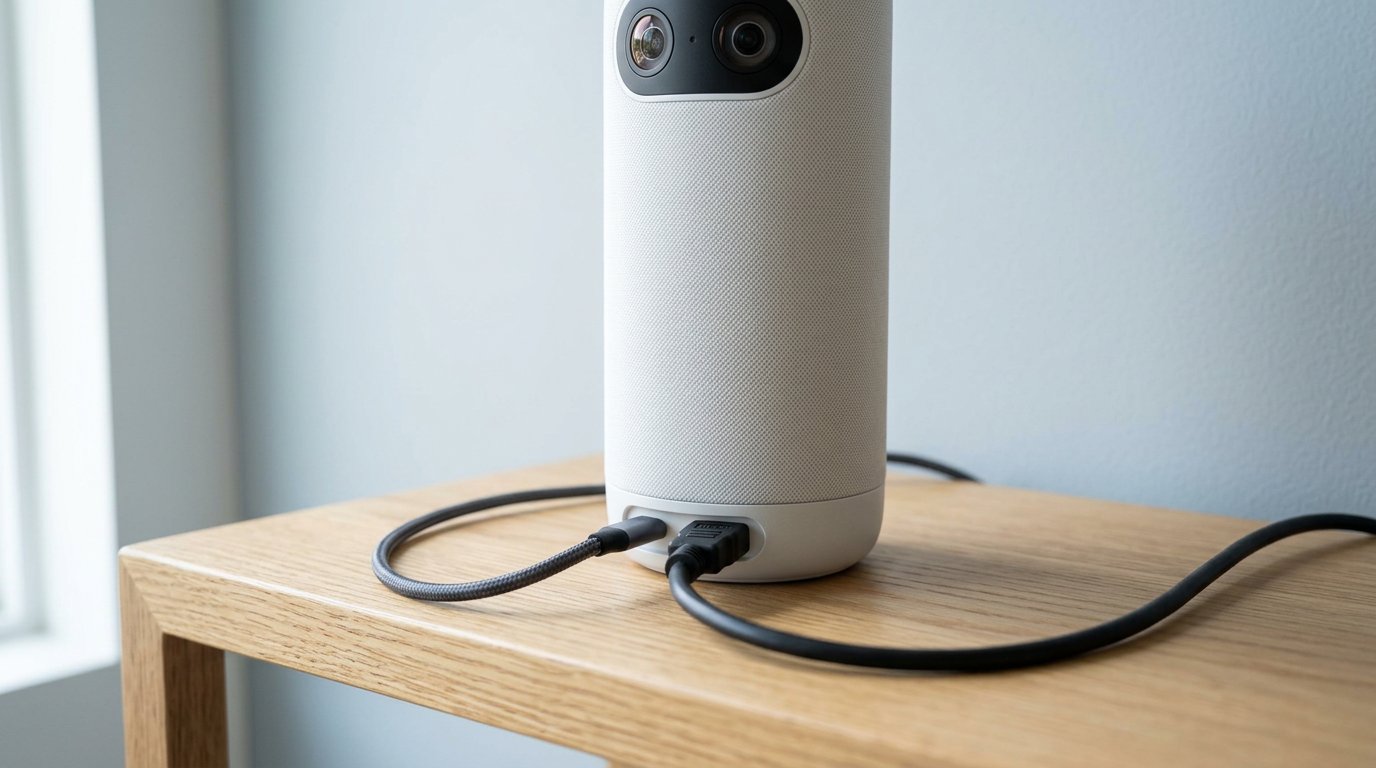
5 Pro is the BYOD box — HDMI plus Ethernet, not a mix-and-match upgrade.
The Meeting Owl 5 Pro (early 2026) is the IT Owl. Native HDMI passthrough, native Ethernet, Wi-Fi 6E, USB-C. One cable from a laptop can send the meeting to the in-room display. Box includes a 16 ft HDMI, long USB, and a privacy cap — overdue.
Two catches you should not shrug off:
- It does not pair with Meeting Owl 3 or 4+. Pair another 5 Pro, or don’t mix generations. This is not a drop-in upgrade for a fleet of 3s.
- Video pickup is listed at 10 ft. Audio still claims 18 ft. That’s a tighter face circle than the 4+.
If you don’t need HDMI BYOD, the 5 Pro is a $1,500 tax on the 3. Gadgetping will keep saying that until the SKU list changes.
More camera pieces live under Cameras & Video.
Which One Should You Actually Buy?
- Small table, 2–10 people, USB laptop → Meeting Owl 3
- Same room, 4K TV, maybe two Owls later → Meeting Owl 4+
- Bring-your-own-laptop rooms, HDMI to the display, Ethernet in the wall → Meeting Owl 5 Pro
- Everyone faces a TV, not the table → skip 360; look at a bar (Owl Bar or Logitech/Jabra)
- You already own a Pro → keep it until it dies, then 3 or 4+, not 5 Pro, unless BYOD is the whole point
Owl Labs’ own device guide is optimistic on room size. AV folks on Reddit still say: middle of the table, small group, or it looks silly. Over at Gadgetping we side with the furniture, not the brochure.
A single-person webcam is still cheaper if you’re not sharing a table — see our webcam roundup.
Frequently Asked Questions
Is the Meeting Owl 4+ worth $700 more than the 3?
Only if you have a 4K display or plan to pair two Owls. Audio range is the same. The money is sensor, processor, and pairing.
Can I mix a Meeting Owl 5 Pro with a Meeting Owl 3?
No. Owl Labs says the 5 Pro does not pair with other models. Budget two 5 Pros or stay on 3/4+.
Does Meeting Owl 3 work with Zoom and Teams?
Yes. Teams-certified; Zoom, Meet, Webex, Slack treat it as a USB camera, mic, and speaker.
Should I buy a used Meeting Owl Pro instead?
Only if it’s cheap. The Pro is end of life. Our Meeting Owl Pro review maps replacements.
Do all three cover the same room?
Audio is ~18 ft on all three. Treat that as a quiet-room best case. The 5 Pro’s listed video circle is tighter (10 ft). One Owl is still a small-table tool, not a 50-seat lecture cam.
If you came here for Meeting Owl 3 vs 4+ vs 5 Pro and you hate tables: 3 is the default, 4+ is 4K, 5 Pro is BYOD and a dead-end for mixed fleets.
That’s the Gadgetping take — buy the room, not the number on the box. More of this cluster is coming (Owl Bar, setup, then the individual reviews). Until then start with the Pro post if you already own the old tower, and don’t let a $2,599 SKU talk you out of a $1,099 one that already fits.



One thought on “Meeting Owl 3 vs 4+ vs 5 Pro (2026)”
Comments are closed.