

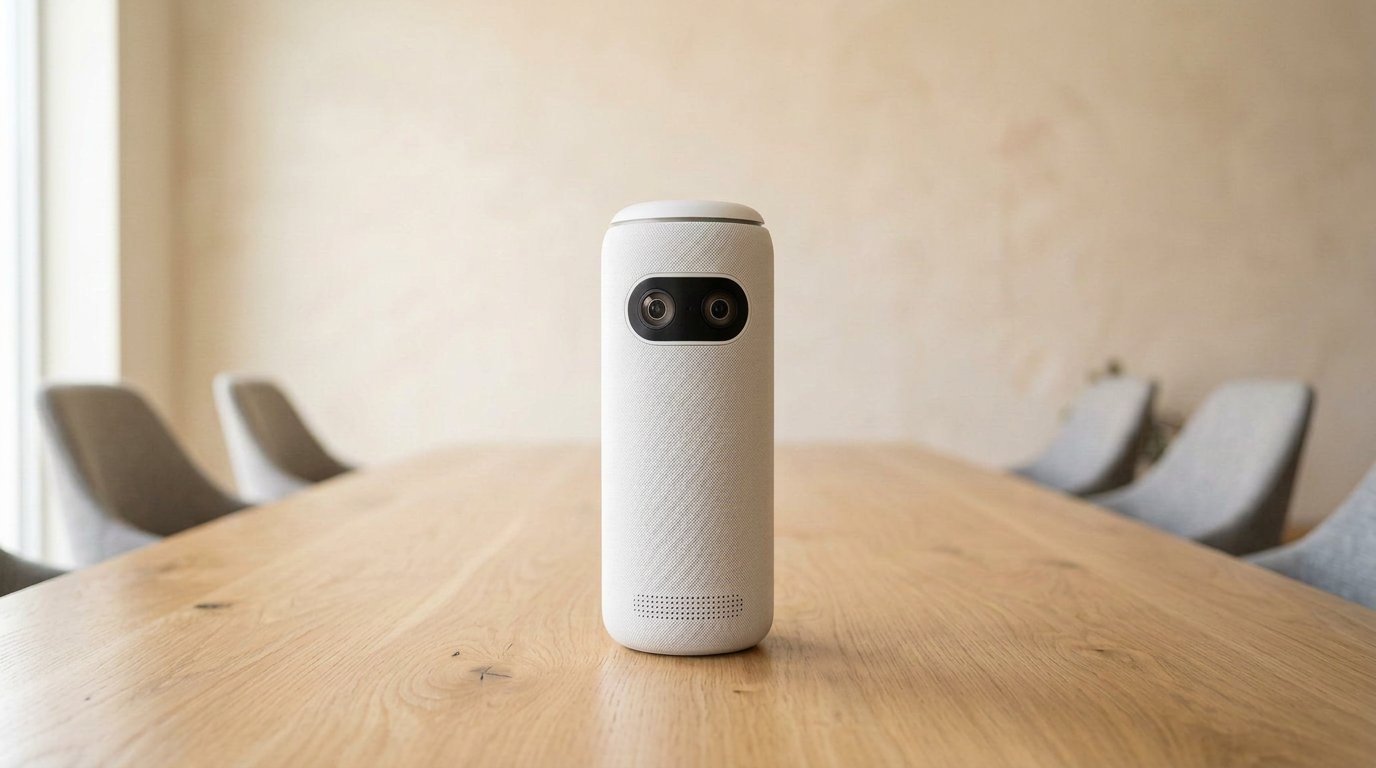
The Meeting Owl 3 is still the Owl most teams should buy: 1080p 360-degree camera, 18 ft mics, USB, $1,099. If your huddle sits around a table, stop there. 4K is the 4+. HDMI BYOD is the 5 Pro. A new Meeting Owl Pro is dead stock we already flagged on Gadgetping.
Meeting Owl 3: Specs and What’s in the Box
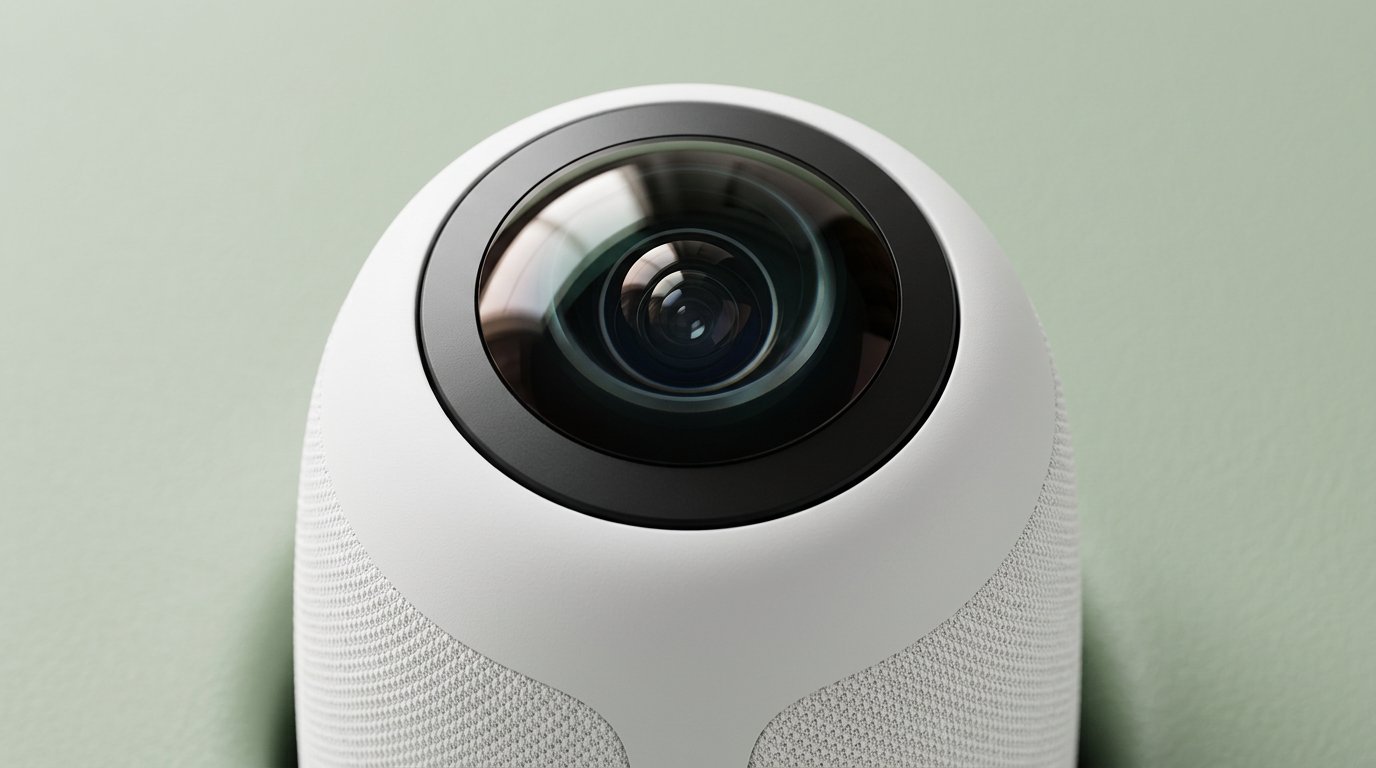
16 MP fisheye, 1080p. The 4+ is how you buy 4K — not a new idea.
| Meeting Owl 3 | |
|---|---|
| Video | 1080p, 16 MP fisheye, 360° |
| Audio | 8 mics, ~18 ft (5.5 m); 3 speakers |
| Processor | Qualcomm Snapdragon 650 |
| Network | Wi-Fi 5 (app/firmware) |
| Pairing | Wireless only (second Owl / Bar) |
| Host | USB plug-and-play |
| Cert | Microsoft Teams; Zoom/Meet as USB devices |
| List | $1,099 |
Box: the Owl, power brick, USB-C cable, quick-start card. Premium packs add a stand, longer cable, extra Owl Care. Worth the pack if the table is slick and people bump it.
Microsoft Teams certification matters if IT only allows certified peripherals. Zoom and Google Meet still treat it as a standard USB camera. You are not installing a custom client. That is the entire “easy” pitch, and on a normal Windows or Mac box it is true.
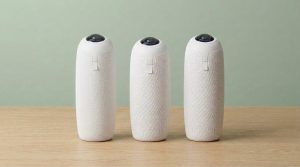
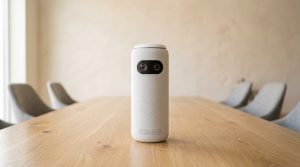
It looks like a speaker. Then the far end sees the whole table. That trick is why this review exists. I walked into my first Owl meeting thinking someone had left a Bluetooth cylinder on the desk. Ten minutes later a client in the US could see who interrupted whom. That’s the product. The rest is price and furniture.
Real Use: Small Table, Not a Lecture Hall
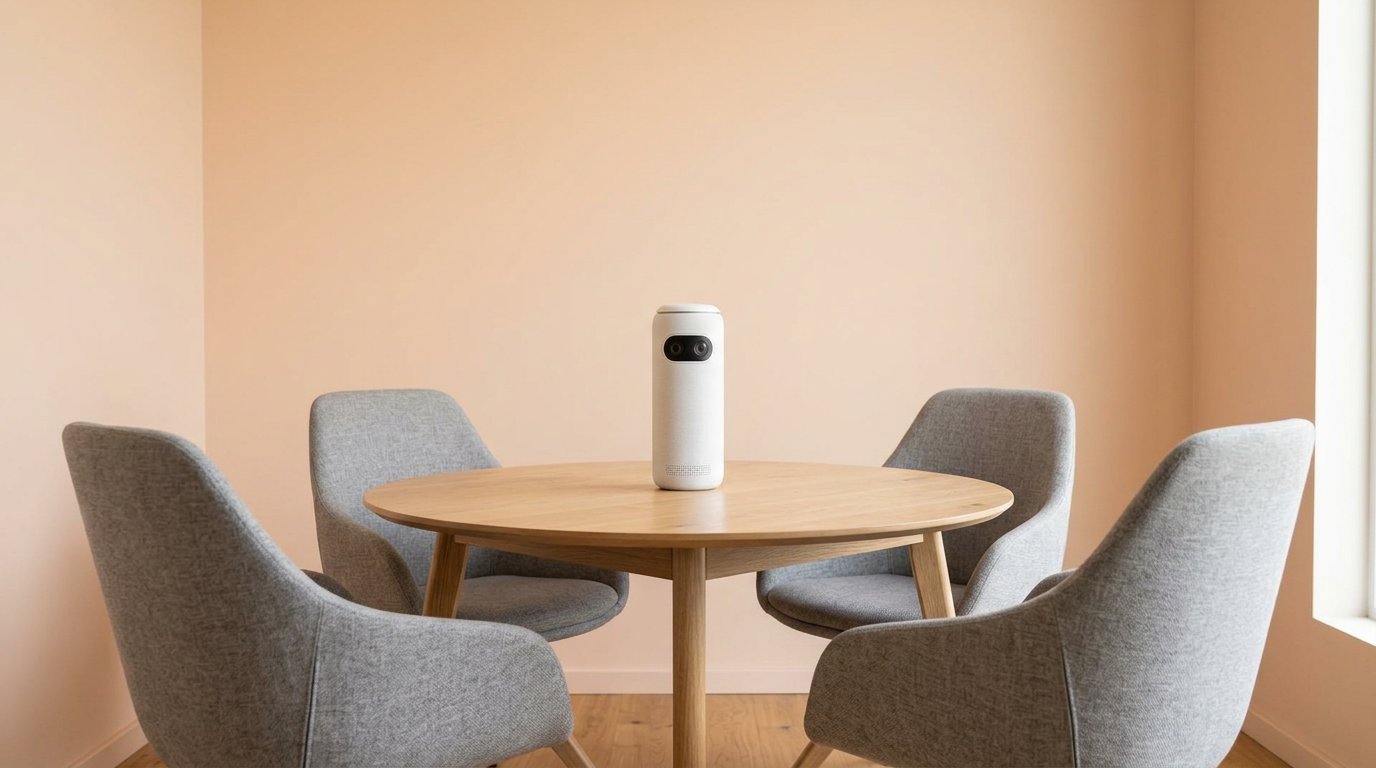
This is the room. Not a lecture hall.
I like the Meeting Owl 3 in the same rooms Owl Labs draws on the brochure — and I shrink those rooms. Their device guide says huddle to ~8–10 people. AV techs say middle of the table, same height as faces, or it looks awkward.
Good: hybrid standup, client workshop, 4–8 people who face each other.
Bad: lecture rows, 50-seat “just put the Owl in front,” everyone staring at a TV (buy an Owl Bar or a Logitech/Jabra bar), glass cube with HVAC roar and no treatment.
Lighting is the quiet killer. A bright window behind one chair and a cave on the other side makes the fisheye look cheap. Close blinds. Add a lamp. Firmware will not invent photons.
I also wouldn’t travel this without a case. The tower feels solid. The top glass is not a coaster. Carry the brick. There is no battery, so “portable” means “fits in a backpack with a charger,” not “park picnic.”
Audio is fine in a quiet huddle. It is not Shure ceiling mics. If remote people complain, believe them before you buy a 4+ — 4K will not fix a noisy room.
Place it center. Use the box USB. Cheap extenders are how this camera “dies.” Firmware lives in the Meeting Owl app on Wi-Fi. You can skip the app for a single call. You should not skip it forever. Day-one update, then leave it alone.
Premium stand: yes if the Owl slides. Tripod: classrooms and U-tables. Ceiling hang: a hack. USB still has to go somewhere.
Meeting Owl 3 vs 4+ vs 5 Pro (Short)
Same 360 job. Same ~18 ft audio story.
- 4+ (~$1,799 sale): 4K, faster chip, easier pairing. Pay only if the display is 4K or you’ll run two Owls.
- 5 Pro ($2,599): HDMI + Ethernet BYOD. Will not pair with a 3. Not an upgrade path.
- Pro: used only.
A desk for one person is still a webcam. More room kits: Cameras & Video. Over at Gadgetping the comparison post in this cluster is the long table; this review is the buy.
If you already standardized on Logitech bars, don’t rip them out for a 3. The 3 wins empty rooms with a round table and no integrator. That’s a smaller set of rooms than Owl Labs ads imply, and it’s still a real set.
What I Don’t Like
Price. MeetUp 2 / PanaCast 50 / Poly Studio R30 often cost less for a front shot. You pay Owl Labs for 360 cuts, not for the best mic in the building.
Cables. USB-C to C is moody. C-to-A saves meetings.
1080p on a giant 4K TV. Soft. That’s the 4+ upsell, and it’s honest.
Tracking in a noisy audience. It hunts. Disable the Owl mic and feed a real one if you must — that’s a tell.
It’s a silo. Pairing is Owl-to-Owl, not Owl-to-Rally.
None of that kills it for a six-person table. It kills it for “one Owl for the whole floor.” Anker owns Owl Labs (2023). Firmware still ships. This is not abandoned Kickstarter gear. It is a mature niche with a high sticker. Gadgetping’s job is to say both halves in one review.
Setup in One Minute
Power. USB. Middle of the table. Pick Meeting Owl 3 as camera, mic, and speaker in Zoom or Teams. App on Wi-Fi for firmware. No pinhole reset — reboot by unplugging 10 seconds or Restart Device in the app. I wrote the longer setup post in this cluster; don’t turn this review into a second copy.
If Zoom never sees it, swap to USB-A before you RMA. Three “dead” Owls in a row are usually one bad C-to-C lead.
Frequently Asked Questions
Is the Meeting Owl 3 worth $1,099?
Yes if 4–10 people sit around a table and remote staff need to see who talks. No if you’re one face or a lecture hall.
Does Meeting Owl 3 work with Zoom and Teams?
Yes. Teams-certified. Pick it as camera, mic, speaker.
Should I skip the 3 and buy the 4+?
Only for 4K or dual-Owl rooms. Audio range is the same.
Can I pair Meeting Owl 3 with 5 Pro?
No. 5 Pro does not mix with 3 or 4+.
Is Meeting Owl 3 good for teaching?
Small seminar discussion, maybe. Lecture + Zoom audience, no. Professors said that years ago; the 3 didn’t rewrite physics.
The Meeting Owl 3 is the default: $1,099, 1080p, small table, USB. Don’t let a 5 Pro brochure talk you into ports you won’t use.
That’s the Gadgetping review — buy the 3 unless the room argues. If your old Pro still boots, keep it; when it dies, this is the replacement, not a $2,600 BYOD tower. Pro write-up if you need the autopsy.
I would rather you spend $1,099 once on the right table than $2,599 on ports you’ll explain in a wiki nobody reads. Room first. SKU second. USB cable in the drawer. That’s the whole Meeting Owl 3 review.
If the table is square and the people face in, this is the Owl. If they face a wall, walk away and buy a bar. Don’t make the 3 do both jobs. That’s how you write a bad review of a decent camera.




One thought on “Meeting Owl 3 Review (2026)”
Comments are closed.