Most streamers start with the same camera, and the best webcam for streaming in 2026 is still the Logitech C920x for most people — around $60, reliable, works everywhere. The real upgrade path is 60fps and better low-light performance, and that’s where the Elgato Facecam and Razer Kiyo Pro live. We’ve cross-checked prices, frame rates, and what streamers say after months of use — so you buy once instead of twice. (US street prices — other regions vary.)
Best Webcam for Streaming: The 2026 Picks
The best webcam for streaming depends on your budget and your room, so here are the five that cover the field:
| Webcam | Best for | Price (2026) |
|---|---|---|
| Logitech C920x | Default, all-round | ~$60 |
| Elgato Facecam | 60fps streaming | ~$110 |
| Razer Kiyo Pro | Low-light rooms | ~$90–130 |
| Insta360 Link | Streamers who move | ~$180 |
| Anker PowerConf C300 | Budget 60fps | ~$50 |
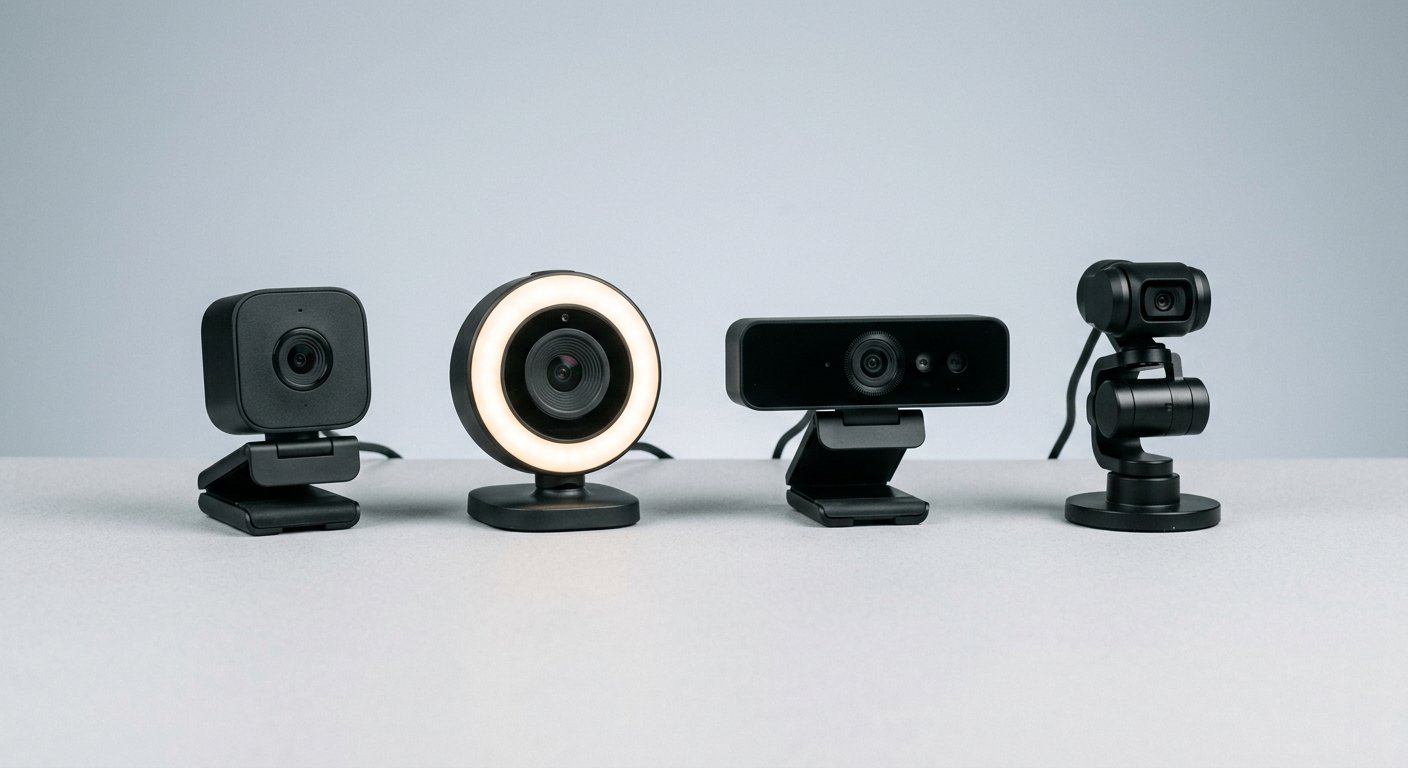
Logitech C920x — Best Overall (~$60)
The default answer for a decade: the line shipped in 2012 and streamers are still running it in 2026 — 1080p30 with H.264 hardware encoding (your CPU does none of the work), a 78° field of view, dual stereo mics, and it just works on OBS, Zoom, and Twitch. Autofocus is dated but fine if you set your distance and leave it. Skip it if you need 60fps for fast gameplay or you stream in a dark room — that’s exactly what the next two picks fix. Check the price on Amazon.
Elgato Facecam — Best for Streamers (~$110)
The pick for people who stream every day. Native 1080p60 (no 4K downscale trick), a 1/2.5-inch sensor that gathers far more light than the C920x, and a 90° fixed-focus lens. The reason it wins on Reddit: settings are saved to the camera. White balance and exposure don’t reset when you swap PCs — one r/Twitch owner on a Logitech describes having to "reconfigure the webcam every time you want to stream." Fixed focus means you position it right once and don’t move it. Skip it if you rearrange your desk often or want a 4K upgrade path. Check the price on Amazon.
Razer Kiyo Pro — Best in Low Light (~$90–130)
The pick for dark rooms. A dual adaptive sensor switches between day and night modes automatically, HDR is on board, and the adjustable ring light is genuinely useful when your window is behind you. 1080p60, an 85° lens, and the best mic of the bunch. It launched at $200 — at 2026 street prices it’s one of the better values in the tier. Skip it if your room is already bright or you refuse to touch Razer’s software, which reviewers consistently call bloated. Check the price on Amazon.
Insta360 Link — Best if You Move Around (~$180)
The pick that changes the format: a motorized gimbal that actively tracks you. If your stream involves movement — cooking, fitness, teaching, workshop content — the camera follows you across the room instead of you freezing in a box. 1080p60 or 4K30, 130° on the base model, gesture control. It costs the most here for a reason. Skip it if you sit still at a desk — you’re paying for tracking you’ll never use. Check the price on Amazon.
Anker PowerConf C300 — Best Budget (~$50)
The sleeper pick. 1080p60 under $60, AI auto-framing that keeps you centered, dual noise-cancelling mics. Five years ago this spec cost $150. The image trails the C920x in a bright room and clearly falls behind in the dark, but for a first setup or a second camera — game cam, hand cam — it’s a price-to-frame-rate ratio nothing else matches. Skip it if you’d rather buy the decade of reliability behind the C920x. Check the price on Amazon.
Worth knowing: the Logitech Brio 500 (~$100) for auto light correction on calls, and the Elgato Facecam 4K (~$200) if you want a 4K source for crop and zoom headroom.
What Actually Matters: 60fps, Light, and the Mic
Strip the marketing and three things decide your on-stream image. One: frame rate — 30fps is fine for talking heads, but fast gameplay and quick hand movements look visibly cleaner at 60fps; that’s the whole C920x-to-Facecam argument. Two: light handling — sensor size does more than any "auto light correction" claim; the Facecam’s 1/2.5-inch sensor beats a tiny sensor in a $200 cam in a dim room. Three: the mic — dual mics with noise reduction are standard, but most streamers who care run a dedicated USB mic and keep the webcam mic as backup.
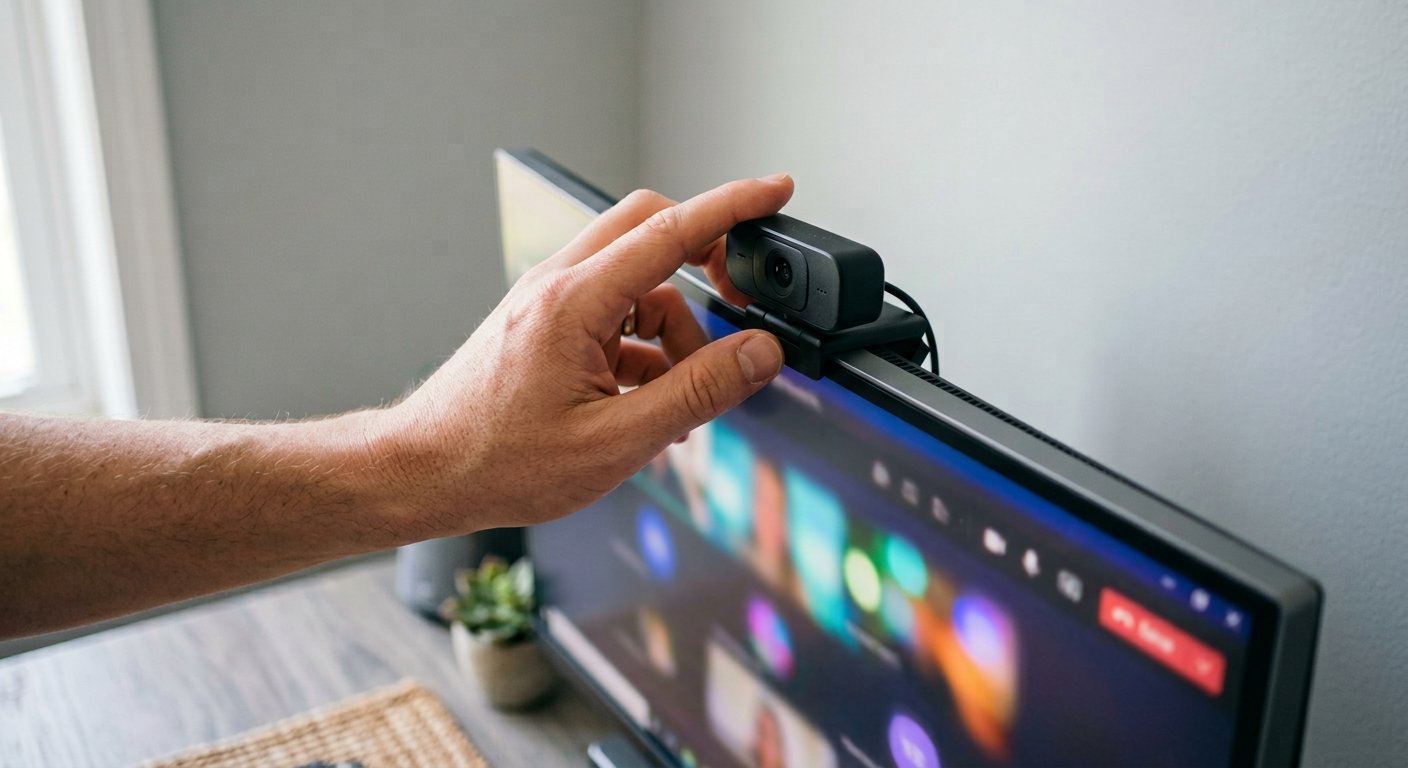
Is Lighting More Important Than the Webcam?
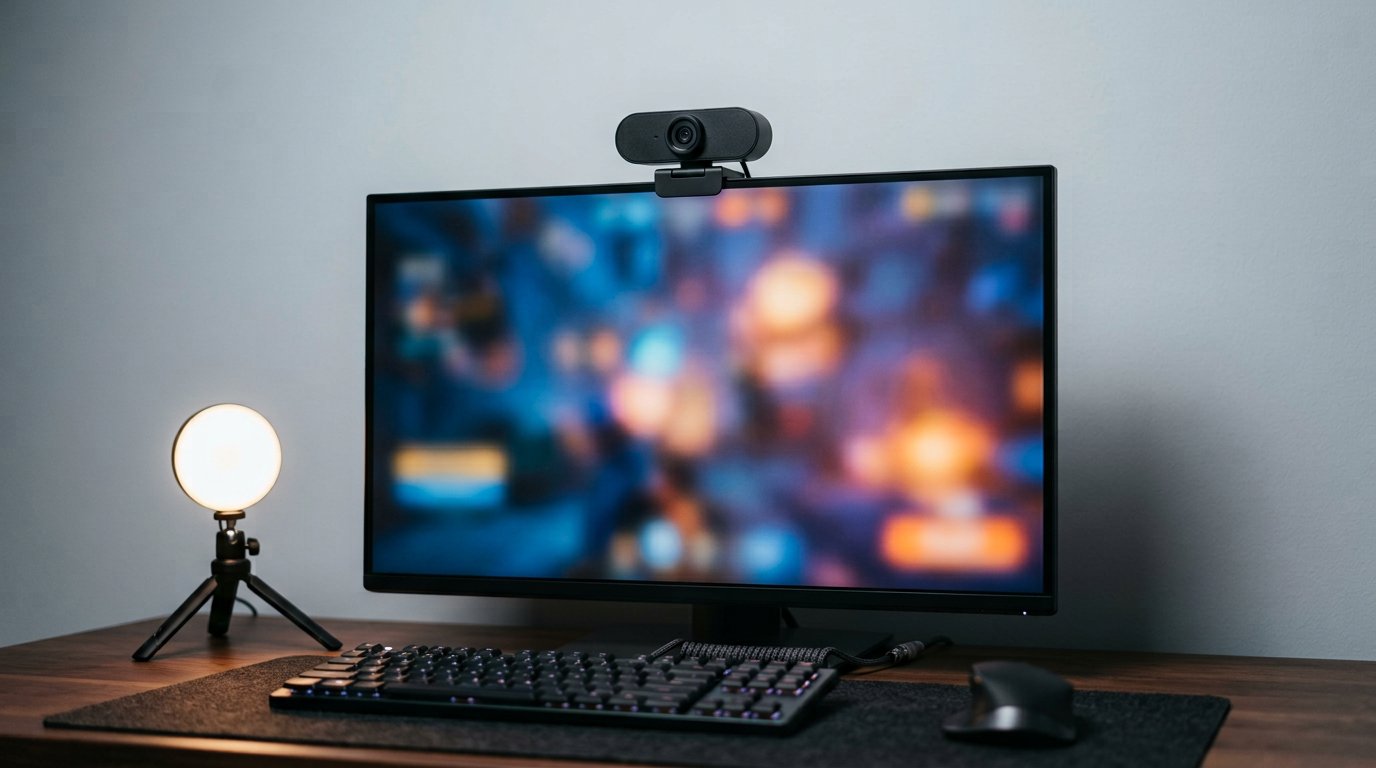
Yes, and it’s the most consistent take across every streamer thread we read. The top-voted position on r/Twitch is blunt: "The thing that quickly trashes any camera (even the expensive ones) is not having enough light, followed by incorrect settings." The other standard line: "Buy the C920 and spend the rest on a proper lighting setup." A $30 LED panel in front of a $60 webcam beats a $200 webcam in a dark room, every time. If your budget allows one upgrade, buy the light first.
What Real Streamers Say
The consensus from the c920 or elgato facecam thread: the C920 is "totally fine — there are some massive streamers that have used them for like a decade now," and nobody leaves because of your camera quality. The upgrade case is settings persistence — "the elgato saves your settings to the cam itself, so even if you unplug it or use it in a different computer, the settings will be saved and carried over." And the 2026 counterpoint from a newer thread: the C920 "is very old at this point" — still fine at the right price, but don’t pay full retail for a 2012 design.
Webcam, Phone, or Mirrorless?
The honest three-way: your phone over USB with a webcam app beats every webcam here for image quality — bigger sensor. The catch: no clean mount workflow, no stable mic path. A mirrorless camera plus capture card is the pro tier ($600+), and streamers do graduate to it, but it’s a different budget. For 95% of streamers a webcam is still the right tool: plug and play, a decent backup mic, zero fuss, and money left over for the light that actually matters.
Frequently Asked Questions
What is the best webcam for streaming overall?
For most people: the Logitech C920x (~$60) — the decade-proof default. Fast gameplay or the smoothest 1080p: the Elgato Facecam (~$110). Dark room: the Razer Kiyo Pro. The best webcam for streaming matches your room and budget, not the priciest spec sheet.
Do I need 60fps for streaming?
Talking heads: 30fps is fine. Fast gameplay, quick movement, or a camera that’s always in frame: 60fps is the upgrade that’s actually visible — and the main reason to move from a C920x to a Facecam or Kiyo Pro.
Do I need a 4K webcam for streaming?
No. Most platforms stream at 1080p, so 4K only buys crop and digital-zoom headroom. It makes sense if you record 4K for YouTube or zoom in on your face for close-up streams.
What is the best budget webcam for streaming?
The Anker PowerConf C300 (~$50) — 1080p60 with auto-framing. Prefer reliability over frame rate? The C920x at ~$60 is the other correct answer.
Does lighting matter more than the webcam?
Yes. A cheap LED panel fixes a cheap camera; an expensive camera doesn’t fix a dark room. Budget for light first, camera second — the pattern that shows up in nearly every streamer thread.
So the map: most people, C920x. Daily streamers who want 60fps, Facecam. Dark room, Kiyo Pro. Moving presenter, Insta360 Link. Tight budget, Anker C300. Whatever you pick, spend what’s left on a light in front of you.
Over at Gadgetping we test gadgets from Amazon, AliExpress and Flipkart so you buy the right one — not the loudest one. Same standard here: real prices, real frame rates, streamer consensus over the spec sheet. Building the setup around the camera? Our how to choose the right laptop guide covers the streaming side, and our cameras and video reviews have the rest of the lineup — including the Meeting Owl Pro review for conference rooms.